Skip to content

Screenshots

The screens Link Extension for XFN adds to WordPress. Every screenshot has a text equivalent in the page that documents the task, so you never need the image to follow the instructions.

Screenshots come from the repeatable capture script (npm run screenshots:docs, which runs against a disposable WordPress Playground using the plugin’s demo blueprint). Manual captures still needed are specified at the end of this page.
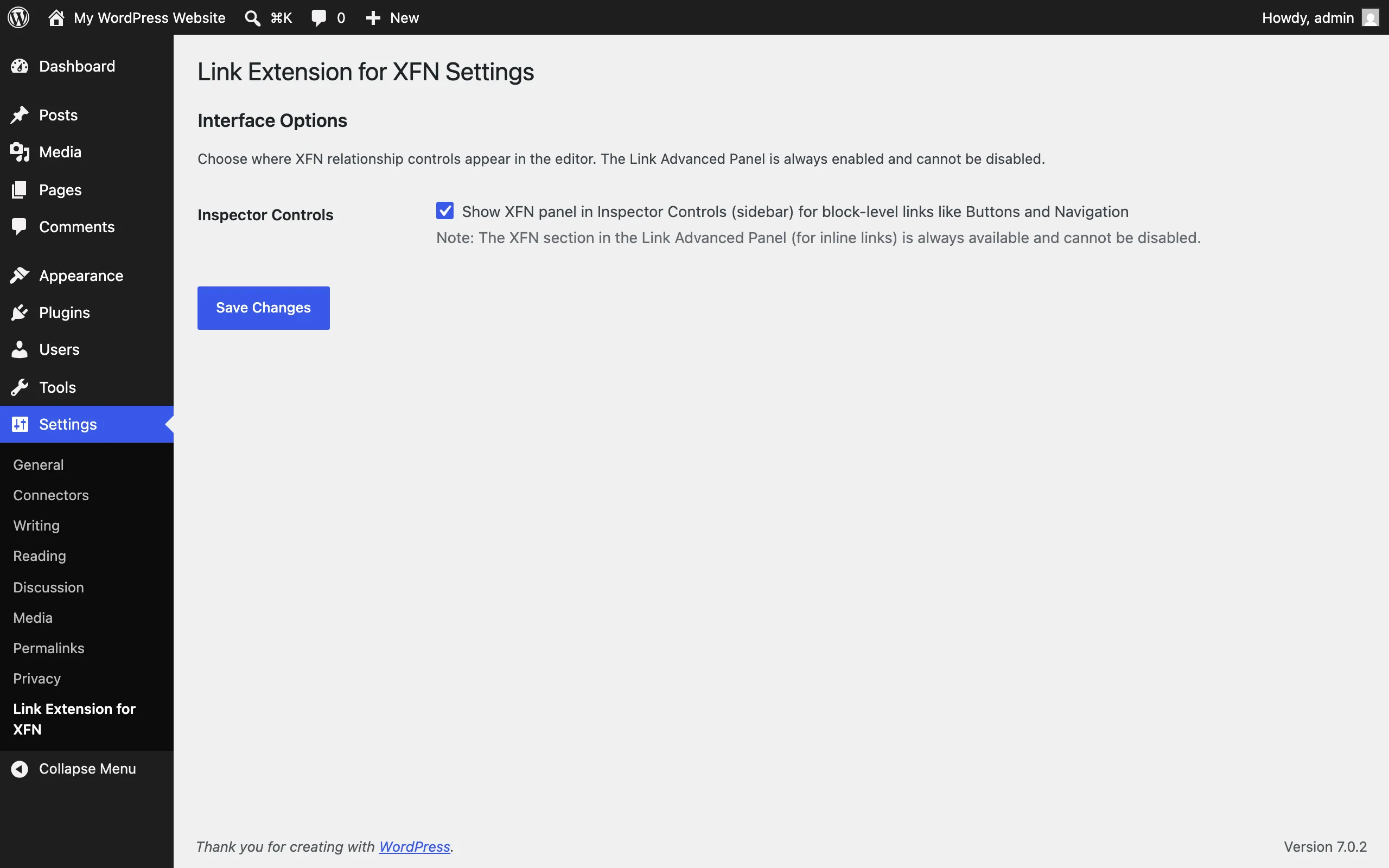
Settings page with the Inspector Controls checkbox and the always-on Advanced panel note

Settings → Link Extension for XFN: the Inspector Controls toggle. The link popover’s Advanced panel is always on and has no setting. See Settings.

Published XFN demo page with inline paragraph links and a button block section

The /xfn-demo/ page the Playground blueprint publishes: inline links and buttons carrying XFN relationships. See Playground preview.
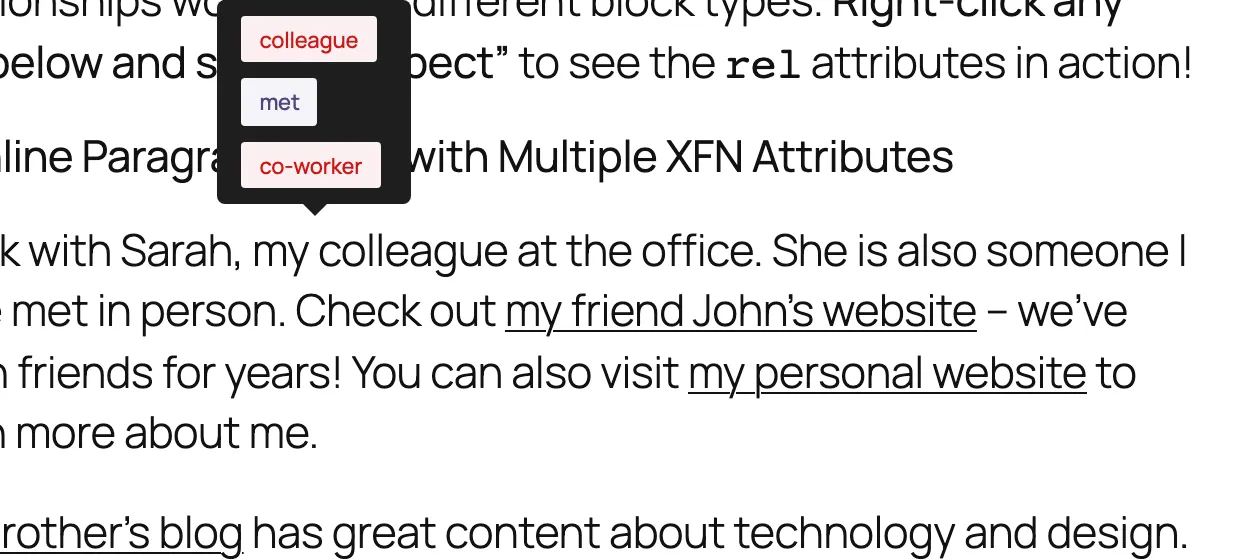
Tooltip popover listing colleague, met, and co-worker relationship pills above a hovered XFN link

The frontend tooltip on WordPress 7.0+: hovering or focusing an XFN link shows its relationships as pills. See FAQ for the version gate.
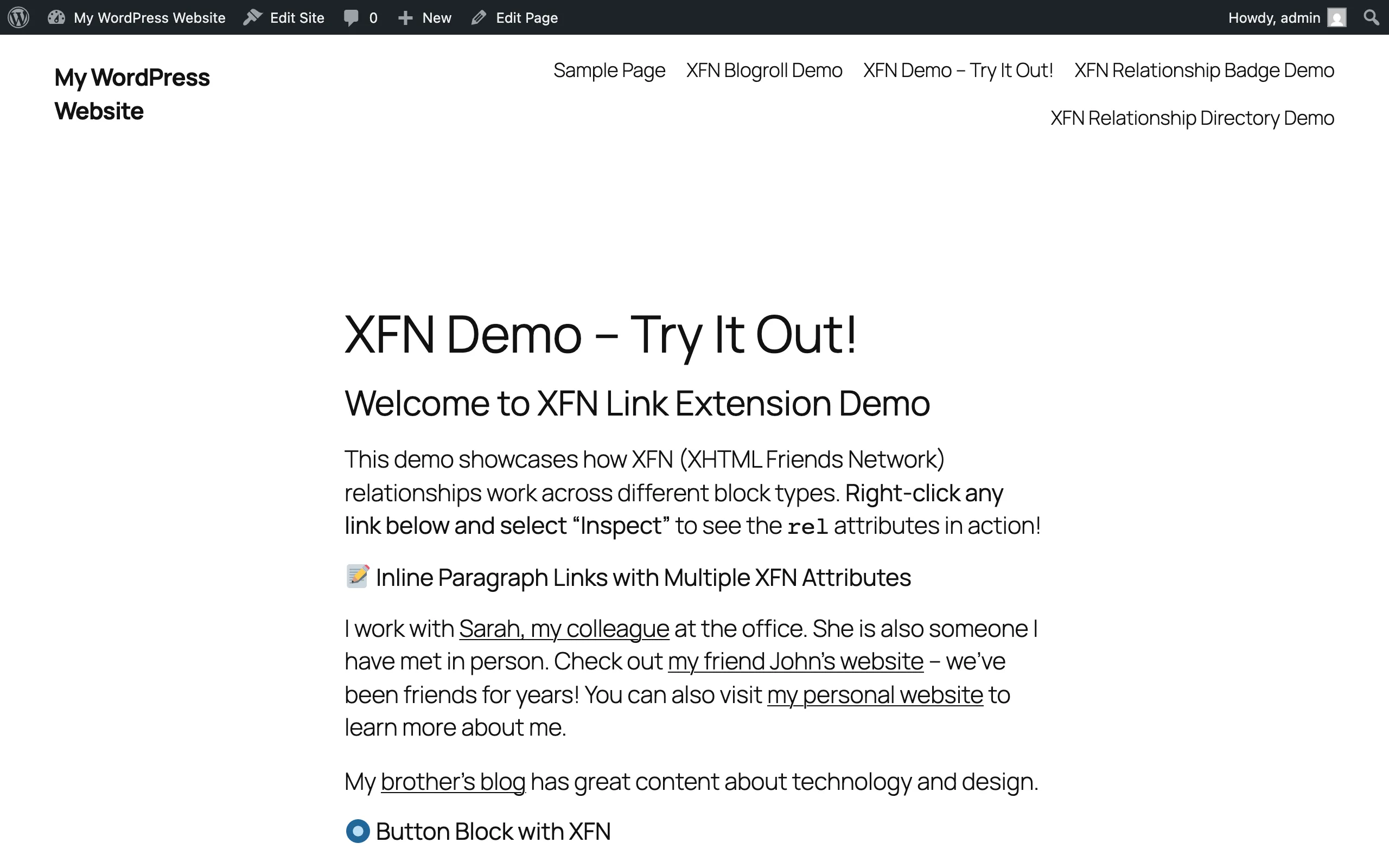
WordPress Playground demo page showing XFN relationships on buttons, embeds, and inline links

The demo page in WordPress Playground, showing relationships across block types.
Each row is the full capture specification (1280×800 at 2x; the blueprint’s demo content provides the tagged links).

Filename Screen and state What to highlight Alt text Caption
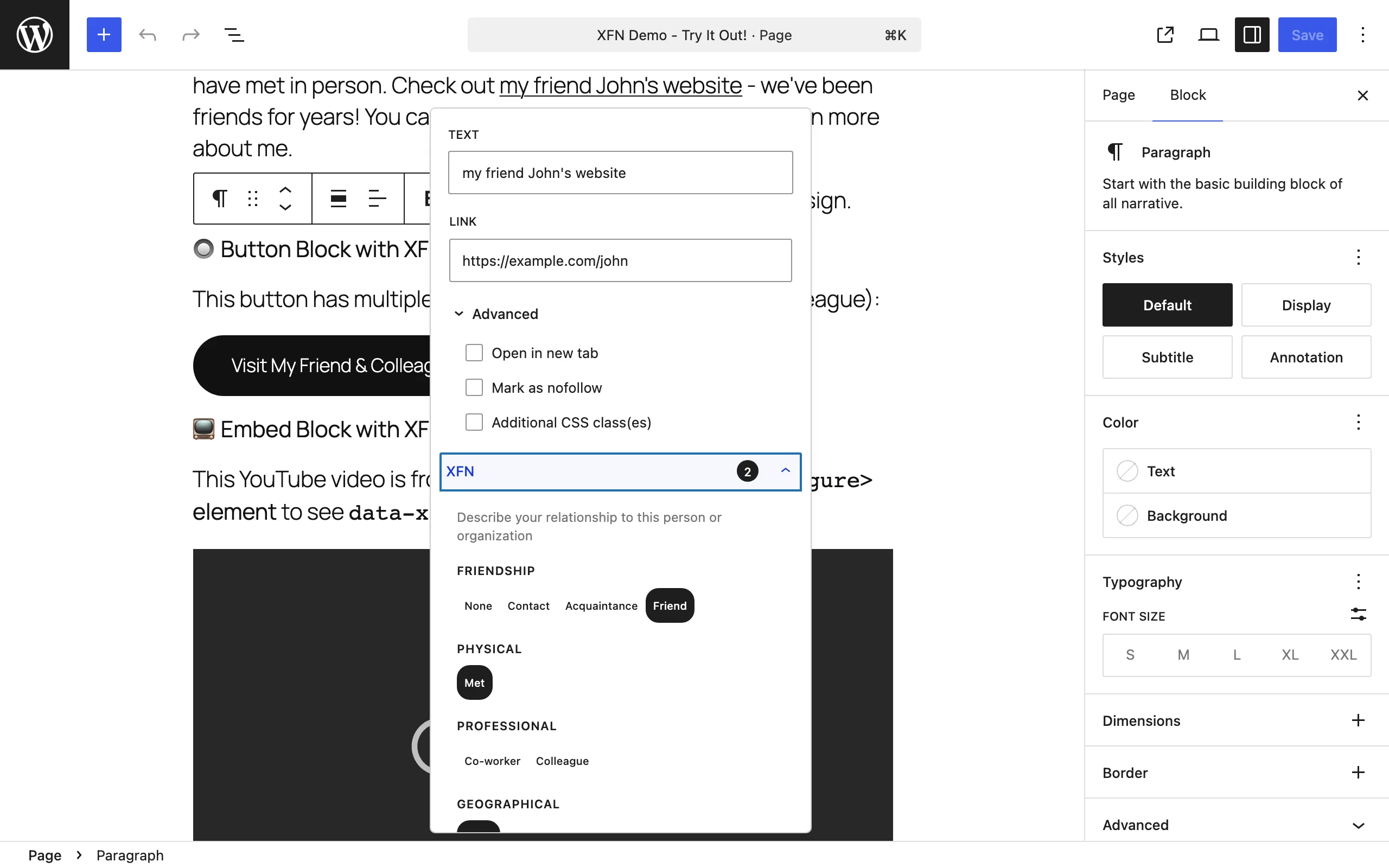
editor-link-advanced-xfn.png Link popover on a paragraph link, Advanced expanded, XFN section open with friend + met selected The count badge and button groups Link popover Advanced section showing the collapsible XFN area with a count badge and relationship button groups Tag an inline link without leaving the popover.
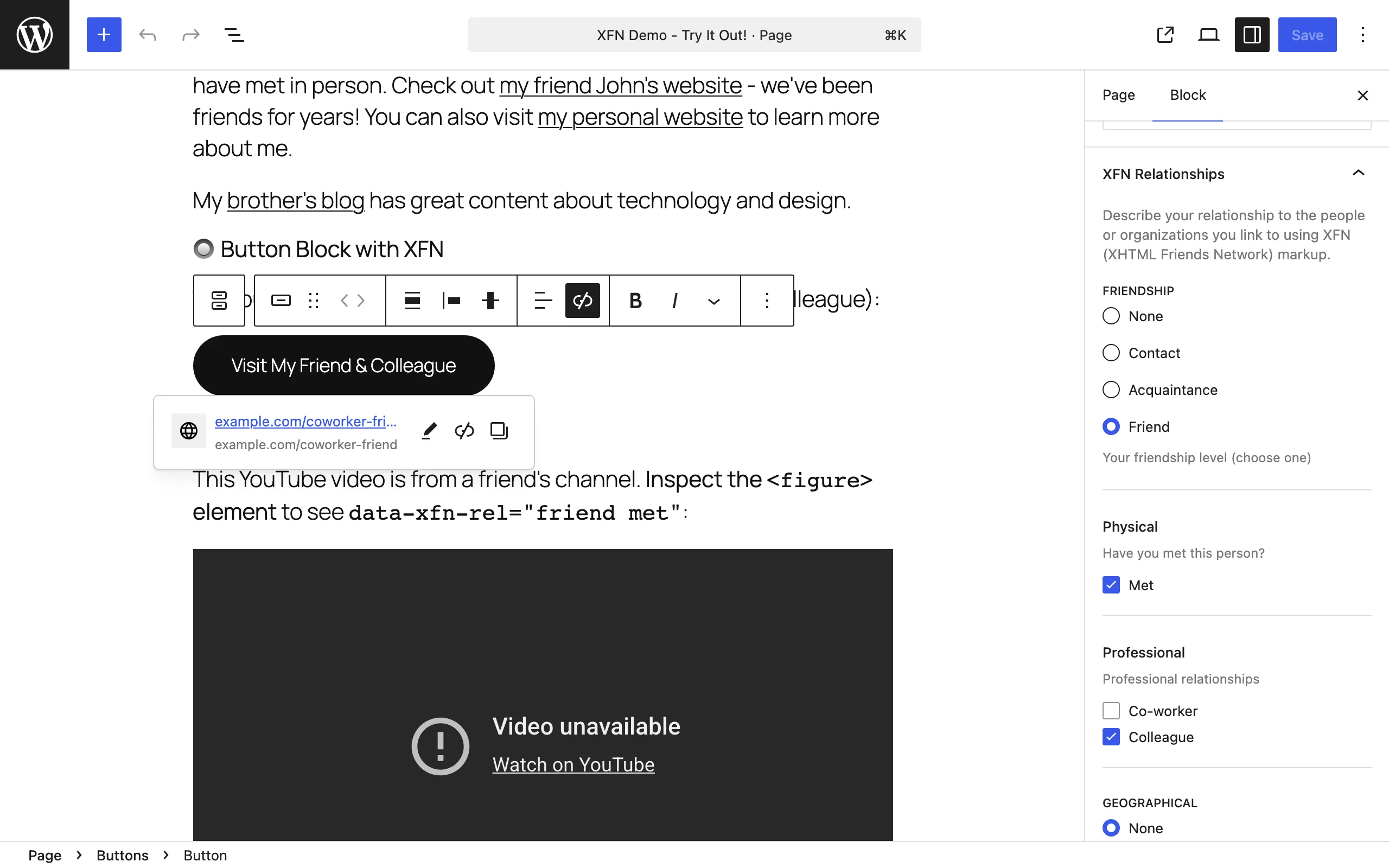
editor-inspector-controls-button.png Inspector Controls panel on a Button block with friend, met, colleague selected The radio/checkbox groups and pills XFN Relationships sidebar panel showing radio and checkbox groups with selected relationship pills Block-level links get a full sidebar panel.
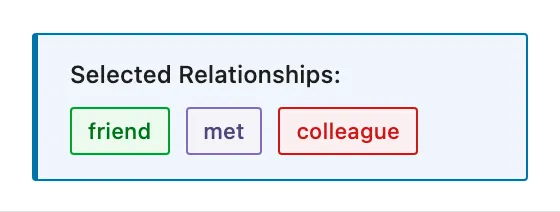
editor-active-pills.png Any block-level link with three or more relationships selected The pill summary Editor pill summary listing the active XFN relationships for a link Confirm active relationships at a glance.
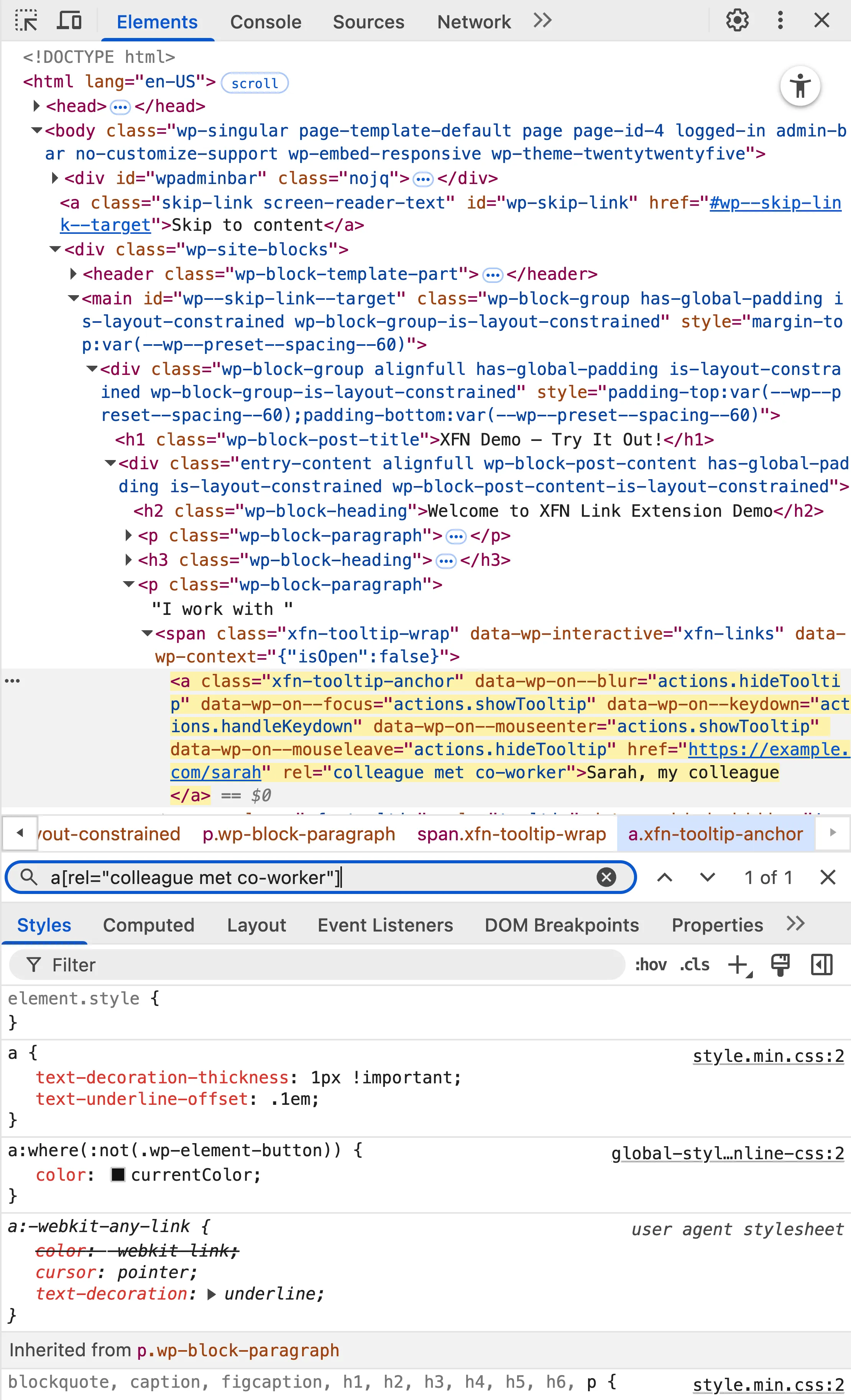
frontend-rel-devtools.png Browser DevTools inspecting a demo-page anchor rel=“colleague met co-worker” Browser developer tools showing an anchor element with XFN values in its rel attribute The relationships live in the standard rel attribute.
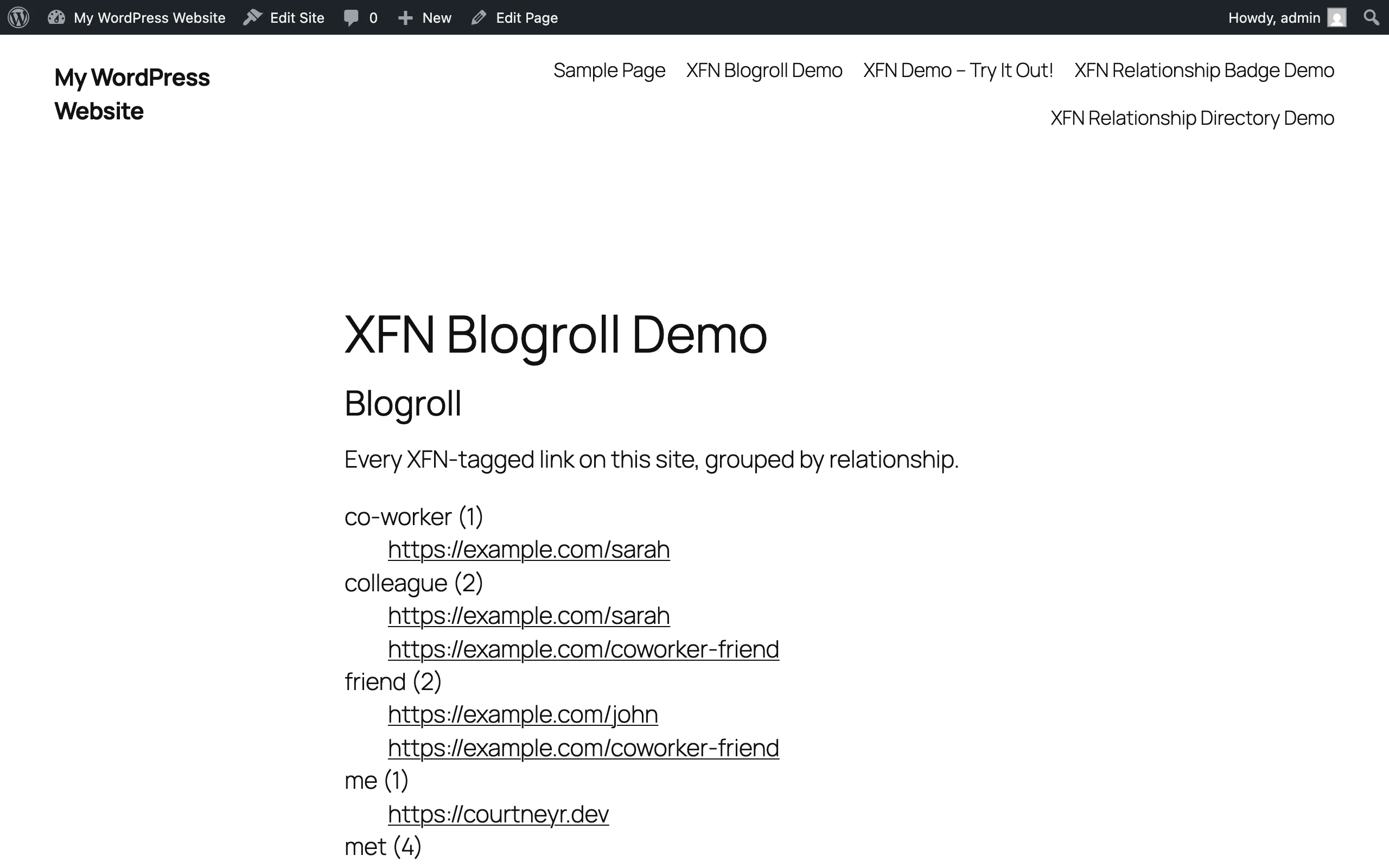
frontend-blogroll-block.png XFN Blogroll block on a published page, grouped by relationship The relationship group headings XFN Blogroll block grouping linked sites under relationship headings with counts Turn your tagged links into a blogroll.
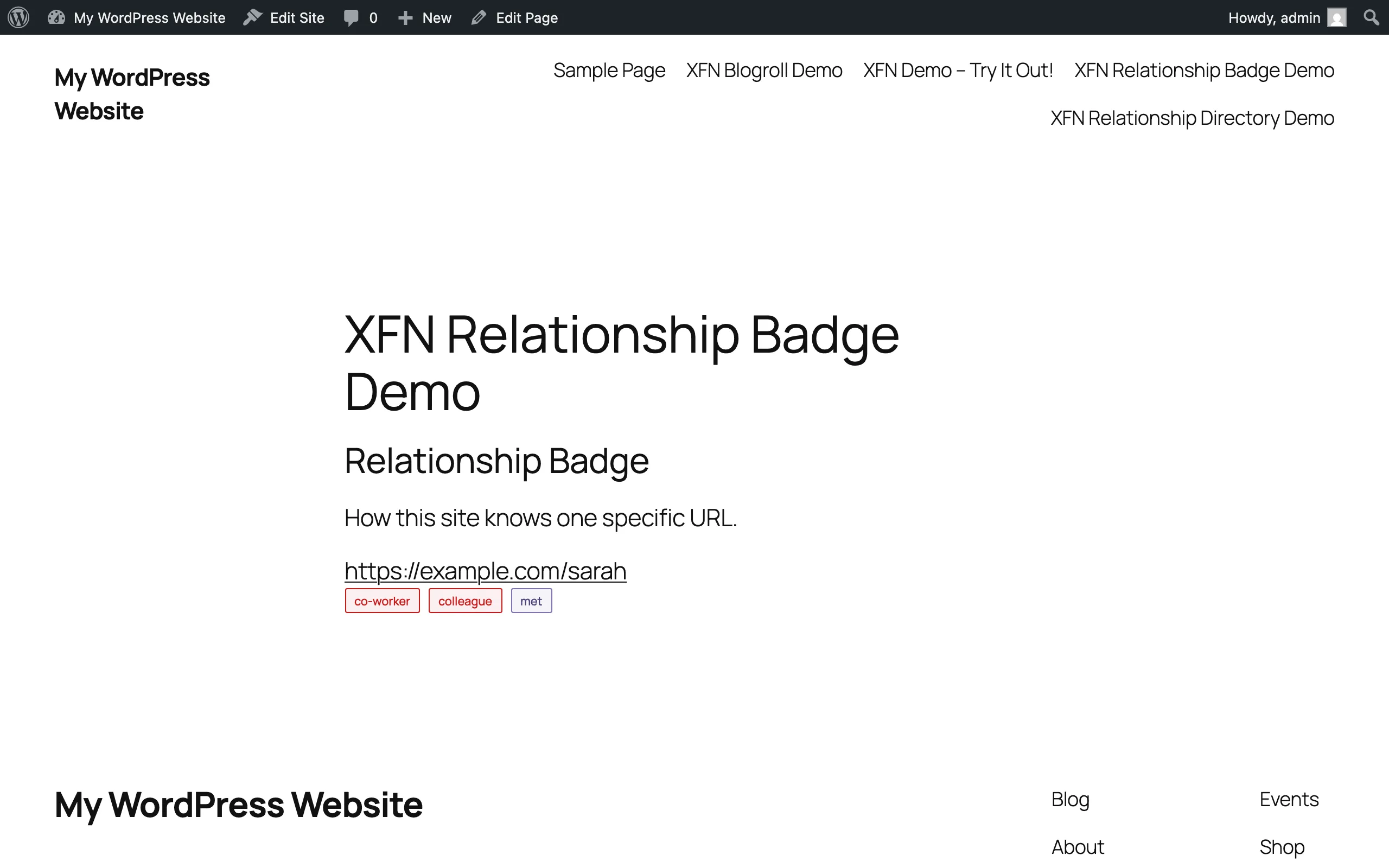
frontend-relationship-badge.png Relationship Badge block with a matching URL The badge pills Relationship Badge block showing a URL with its XFN relationship pills Show how you know one specific site.
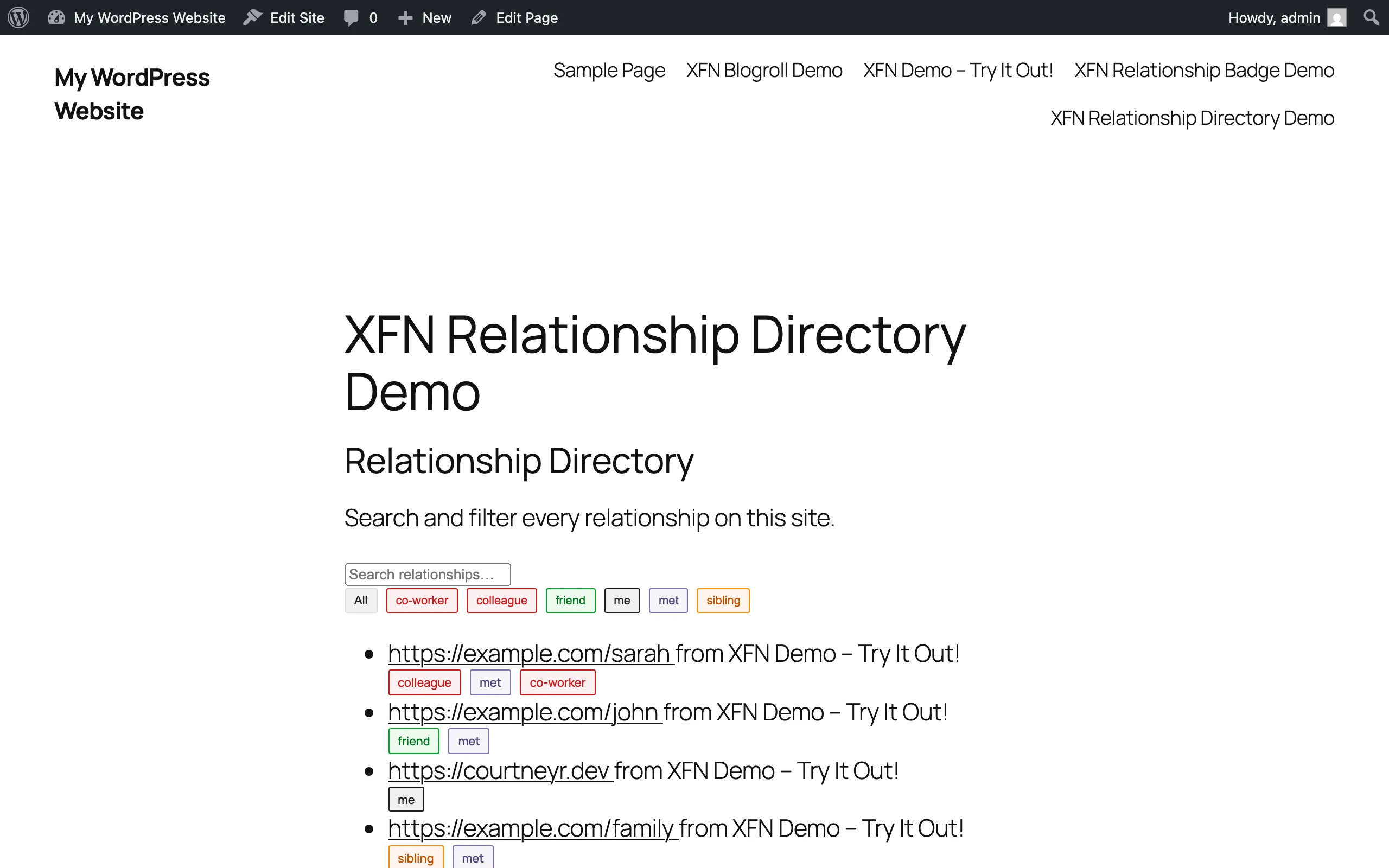
frontend-relationship-directory.png Relationship Directory block with search and filters on The filter buttons Relationship Directory block with a search box, relationship filter buttons, and a filtered list of links Browse every relationship on your site.

Capture notes: the tooltip shot needs WordPress 7.0+ and a logged-in fetch (an unauthenticated first request gets Playground’s auto-login redirect). The three block shots need published posts containing tagged links; the site-wide scan caches for about five minutes.