Screenshots
The screens Post Formats for Block Themes adds to WordPress. Every screenshot has a text equivalent in the page that documents the task, so you never need the image to follow the instructions.
Screenshots come from the repeatable capture script (npm run screenshots:docs, which runs against a disposable WordPress Playground with a block theme active) and from assets shipped in the repository.
Editor
Section titled “Editor”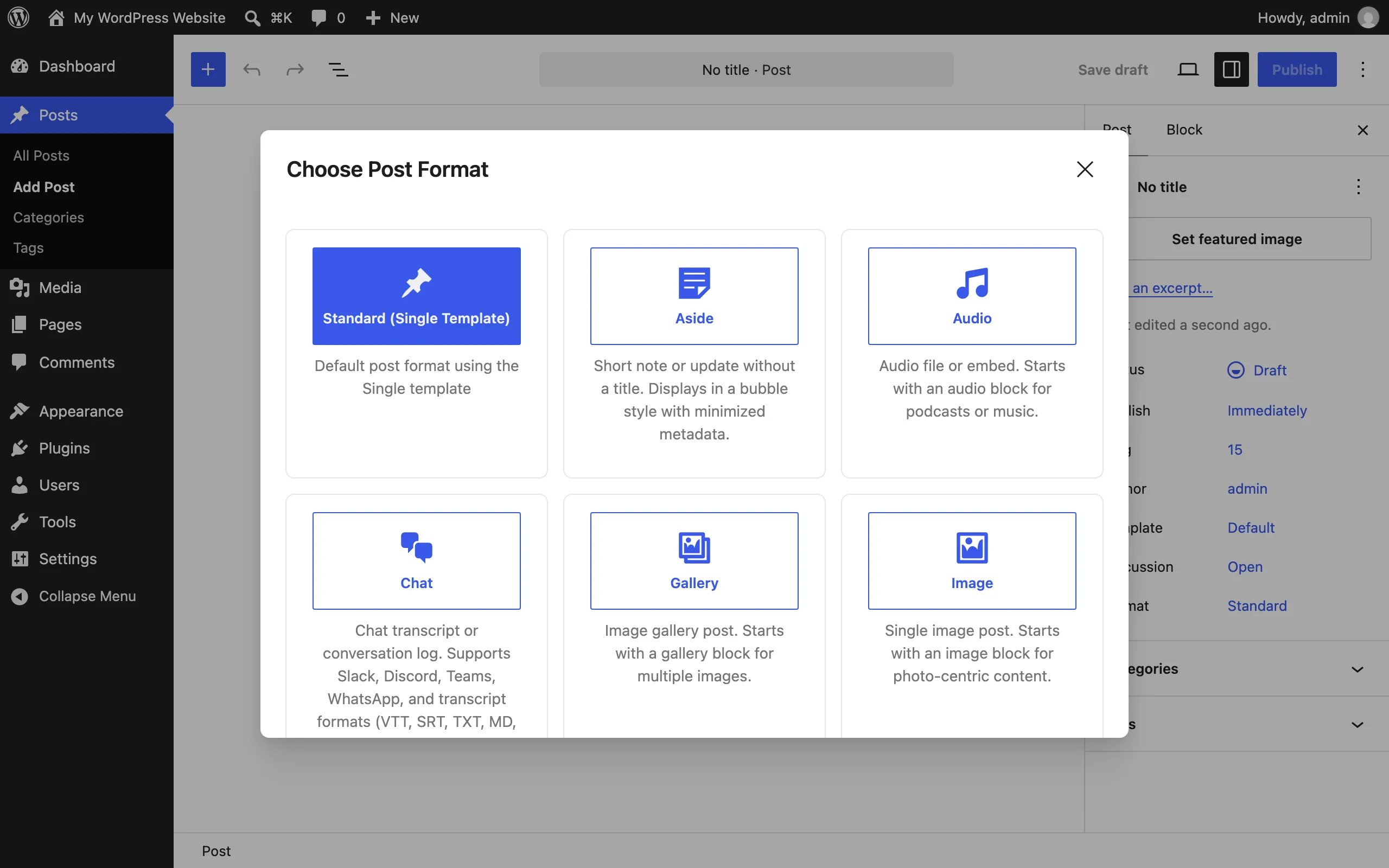
The format selection modal on a new post: pick one of the ten formats, each with an icon and description. See Getting started.
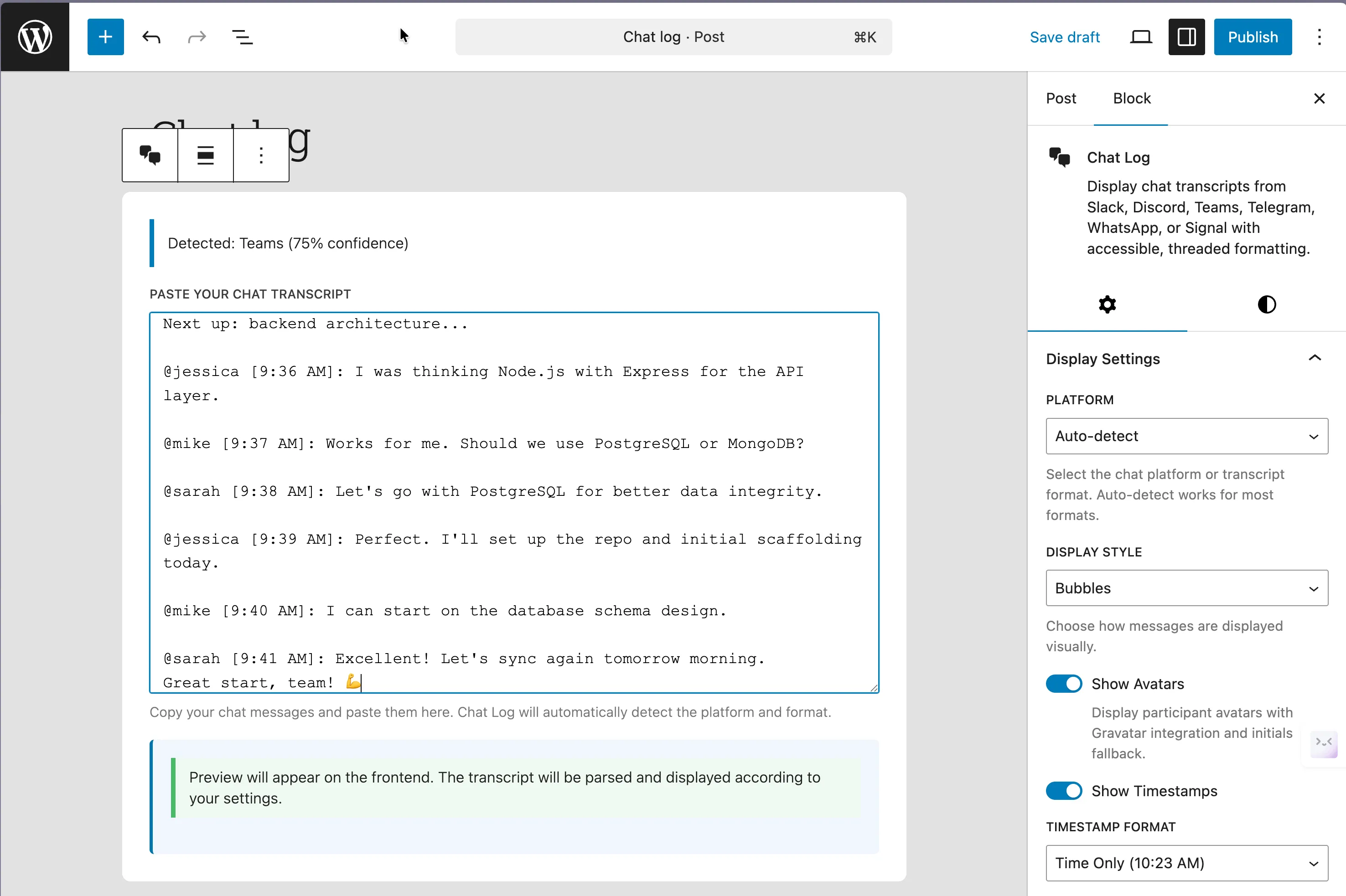
The Chat Log block after pasting a transcript — the platform is detected and display settings live in the sidebar. See Common tasks.
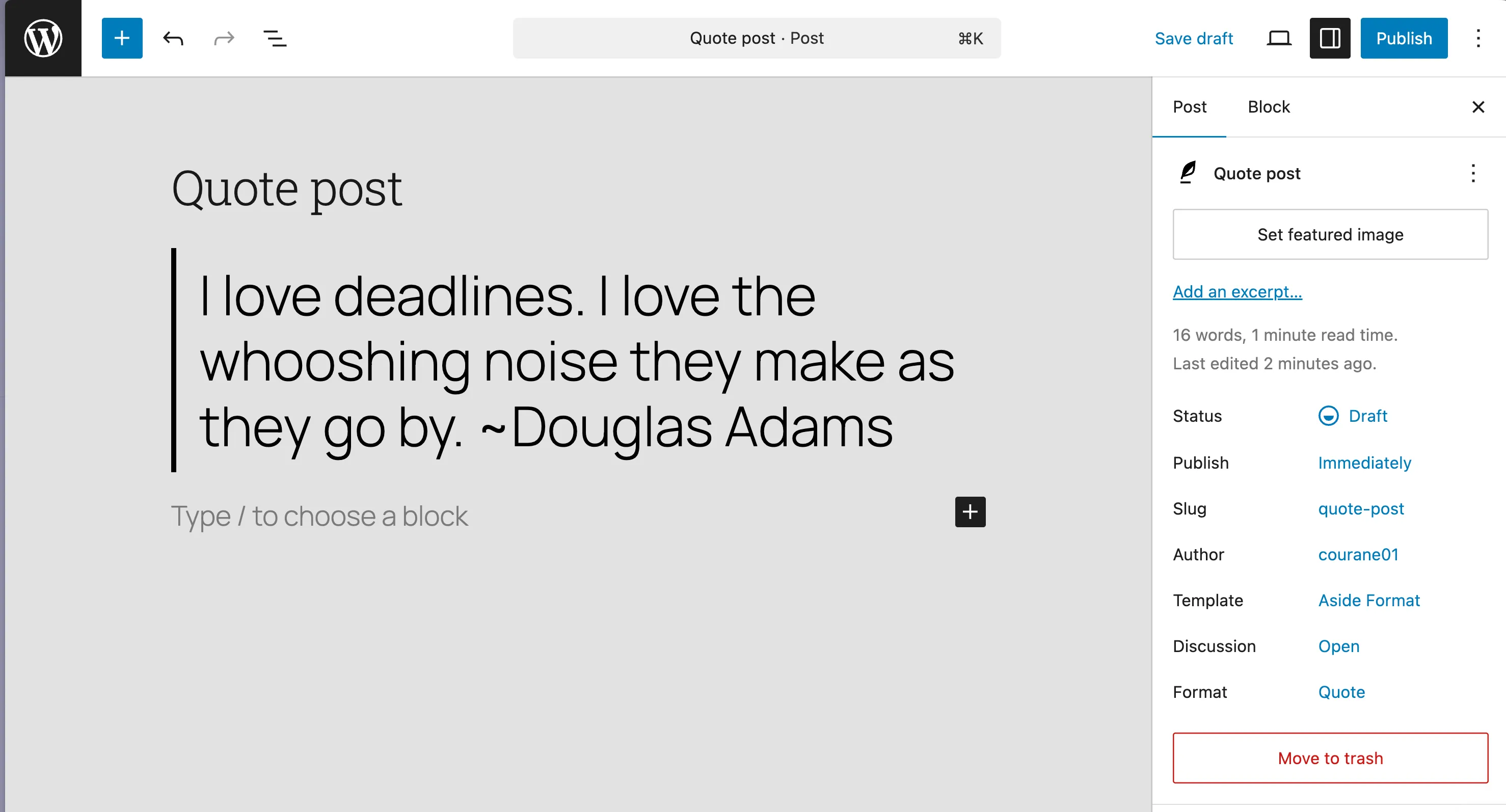
A quote post: the locked pullquote pattern with attribution, and the format set in the sidebar. See Common tasks.
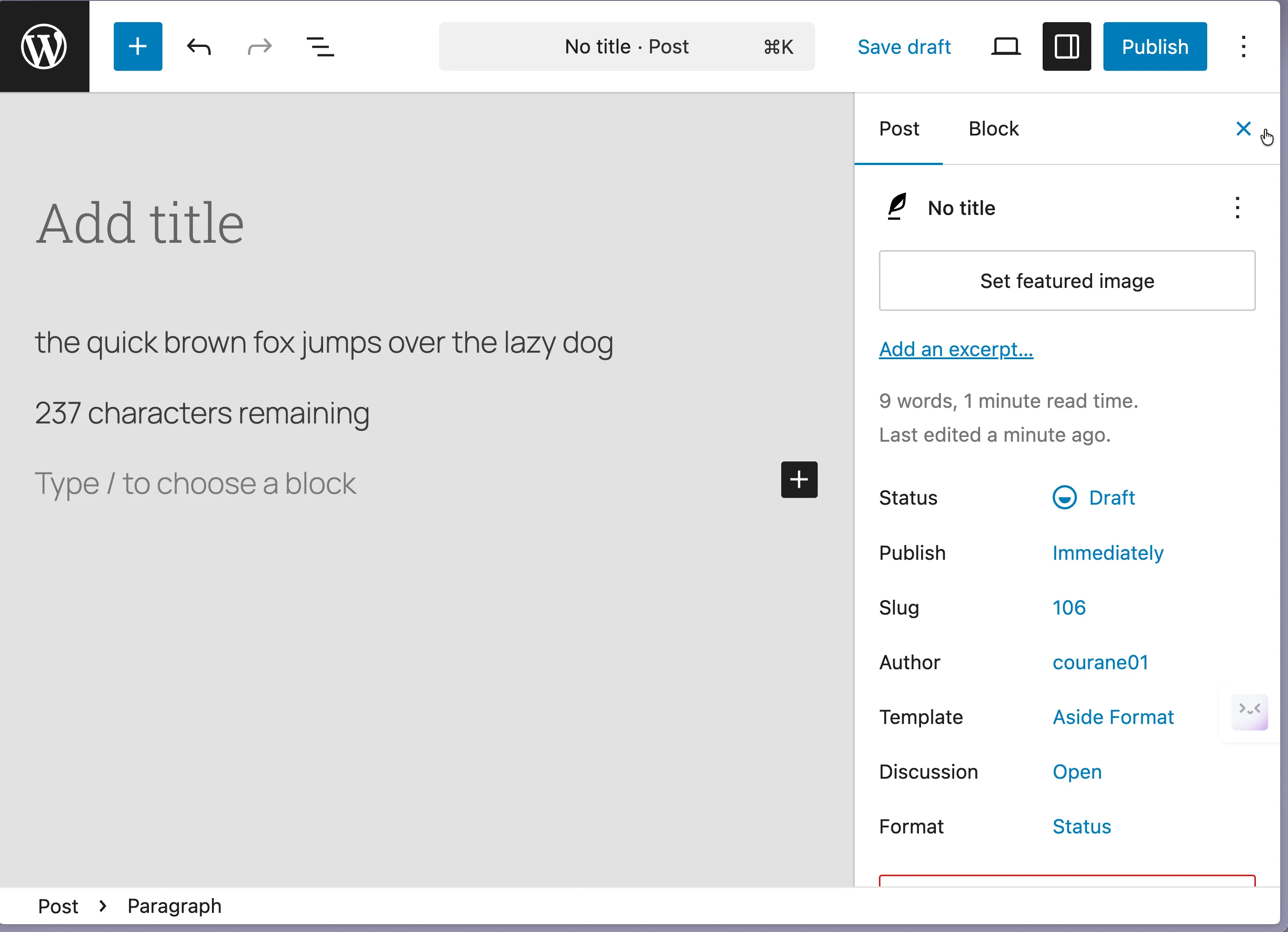
A status post with the remaining-characters counter under the text field. See Common tasks.
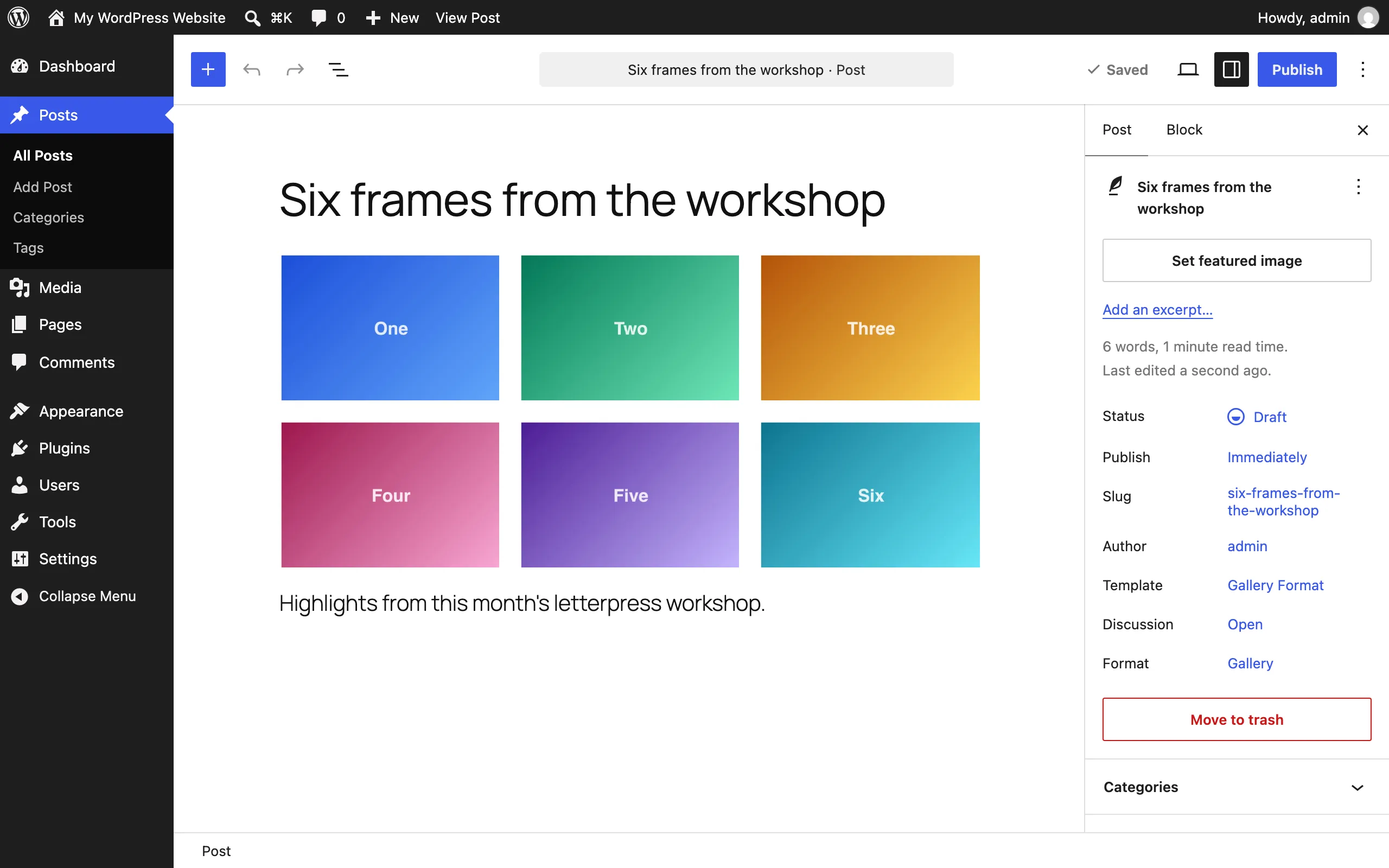
The gallery pattern keeps the first block structure intact.
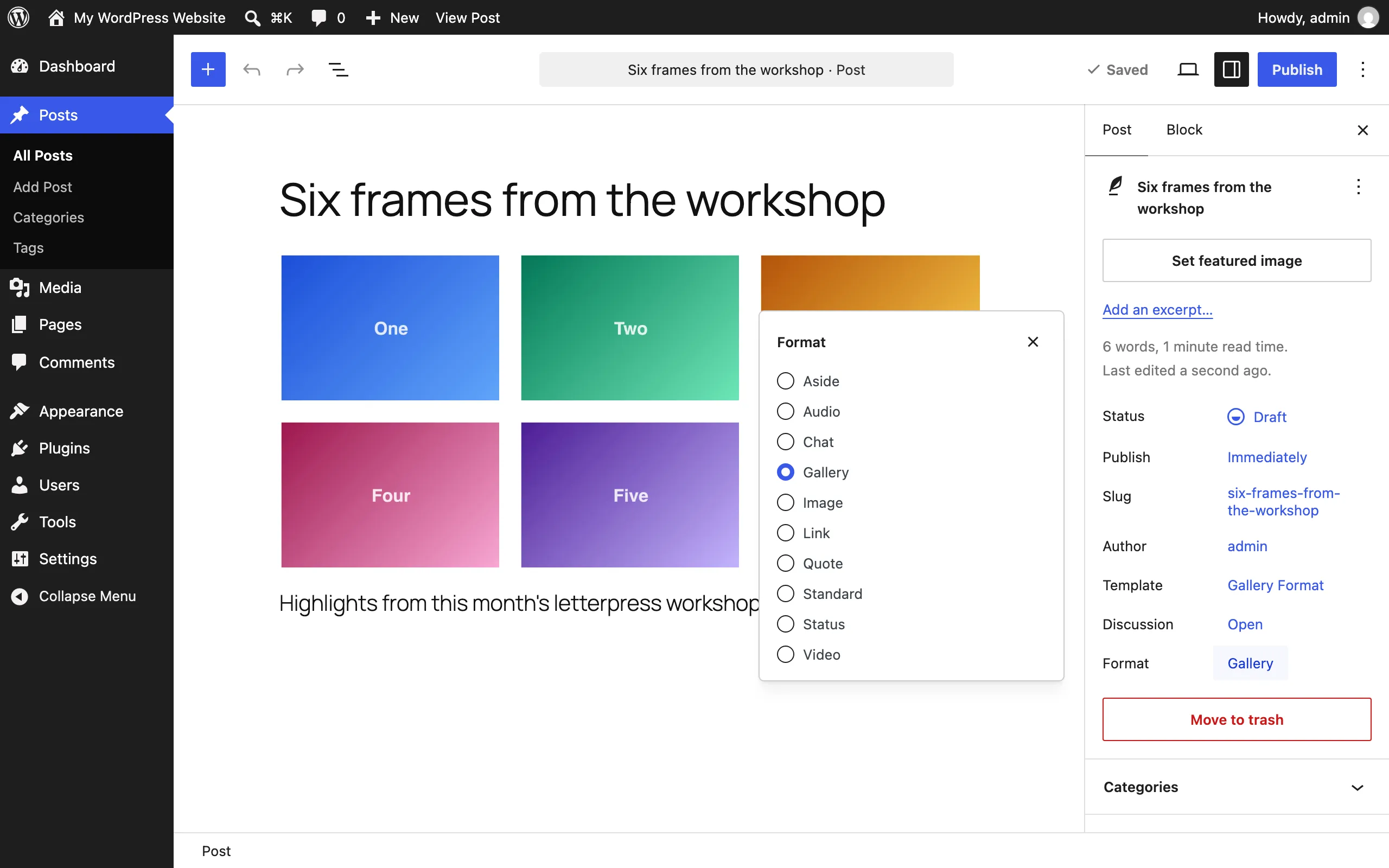
Change a post’s format without leaving the editor: the Format control in the Summary panel lists all ten formats. See Common tasks.
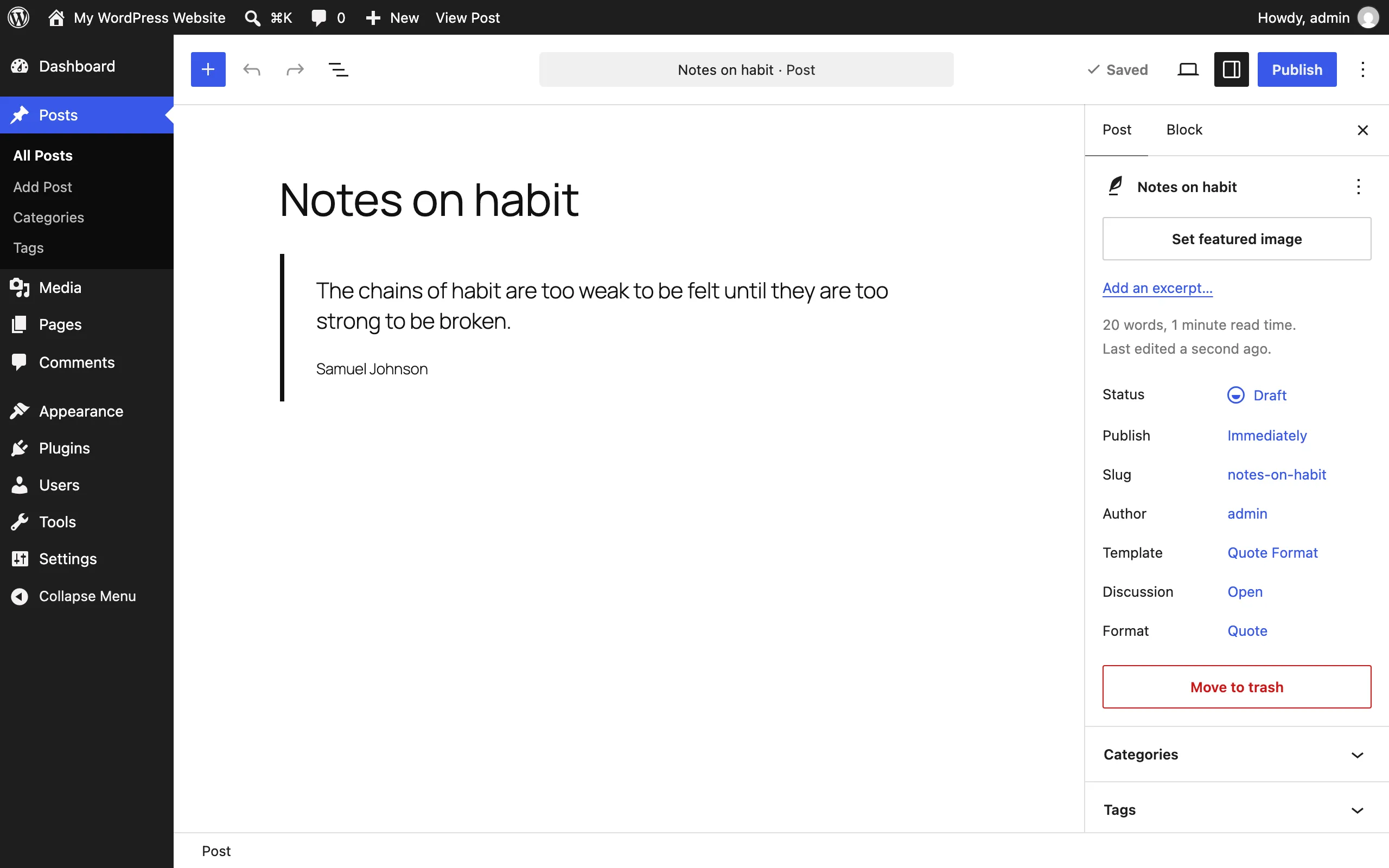
Auto-detection applied the Quote format to this draft on its first save — it runs once, silently, and never overrides a choice you make yourself. See Settings.
Front end
Section titled “Front end”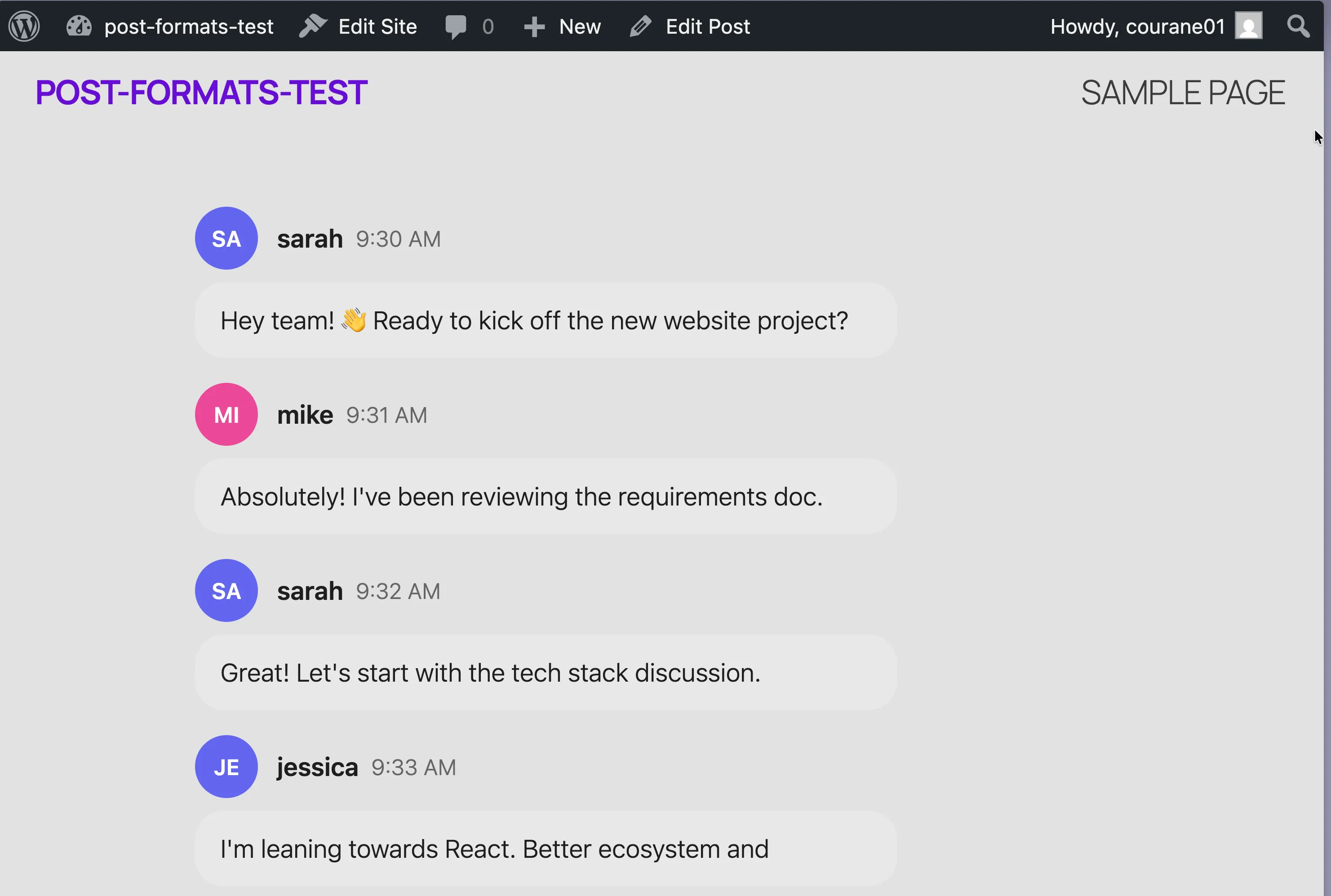
A published chat post rendered in the bubbles style with avatars, usernames, and timestamps.
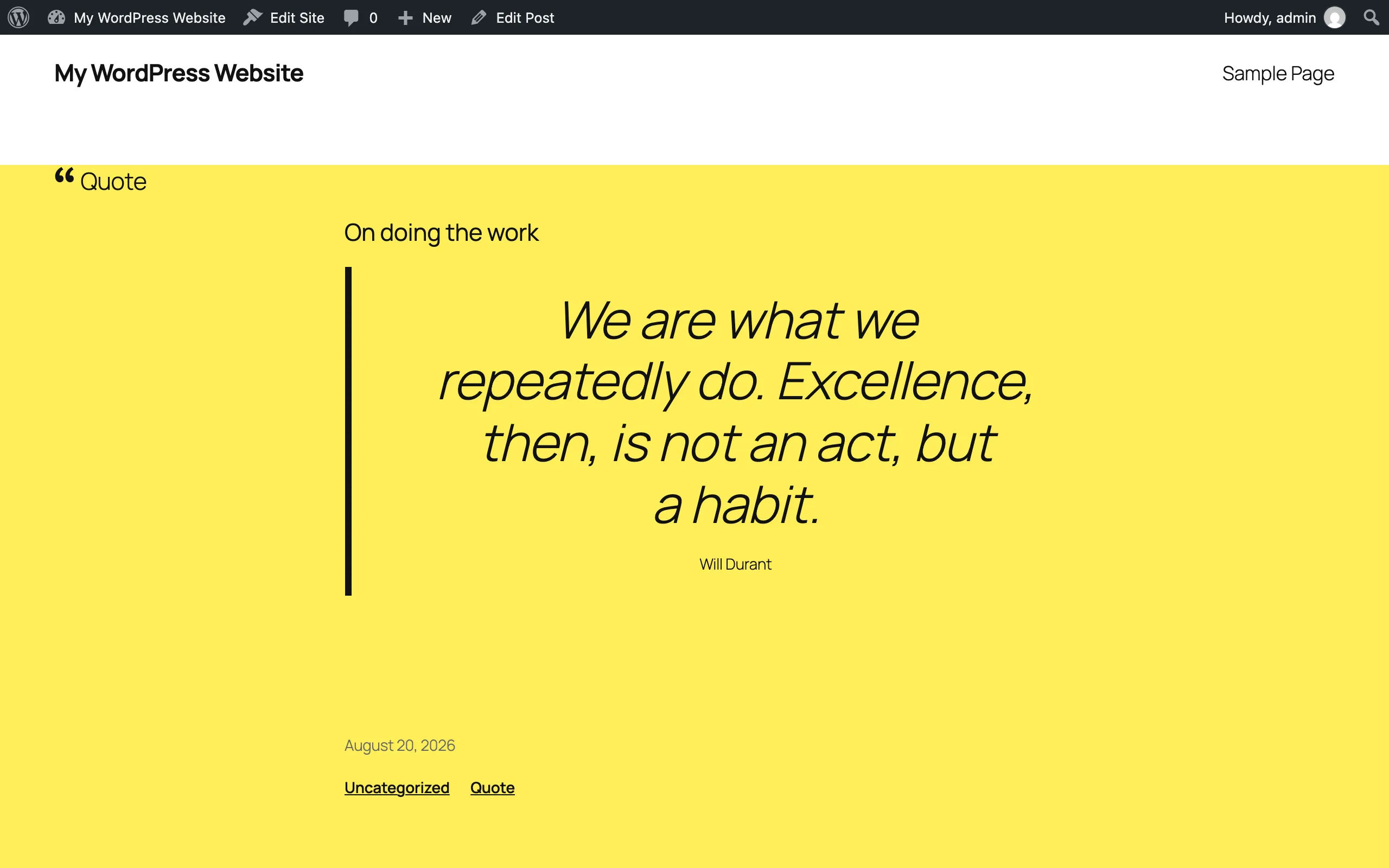
The Format Badge labels each post’s format for readers.
Admin screens
Section titled “Admin screens”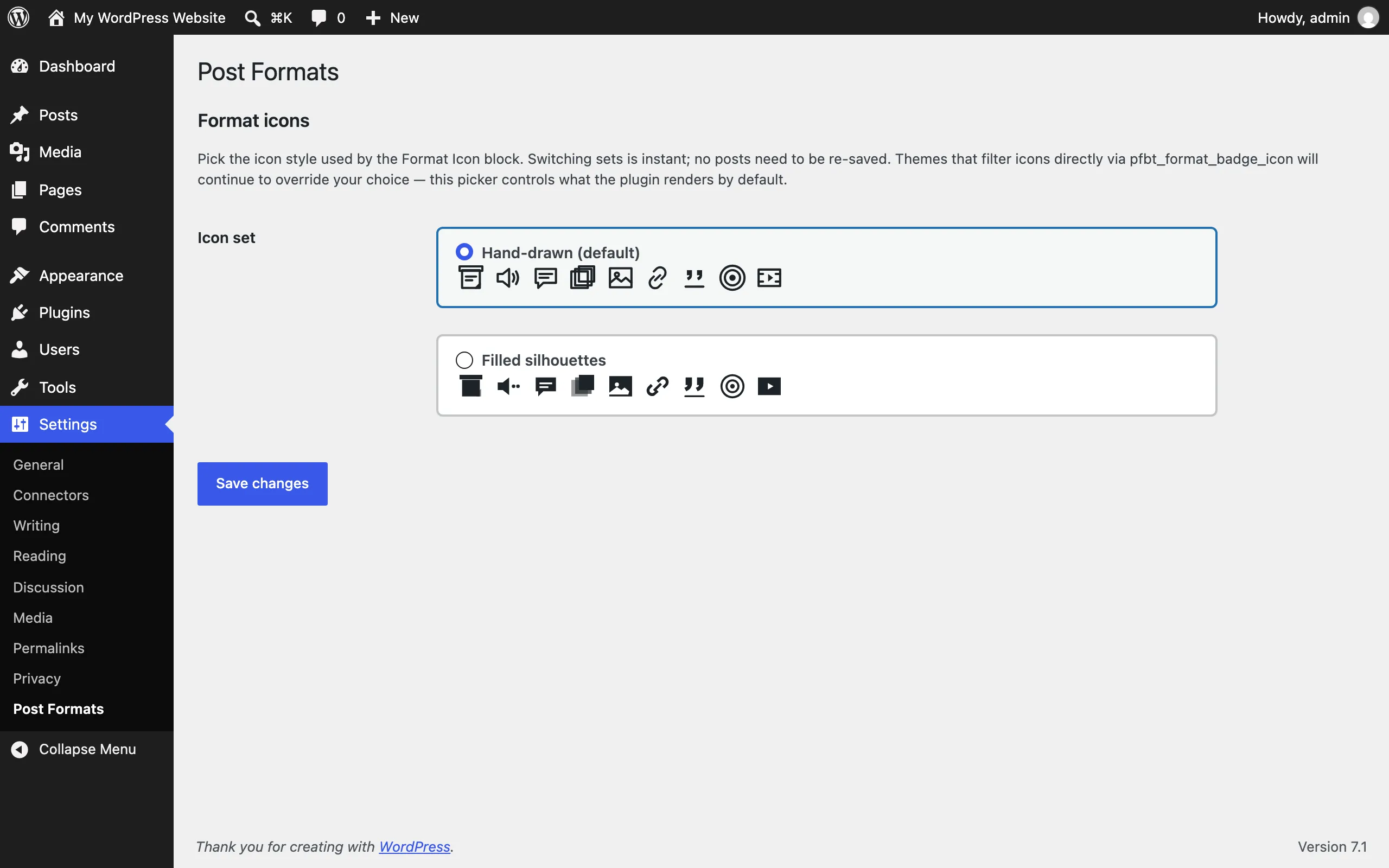
Settings → Post Formats: choose the icon set used across badges and icons. See Settings.
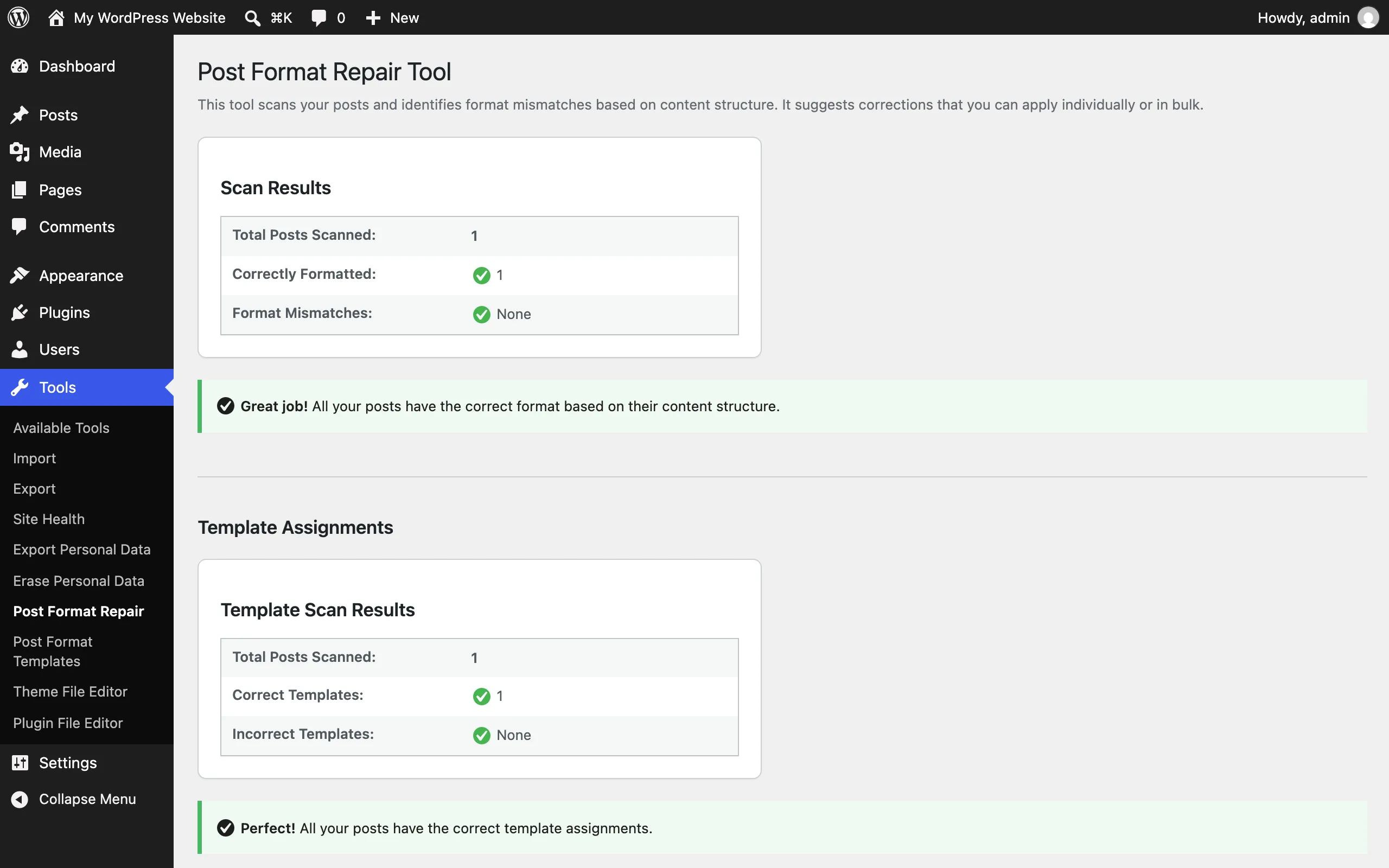
Tools → Post Format Repair: scan for posts whose format doesn’t match their content, then fix them in bulk. See Settings.
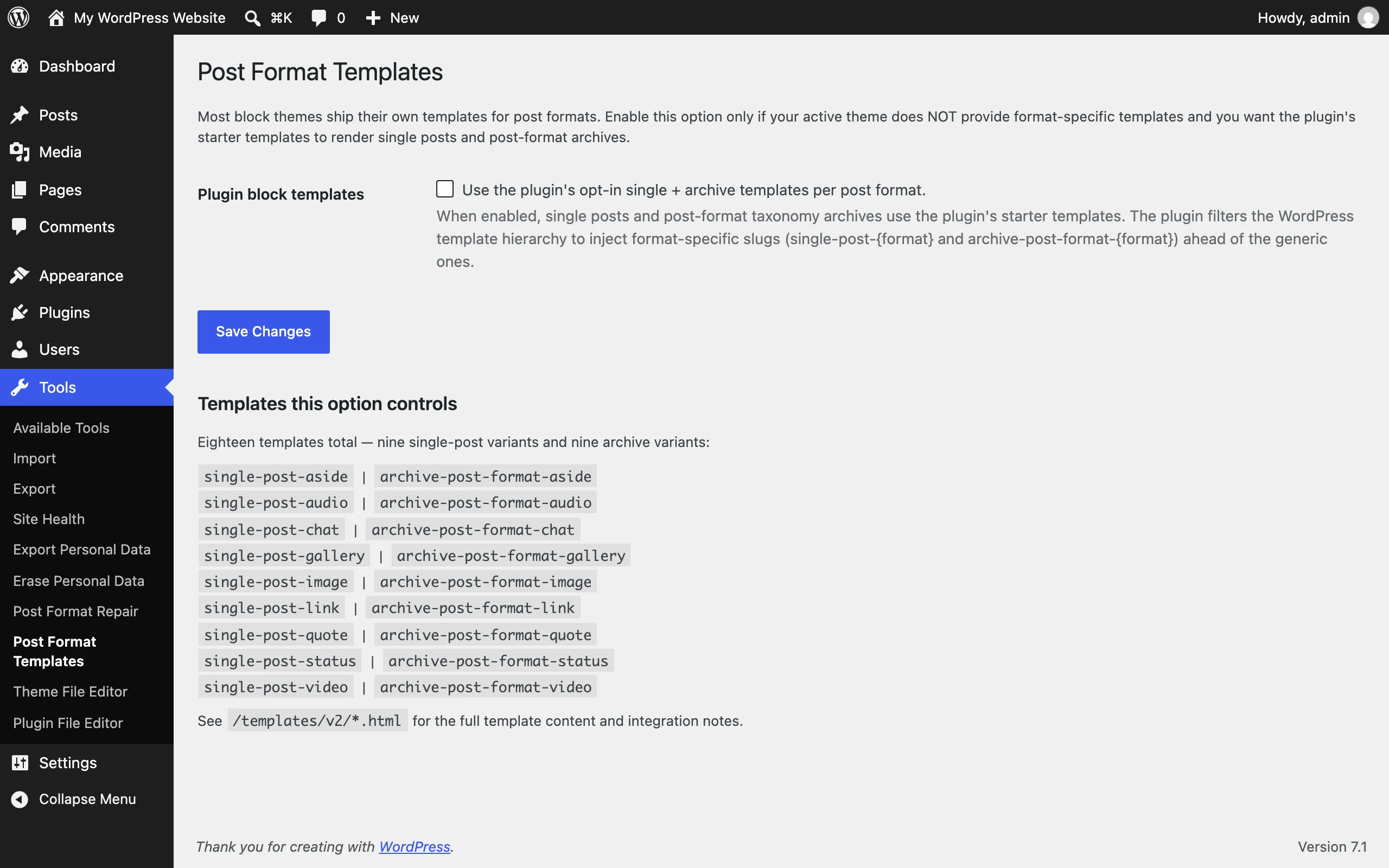
Tools → Post Format Templates: opt in to the plugin’s 18 single and archive templates. See Settings.
All screens on this page are captured; there is no outstanding manual list. Two earlier
specifications described UI the plugin does not have — a custom Format Switcher panel with an
auto-detection status readout, and an auto-detection suggestion notice. The shots above show what
actually ships instead: core’s Format control in the Summary panel is the mid-edit switcher, and
auto-detection applies a format silently on first save (apply-once, never overriding a manual
choice). If those custom UIs ever ship, add their shots to scripts/capture-docs-screenshots.js
so they regenerate with the rest.