Screenshots
The screens Outpost adds to WordPress, captured from a fresh install. Every screenshot has a text equivalent in the page that documents the task, so you never need the image to follow the instructions.
Screenshots come from two sources. The repeatable capture script (npm run screenshots:docs, which runs against a disposable WordPress Playground — no Docker needed) generates the admin screens and the composer views, completing a real IndieAuth sign-in against the disposable site for the signed-in captures. The media lookup, install prompt, and editor-sidebar captures were taken against a local wp-env site running WordPress 7.1 with the Post Kinds companion, since they need a companion plugin and live lookup services. The pending-syndication capture also came from a local wp-env site, against a post seeded with two pending share entries. One capture is still outstanding; its specification and the reason are at the end of this page.
Admin screens
Section titled “Admin screens”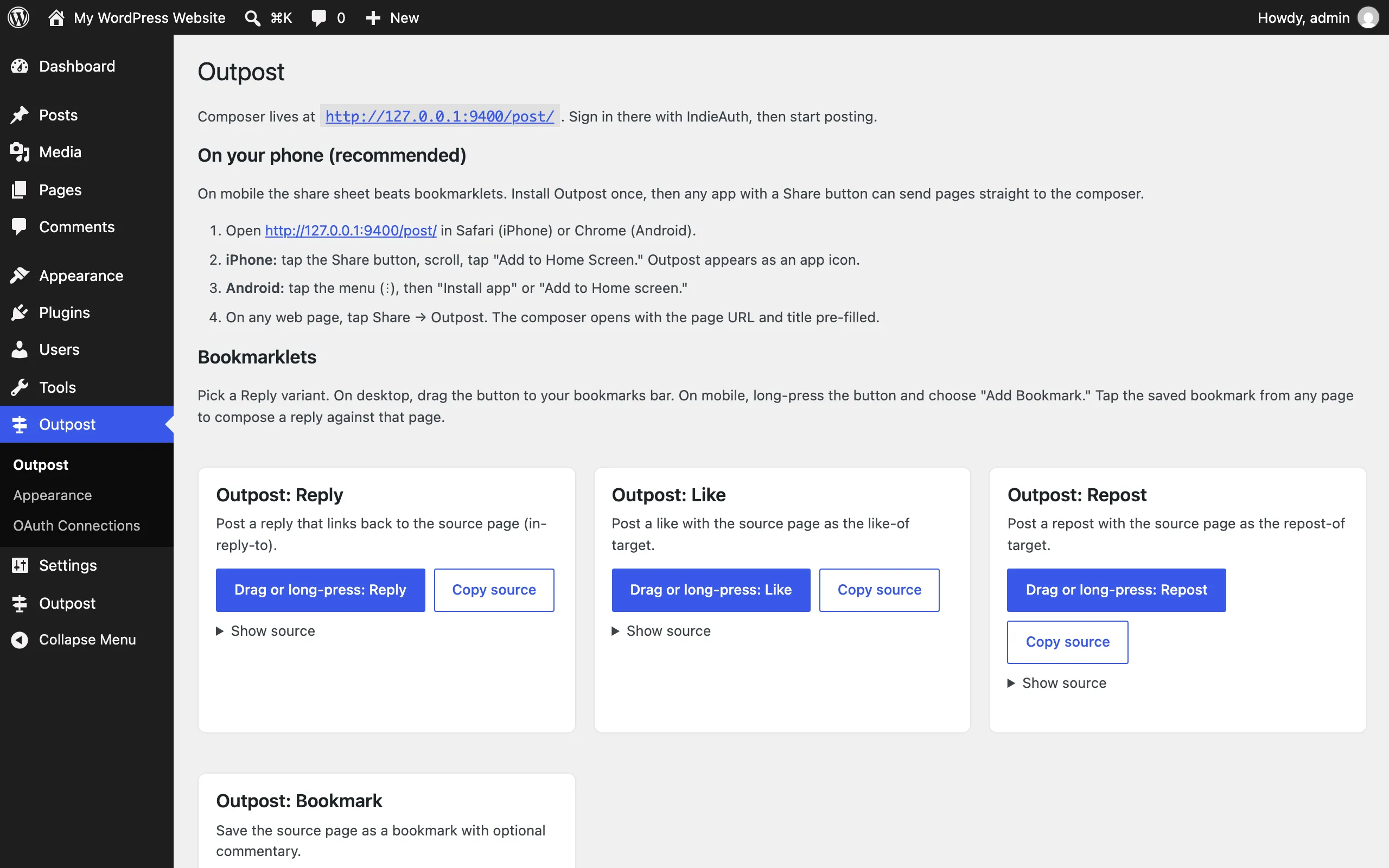
The main Outpost admin page: per-variant bookmarklets and the phone install steps. The dependency notice at the top appears when IndieAuth or Micropub isn’t active yet. See Common tasks → Add the bookmarklets.
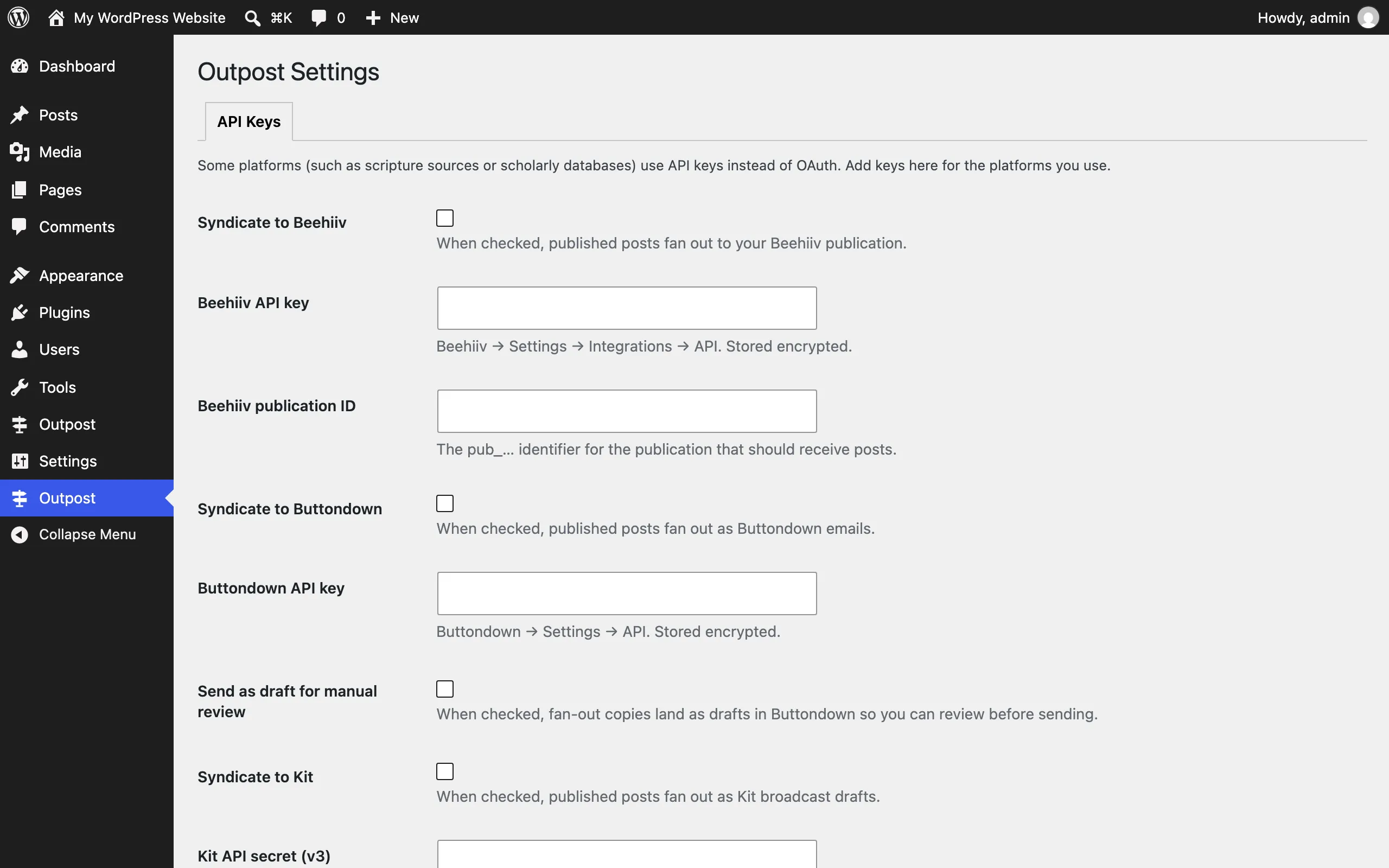
Outpost → Settings → API Keys: where syndication destination credentials go. Saved values are stored encrypted. See Settings.
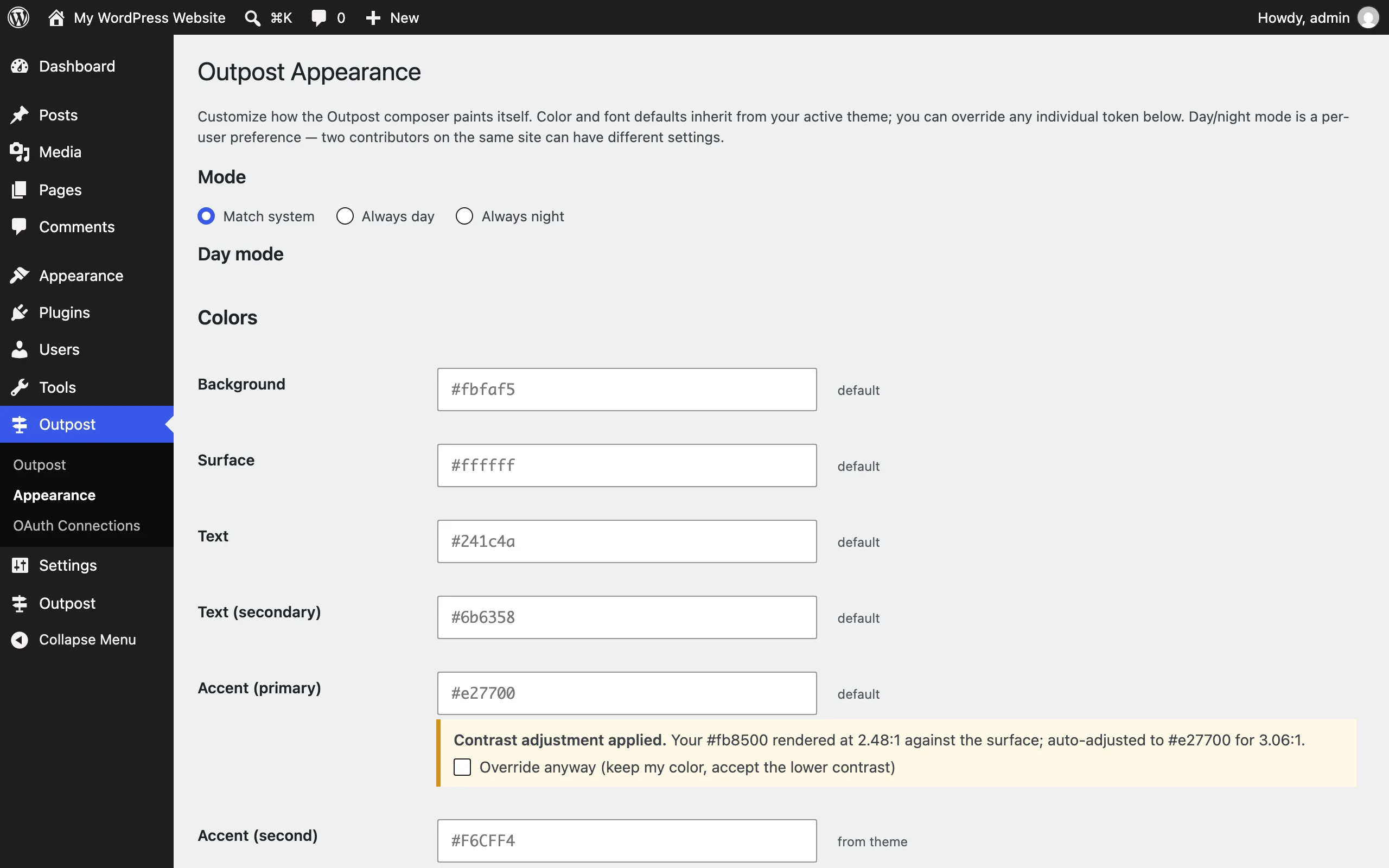
Outpost → Appearance: choose the composer’s day/night mode and override its design tokens. See Settings.
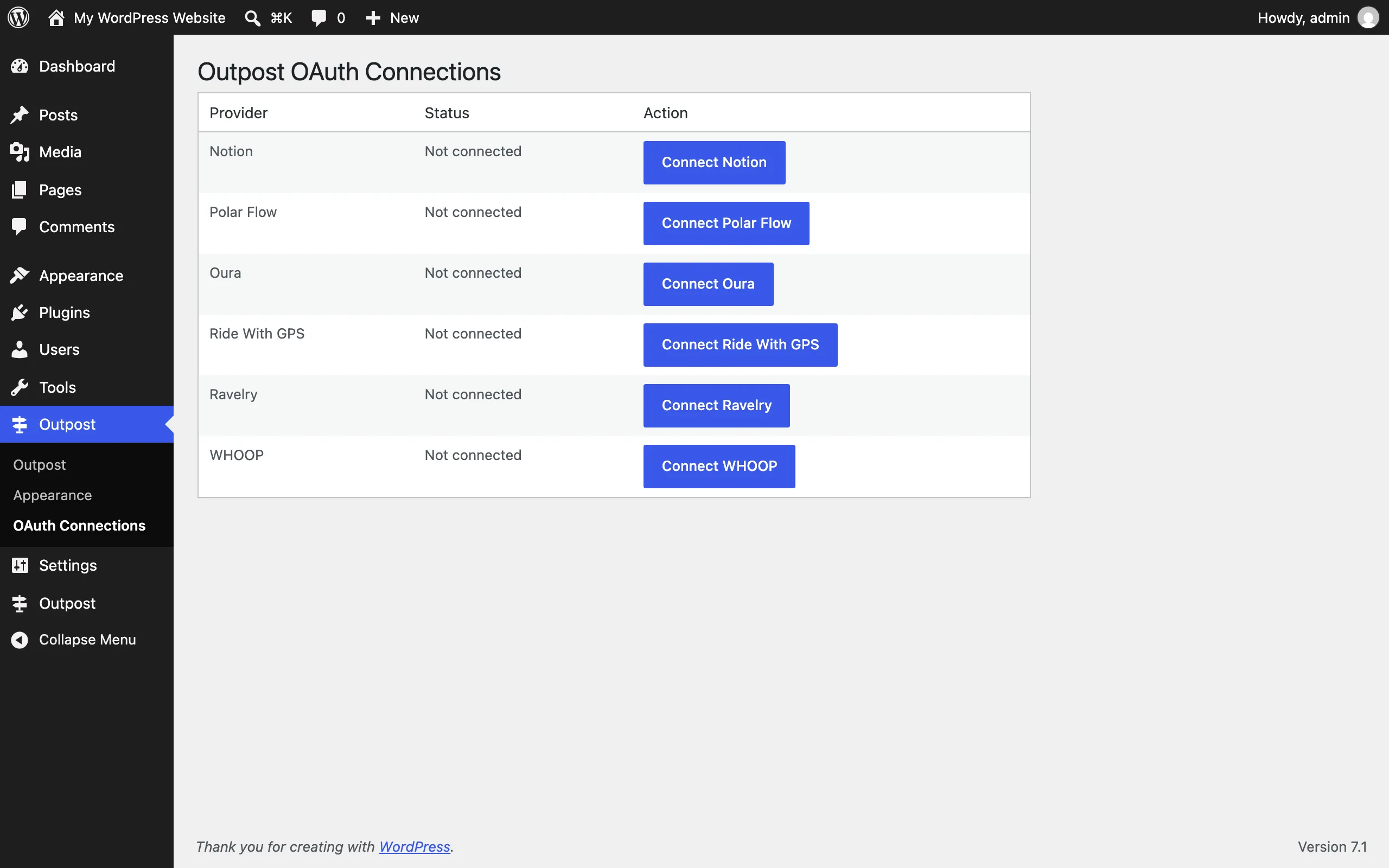
Outpost → OAuth Connections: connect Oura, WHOOP, Polar Flow, Ravelry, or Ride With GPS. Select Connect next to a provider to start its authorization flow. See Supported services.
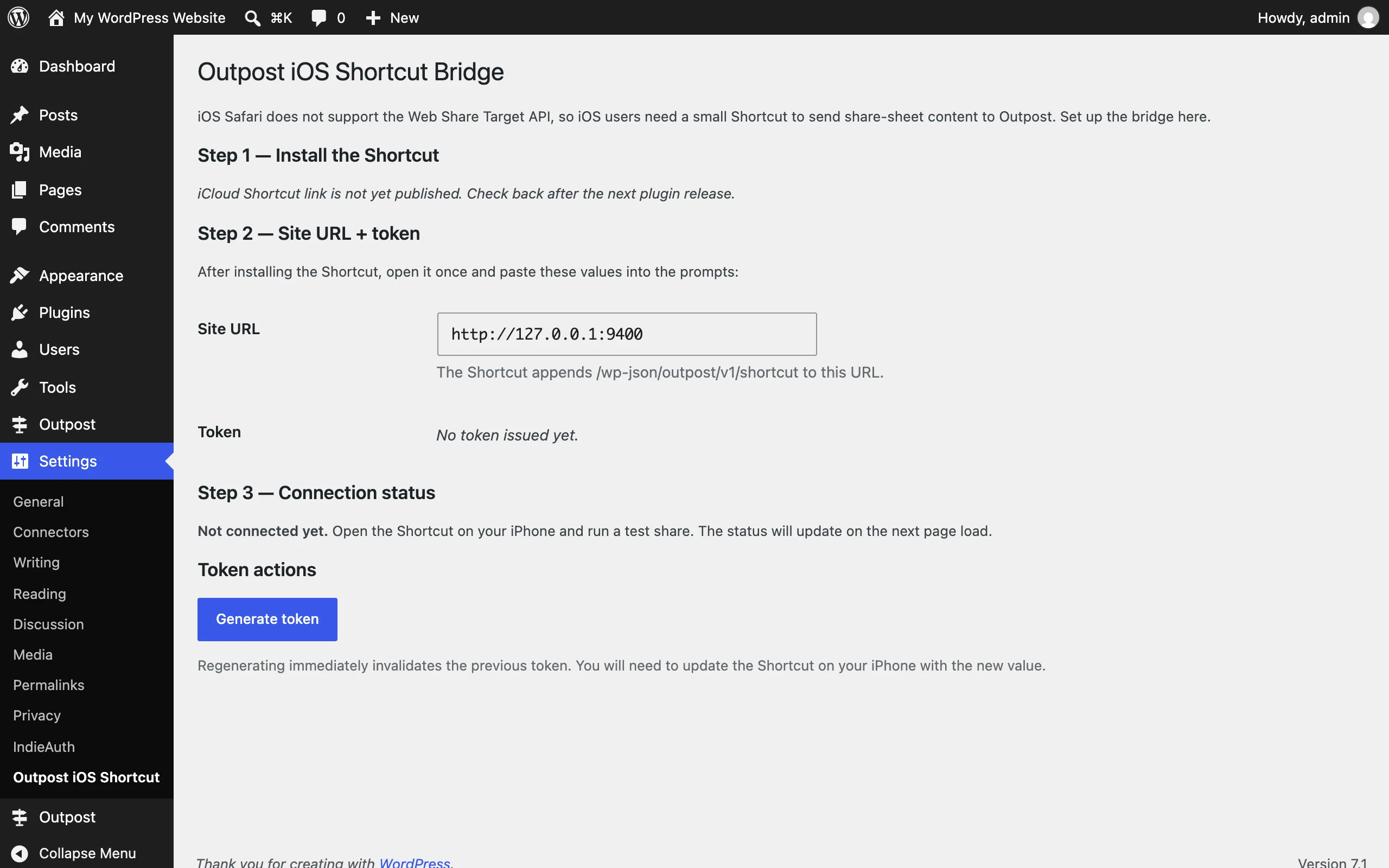
Settings → Outpost iOS Shortcut: generate the per-user token that lets an iOS Shortcut post to your site. See Common tasks.
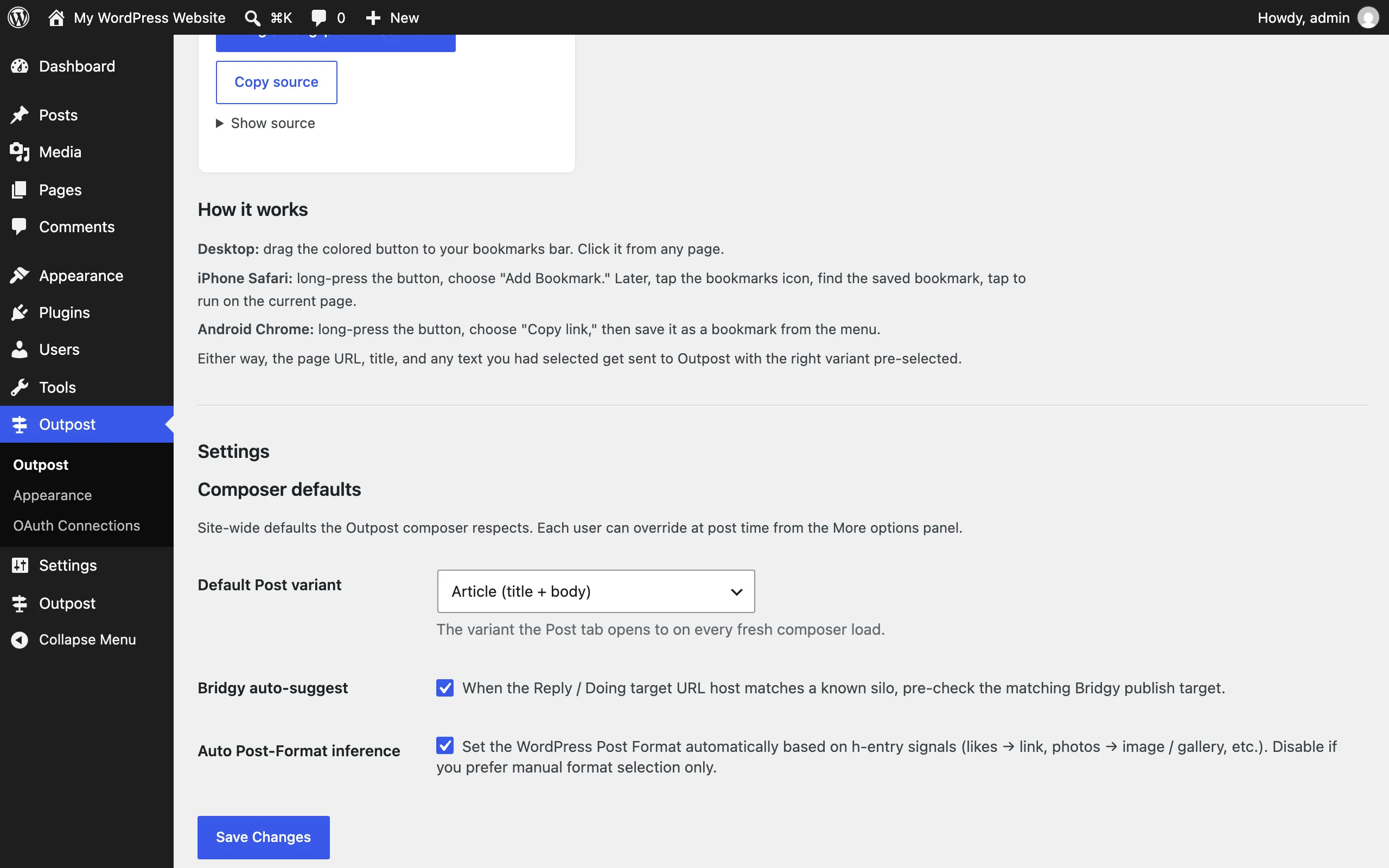
Outpost admin page, Settings section: set which mode the composer opens to by default. See Settings.
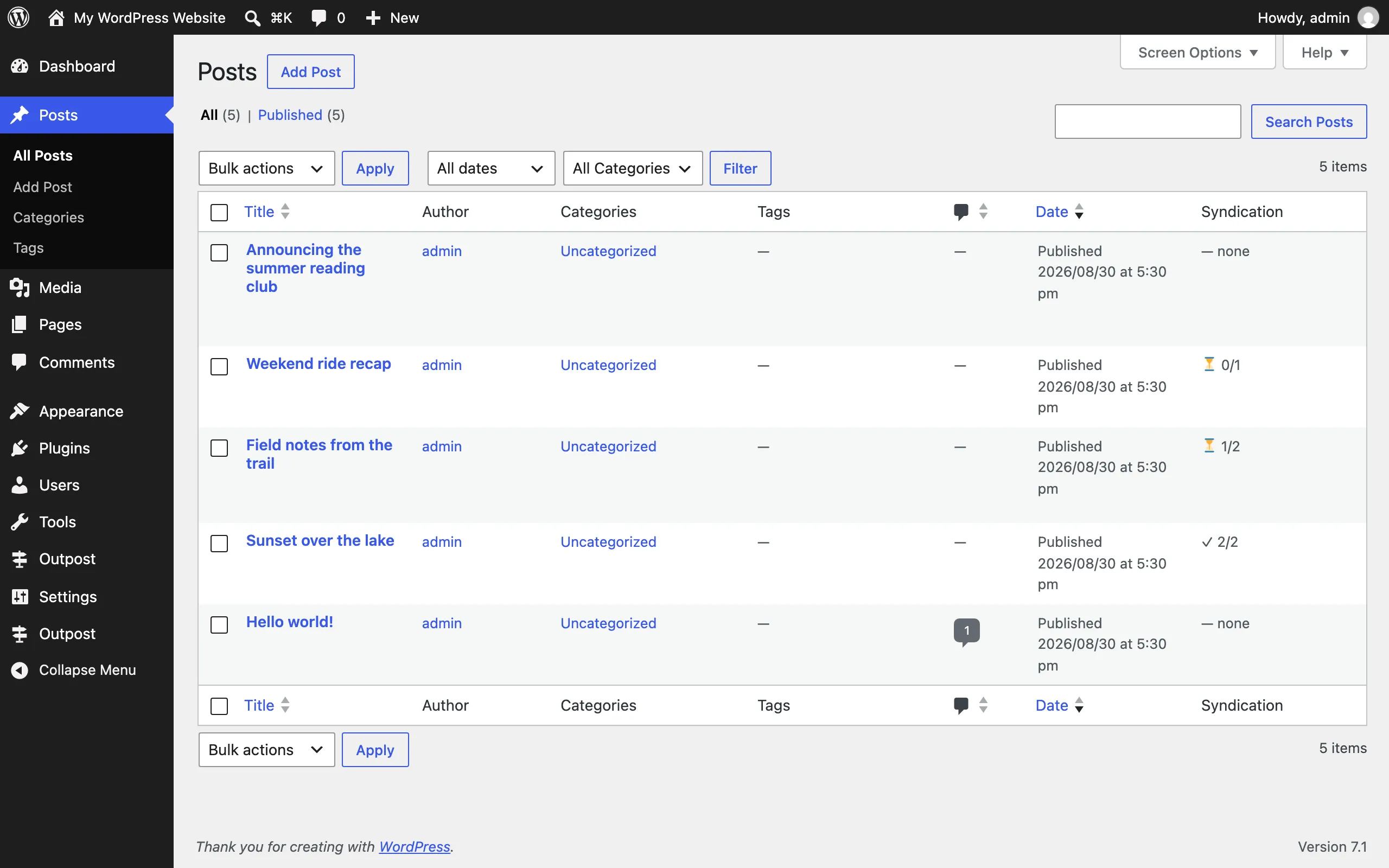
wp-admin → Posts with the Outpost syndication status column: confirm where each post syndicated at a glance. See Common tasks.
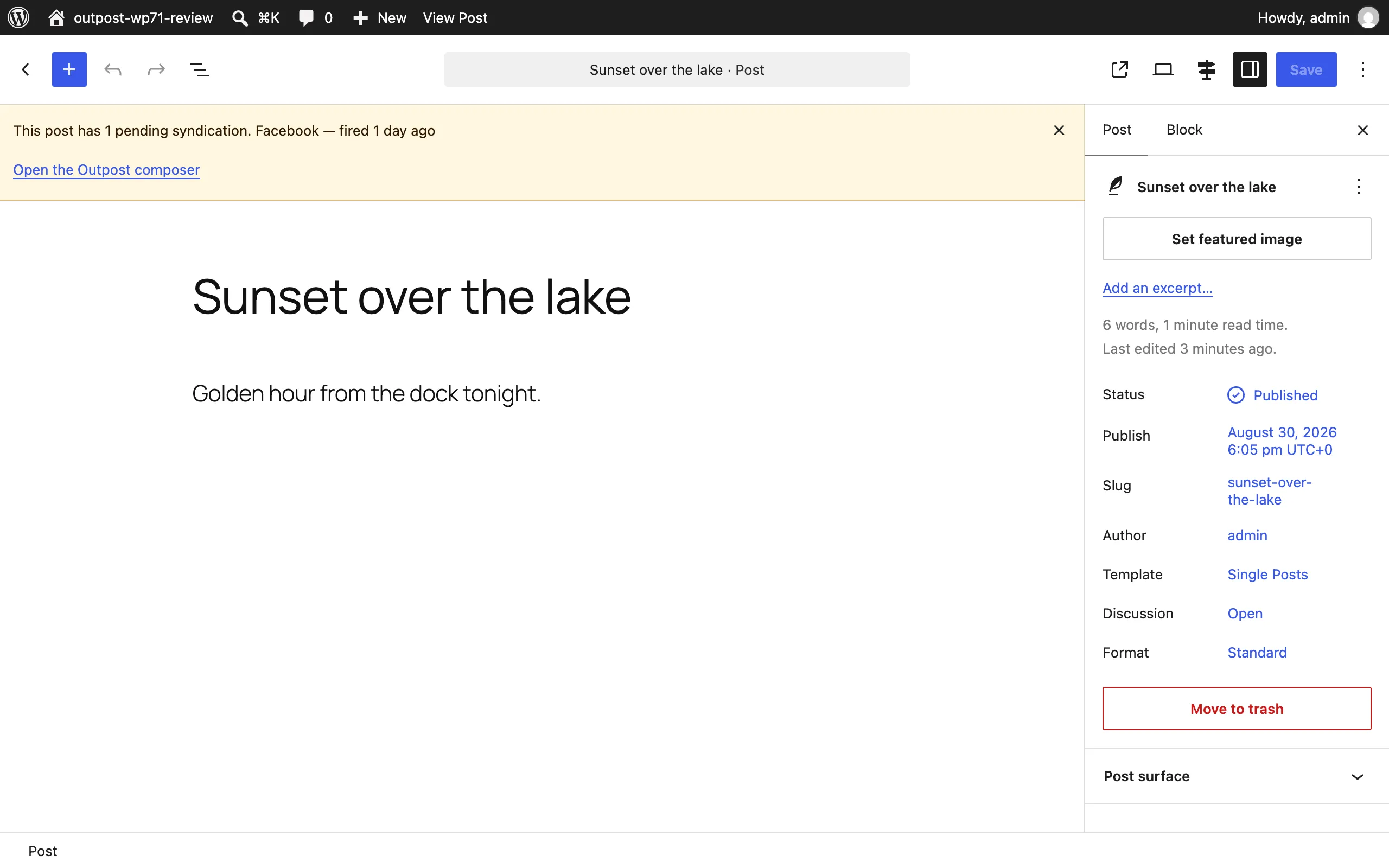
The pending-syndication reminder on the post editor screen: after you share a post by hand, Outpost names the platforms still missing their URL and links you to the composer to record them. See Common tasks.
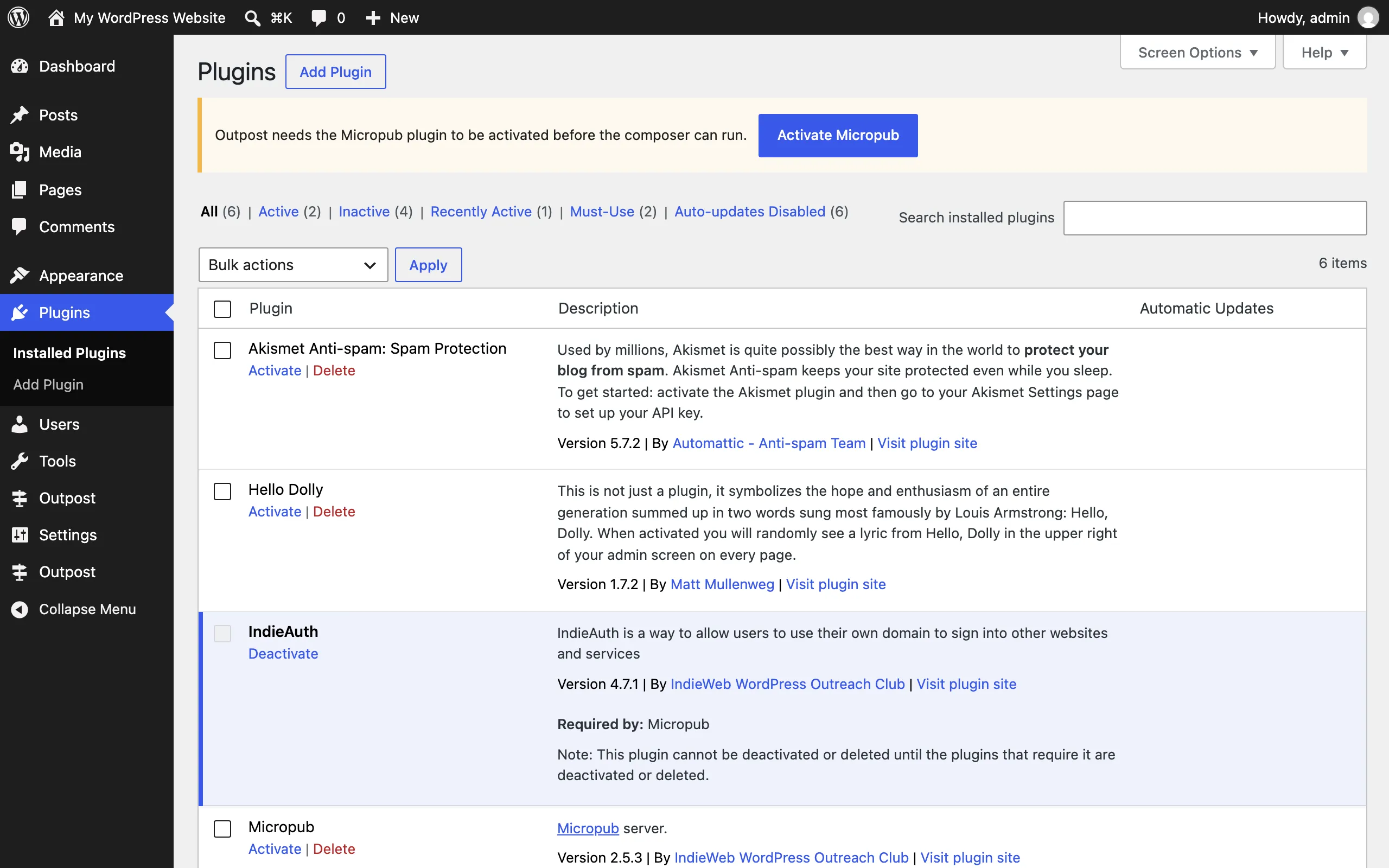
The dependency notice when Micropub is deactivated: Outpost names the missing plugin and links the fix. See Installation.
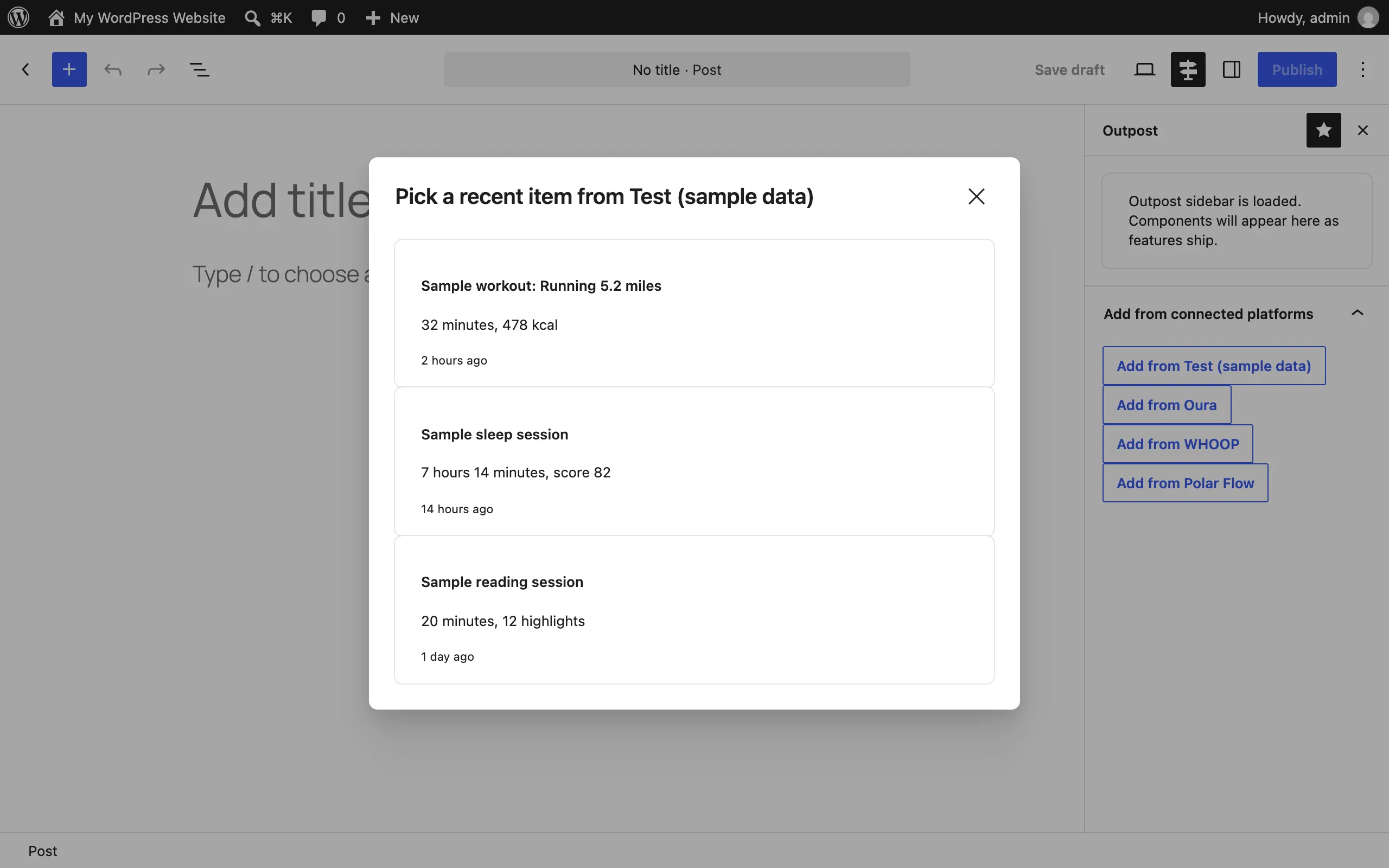
The Outpost sidebar in the block editor: Add from connected platforms opens a picker of your recent activity so you can pull a workout, sleep, or reading session into the post you’re writing. The capture uses the built-in sample provider; with Oura, WHOOP, or Polar Flow connected, those appear alongside it. See Supported services.
Composer
Section titled “Composer”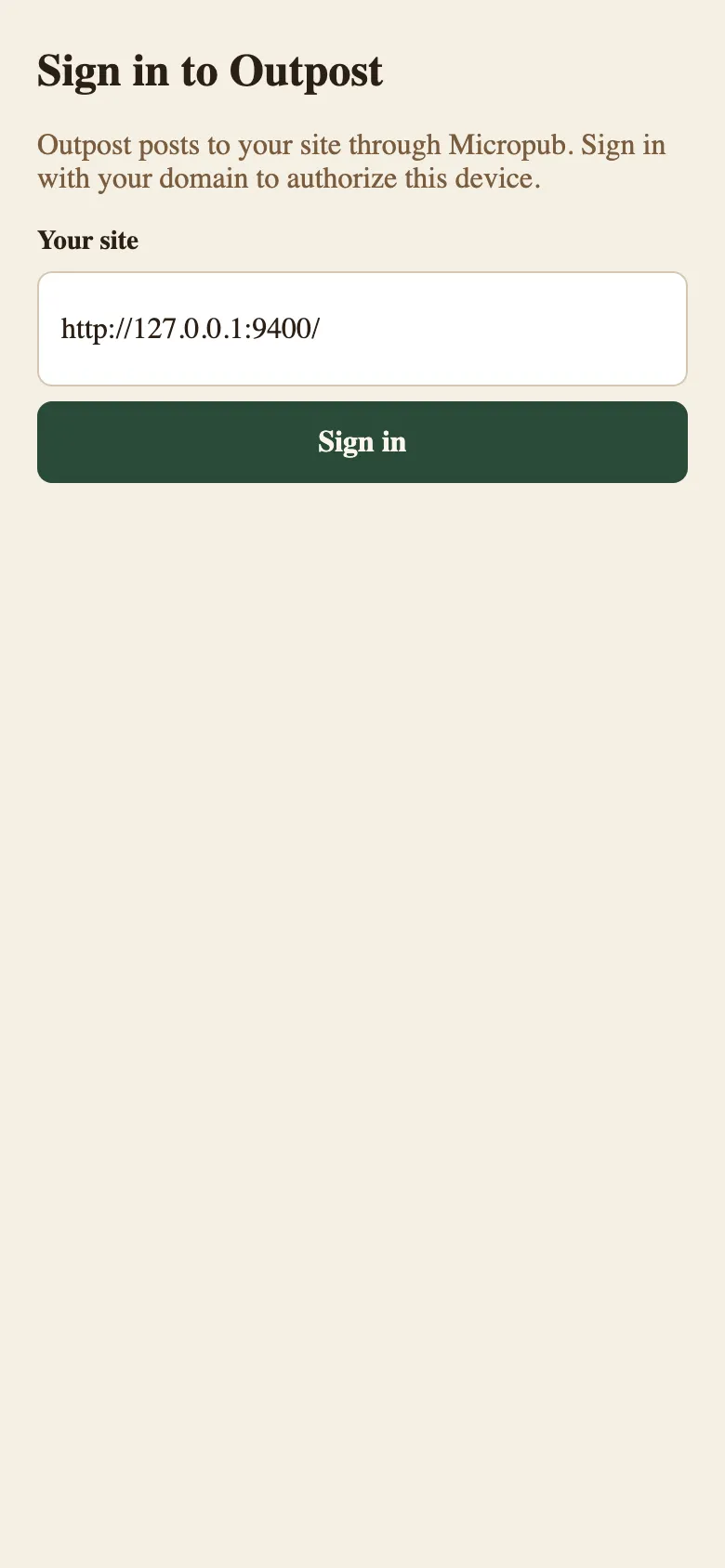
The composer at /post before sign-in: enter your site address to start the IndieAuth flow. See Getting started.
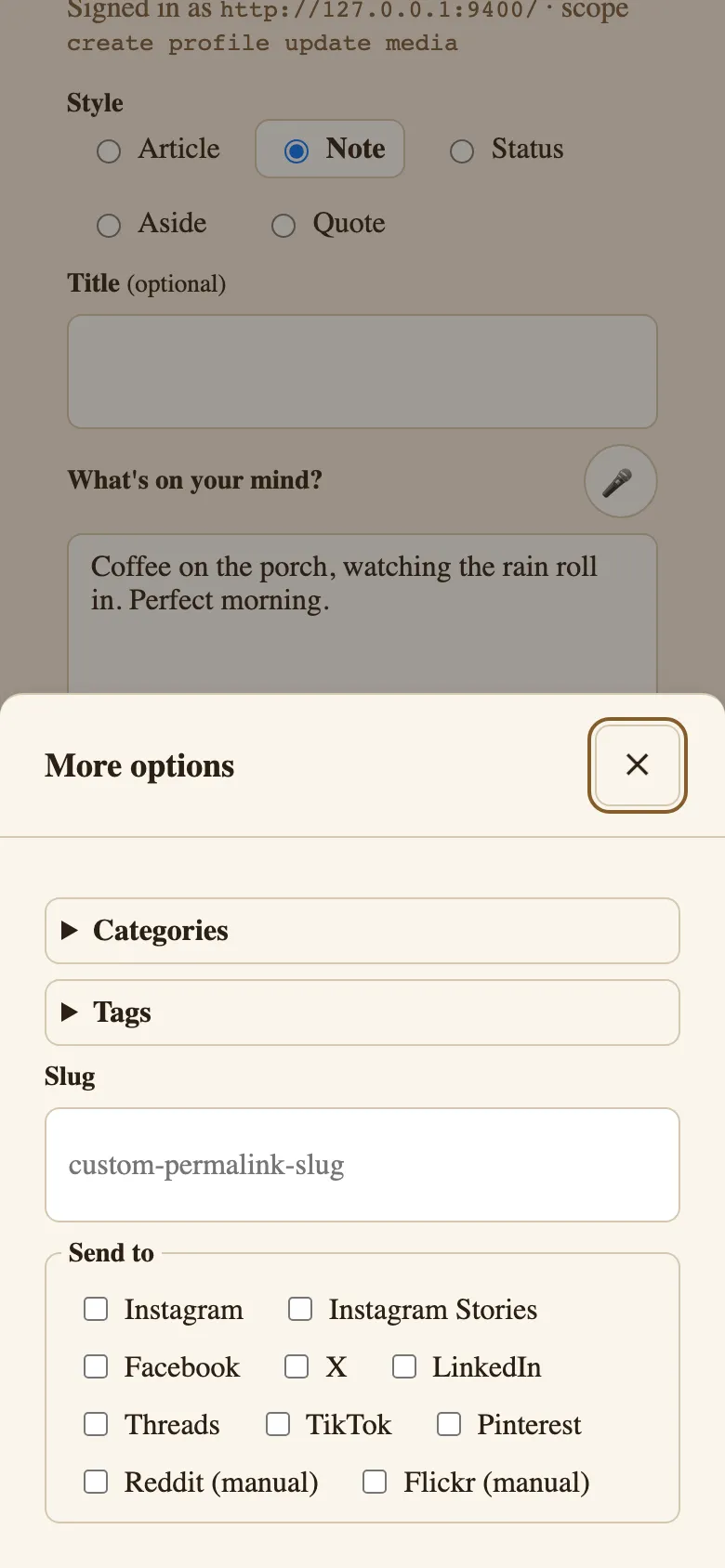
Note mode, signed in: write a note and pick syndication targets before posting. See Common tasks.
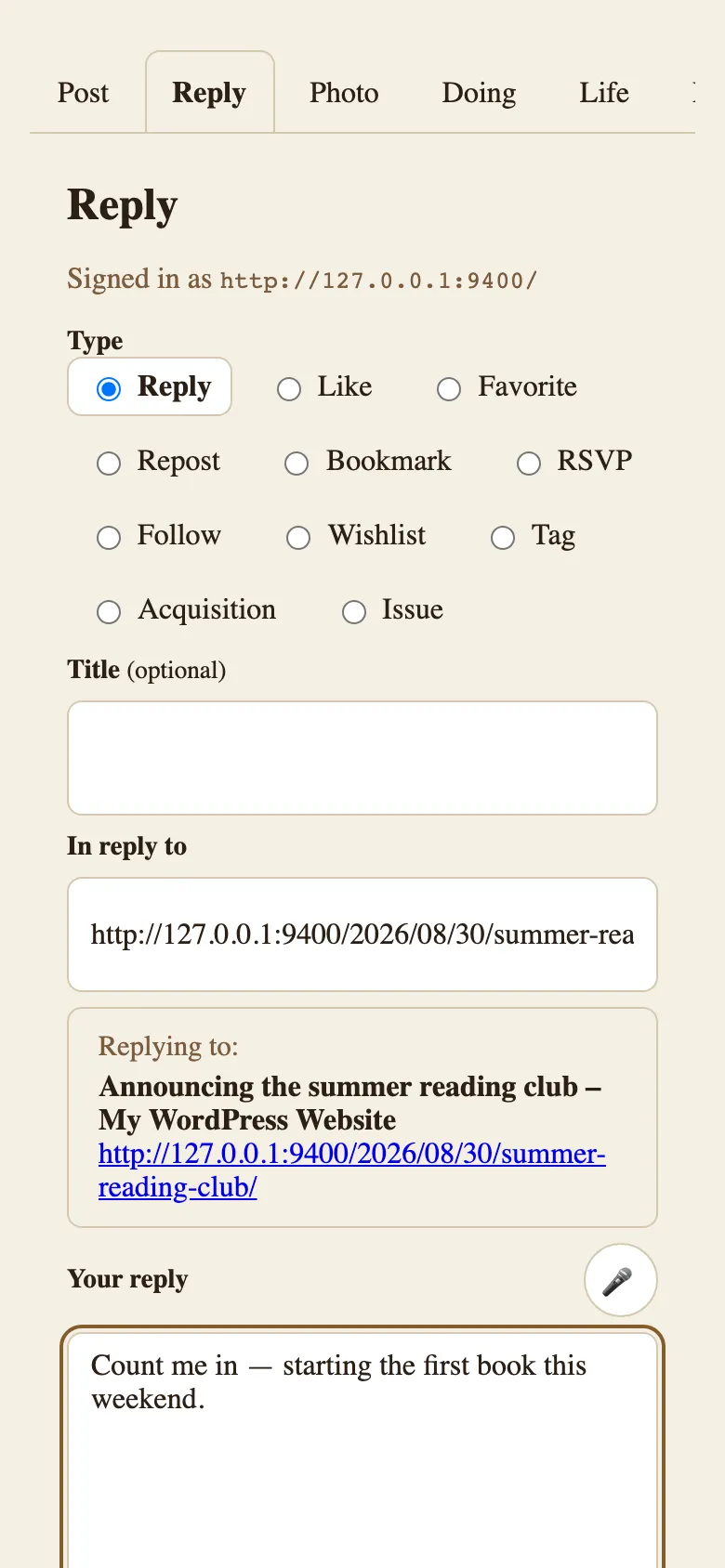
Reply mode: paste a URL and Outpost shows what you’re replying to. See Common tasks.
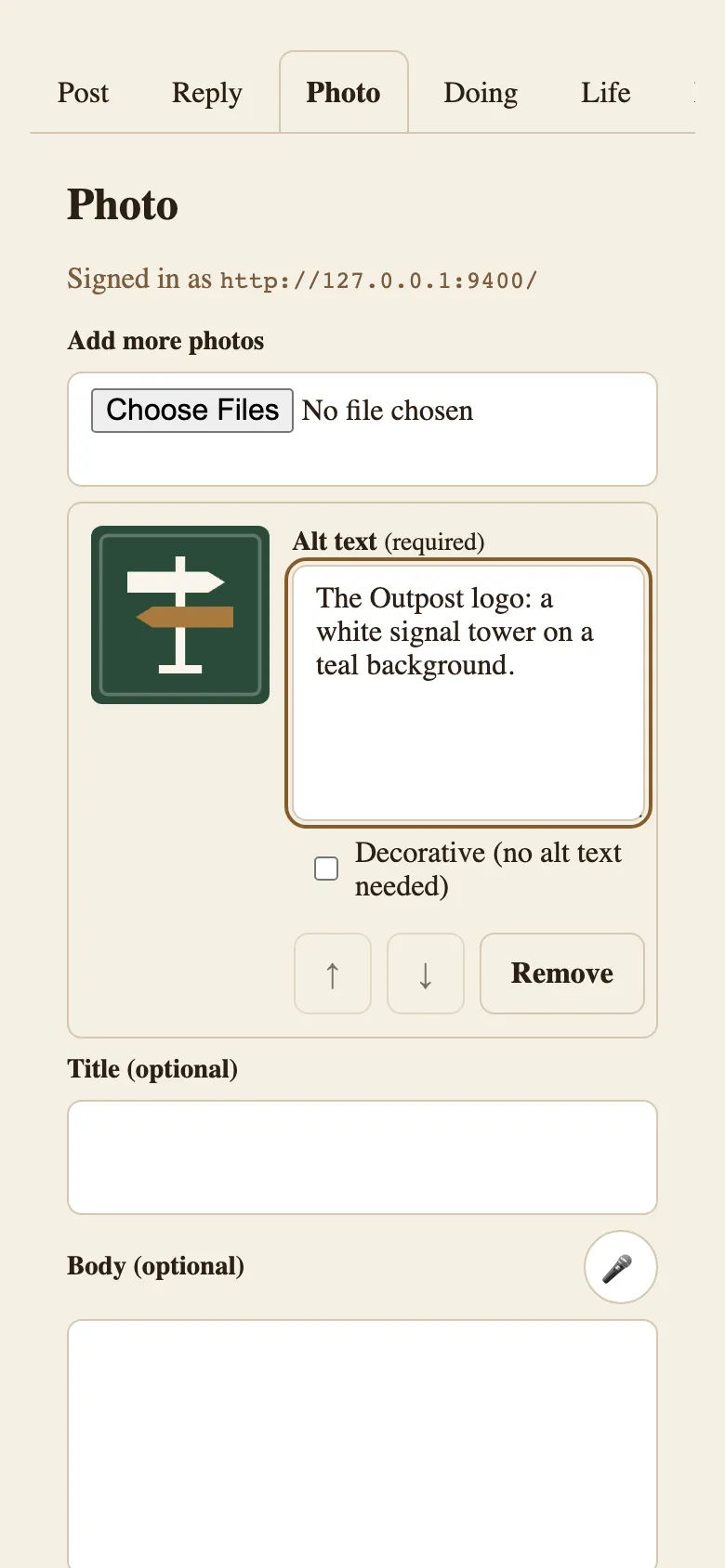
Photo mode: every photo post asks for alt text before publishing. See Common tasks.
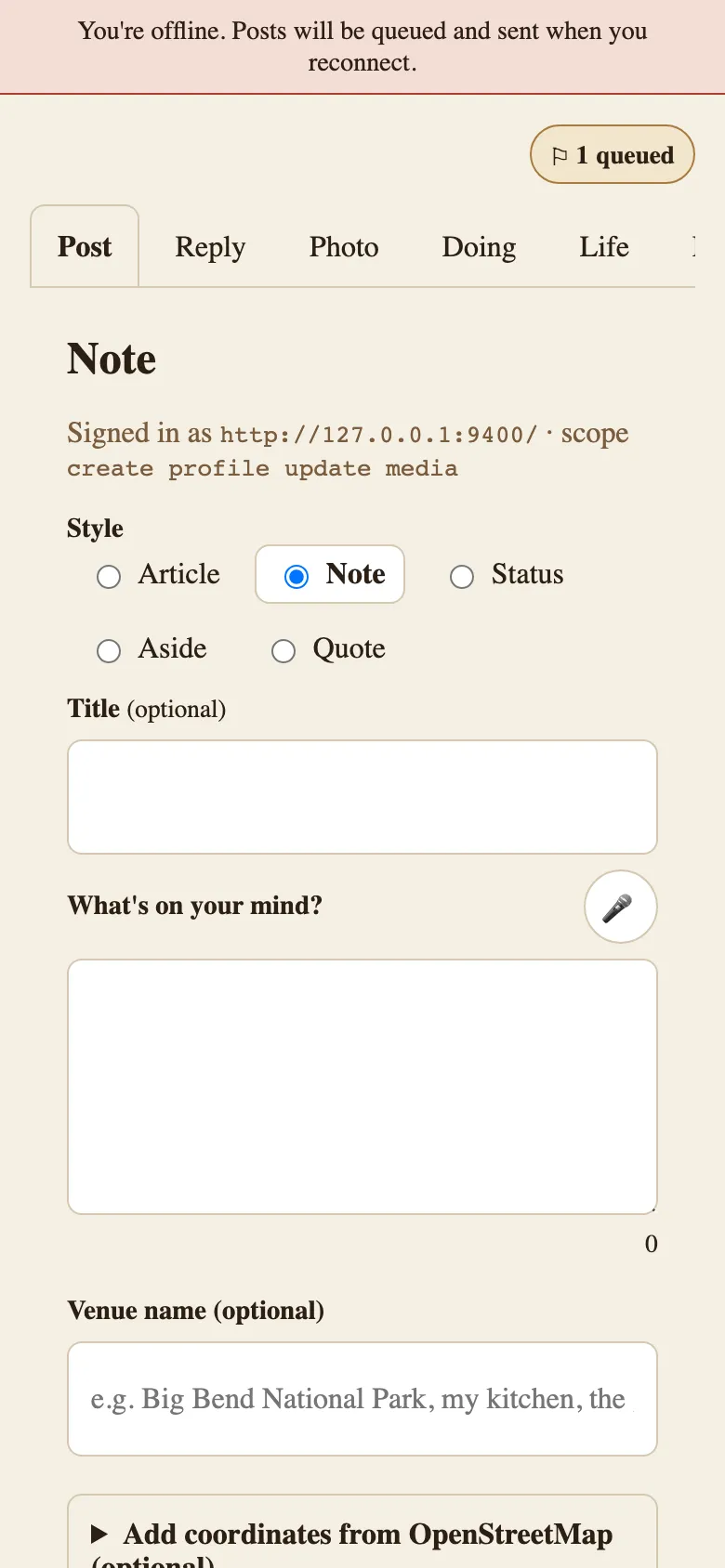
The composer offline: posts made offline wait in the queue until you reconnect. See Common tasks.
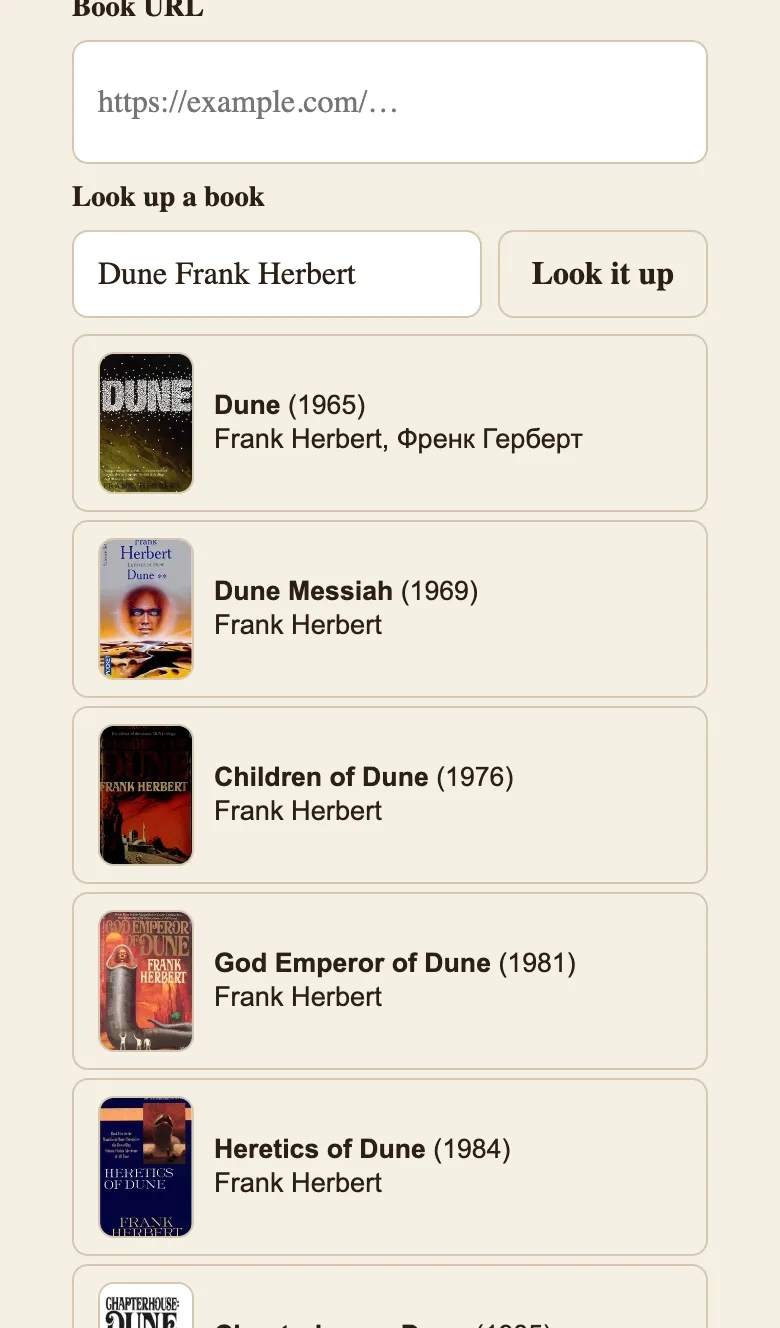
Doing mode, Read variant: Look it up fills the details so you don’t type them. Results come from the lookup services the Post Kinds companion provides — books from Open Library here. See Common tasks → Log what you’re reading.
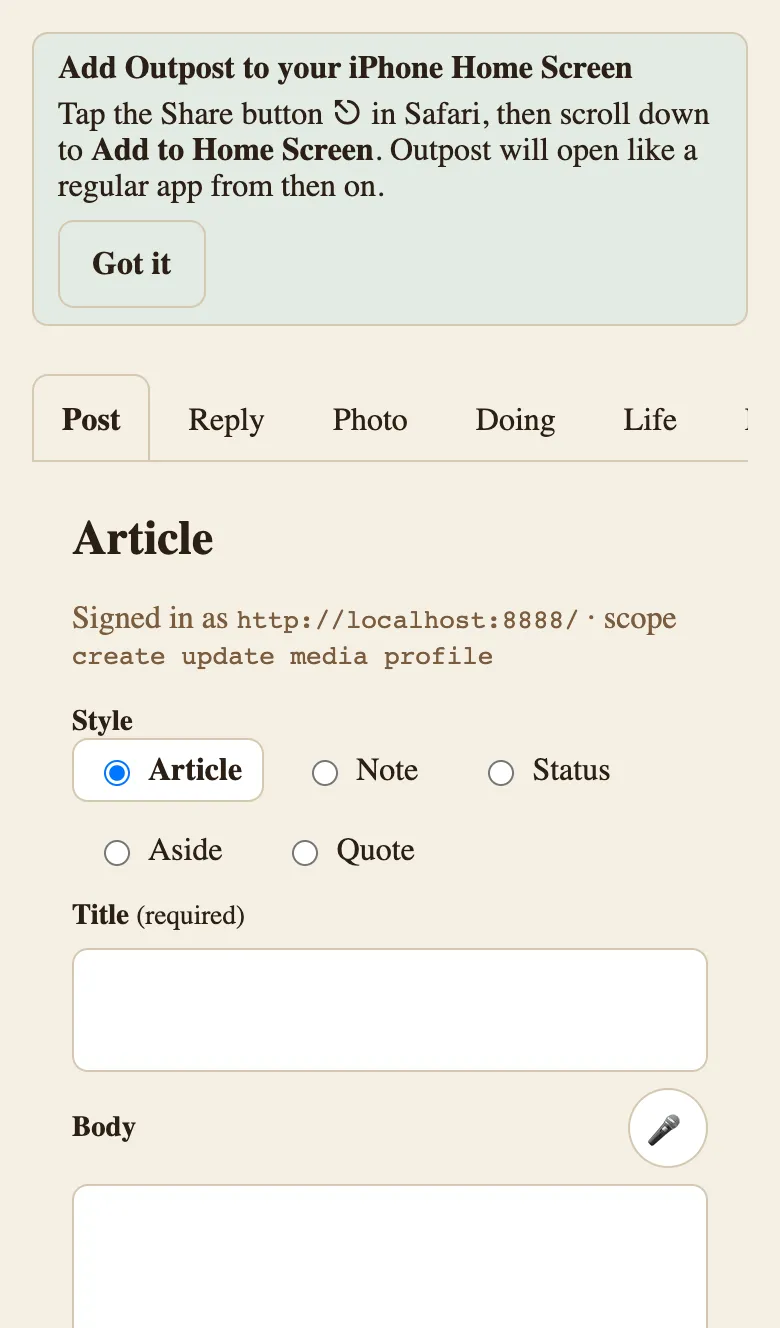
Install the composer like an app. After your first post, Outpost offers the Add to Home Screen step for your browser — on iPhone it points at Safari’s Share button; on Android it triggers the browser’s own install prompt. See Getting started.
Screenshots still needed
Section titled “Screenshots still needed”One capture remains, and it is blocked on code rather than on tooling: the composer-side paste-URL form. SyndicationCaptureForm, inside SyndicationDetailView, is built and tested, but nothing mounts it — it doesn’t render anywhere in the running app. The pending-syndication reminder above links to the composer, but the form it links to isn’t there yet. The row below is its specification for when it is (a phone-sized viewport, as with the other composer captures).
| Filename | Screen and state | What to highlight | Alt text | Caption |
|---|---|---|---|---|
| frontend-syndication-capture-form.png | Composer syndication detail view, one pending platform | The paste-URL field and its Save action | Form asking for the URL of a post that was shared manually to a platform | Record the URL after sharing manually, and Outpost adds it to the post. |