
Screenshots
The screens Post Kinds for IndieWeb in Block Themes adds to WordPress. Every screenshot has a text equivalent in the page that documents the task, so you never need the image to follow the instructions.
Screenshots come from two repeatable sources — the capture script (npm run screenshots:docs, which runs against a disposable WordPress Playground) and assets that ship with the plugin — plus manual captures listed with full specifications at the end of this page.
Editor
Section titled “Editor”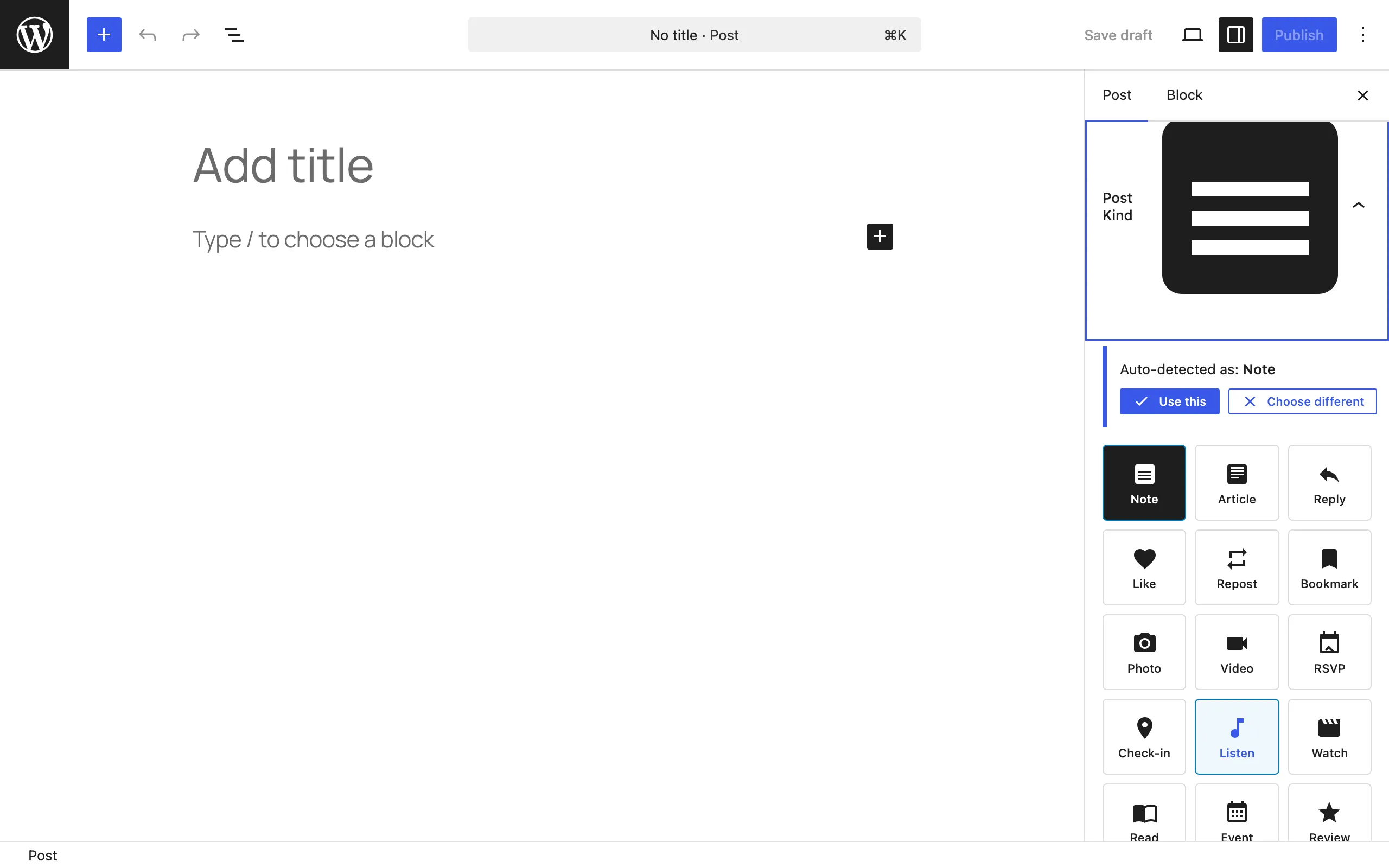
The Post Kind panel in the editor sidebar: pick a kind from the grid, or let auto-detection suggest one. See Getting started.
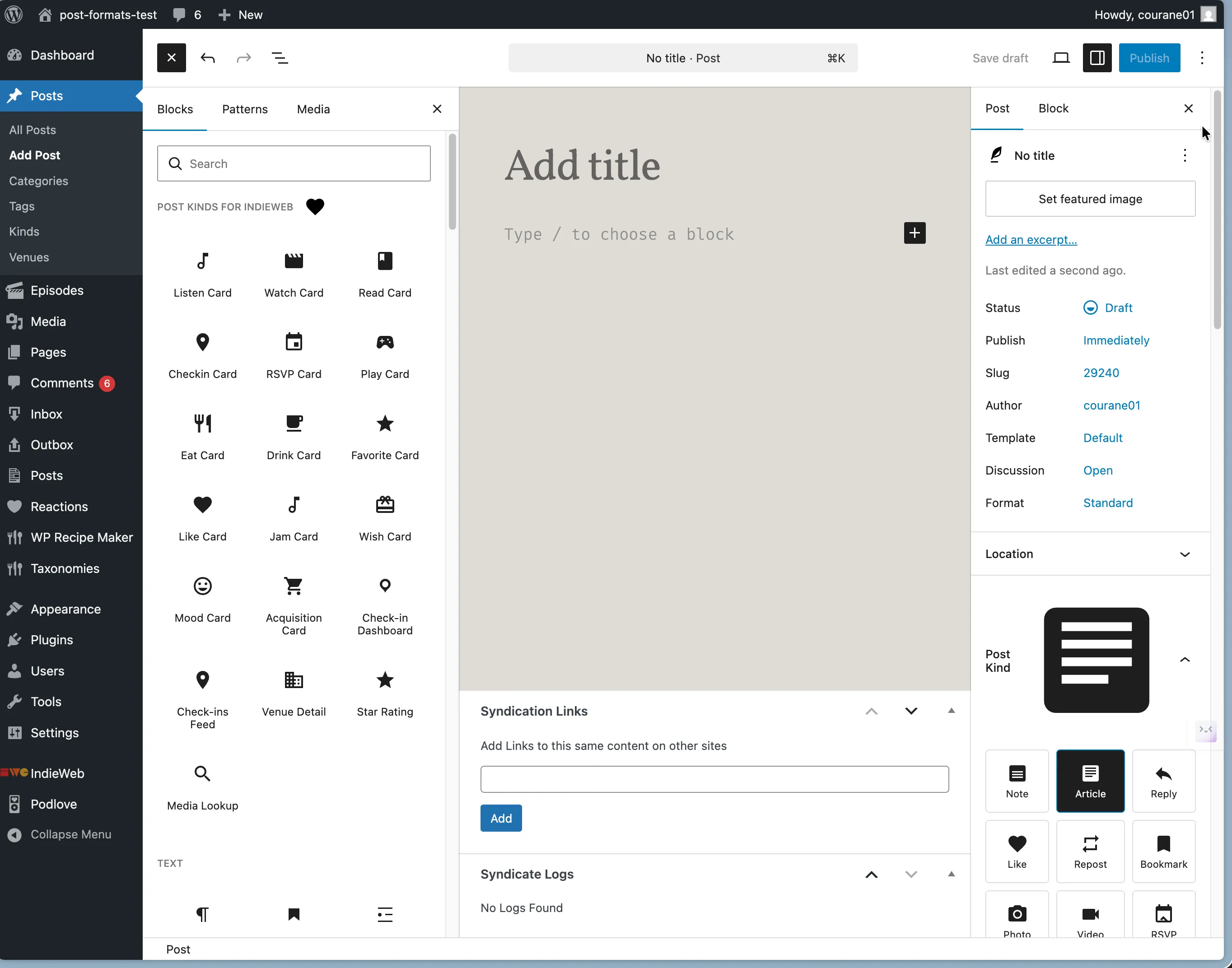
The block inserter with the plugin’s card and utility blocks. Search for the kind name or browse the Post Kinds category. See Getting started.
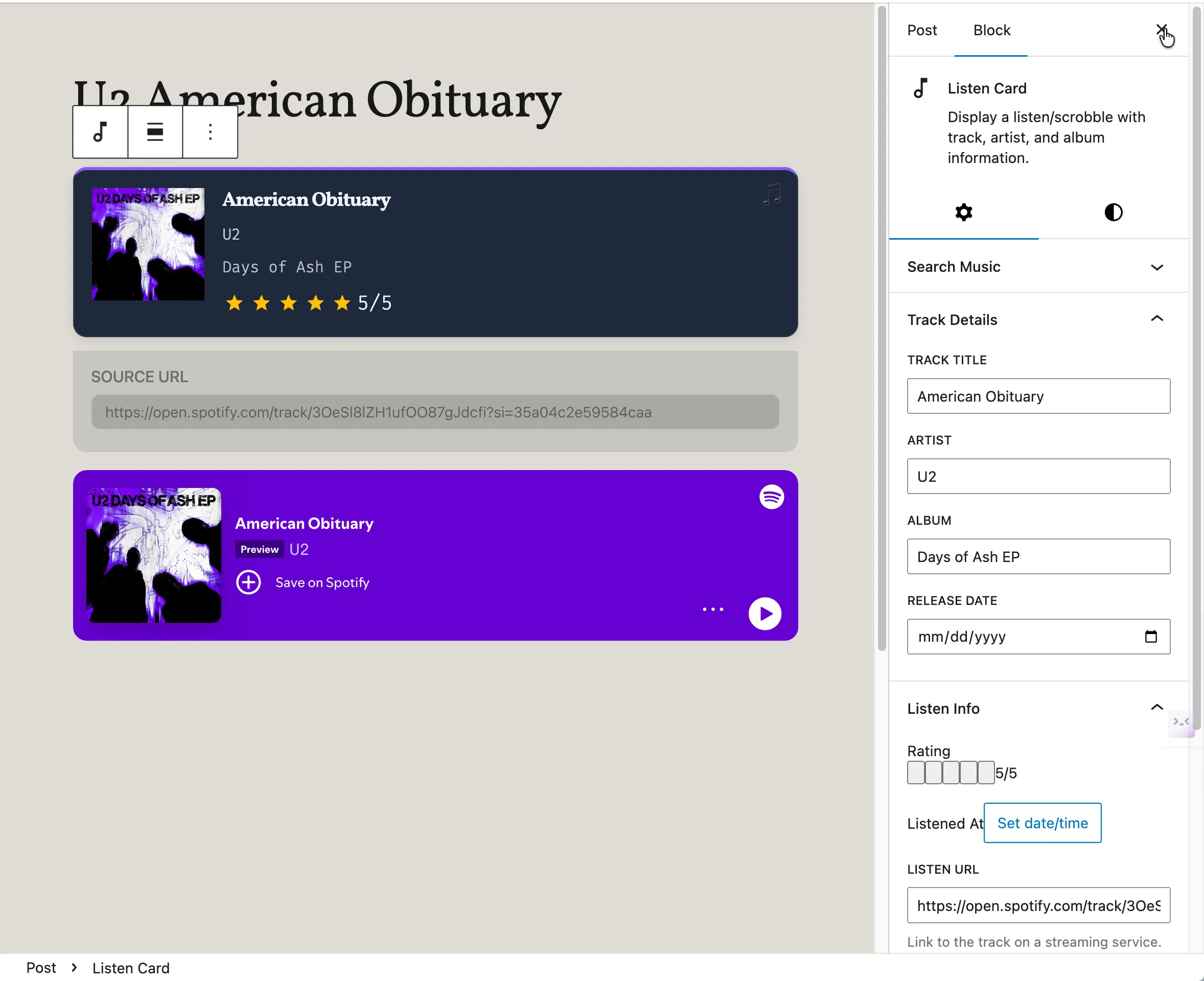
A Listen Card in the editor: album art, artist, and rating filled by media lookup. See Common tasks.
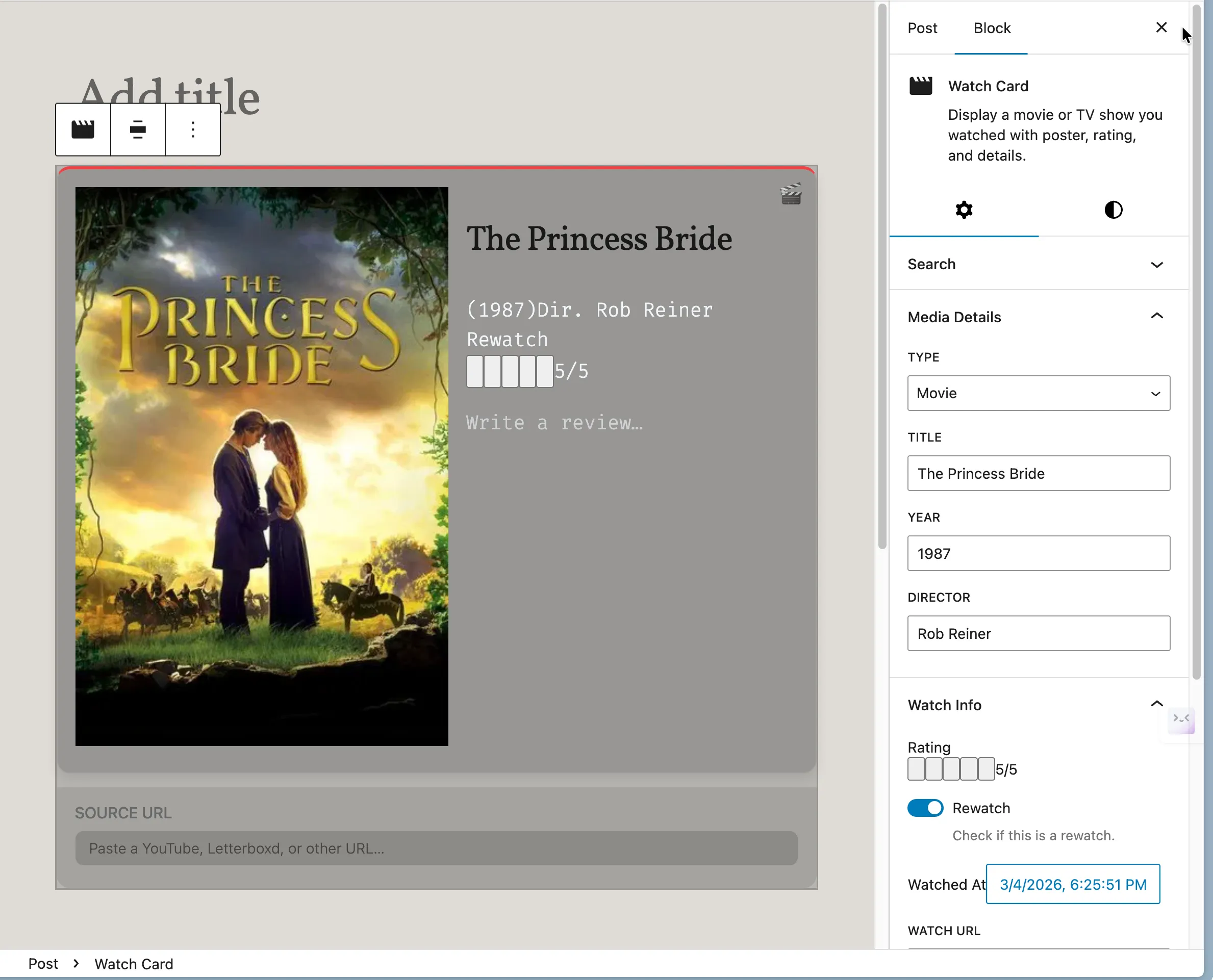
A Watch Card with poster and review fields. See Common tasks.
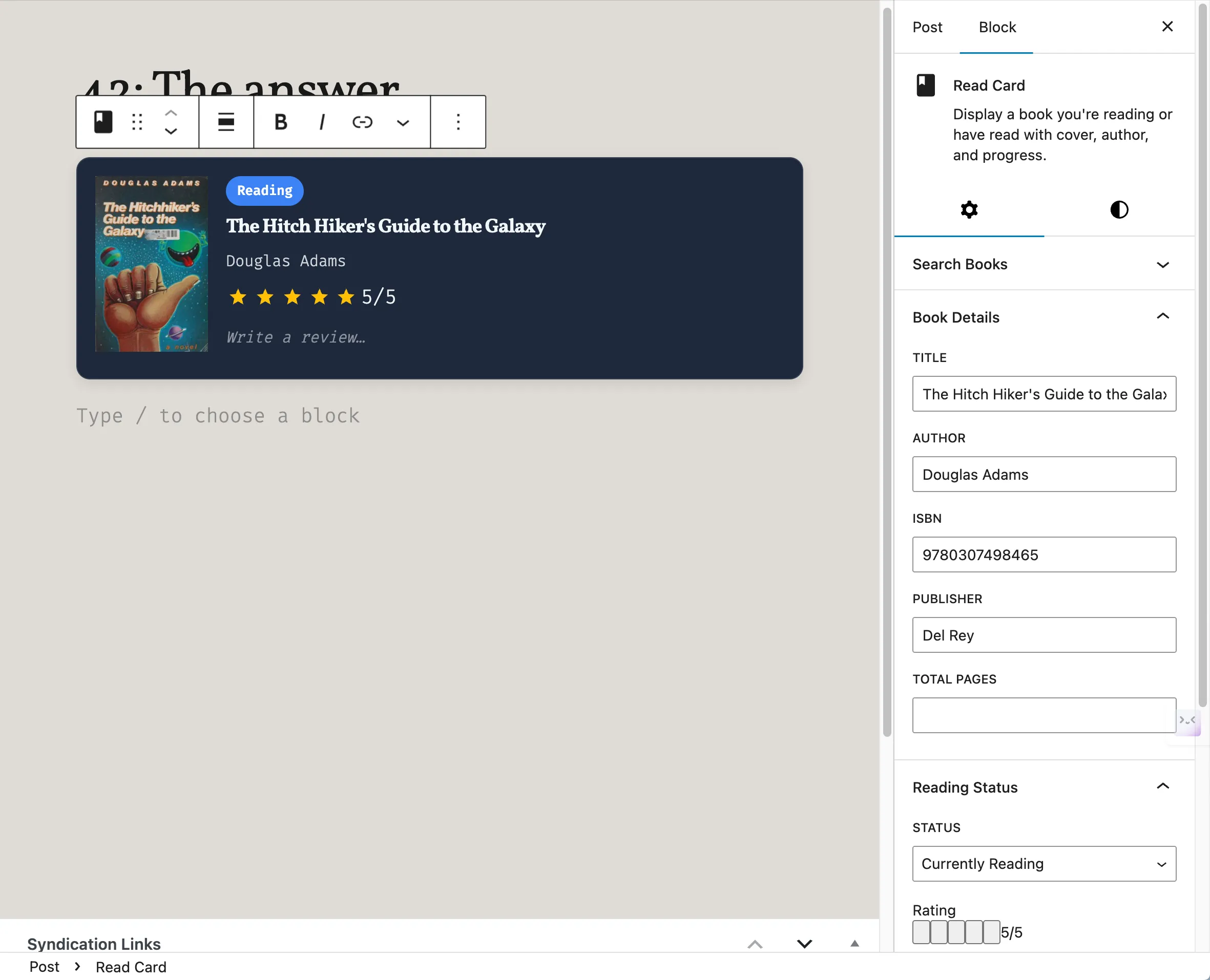
A Read Card tracking a book with cover and progress. See Common tasks.
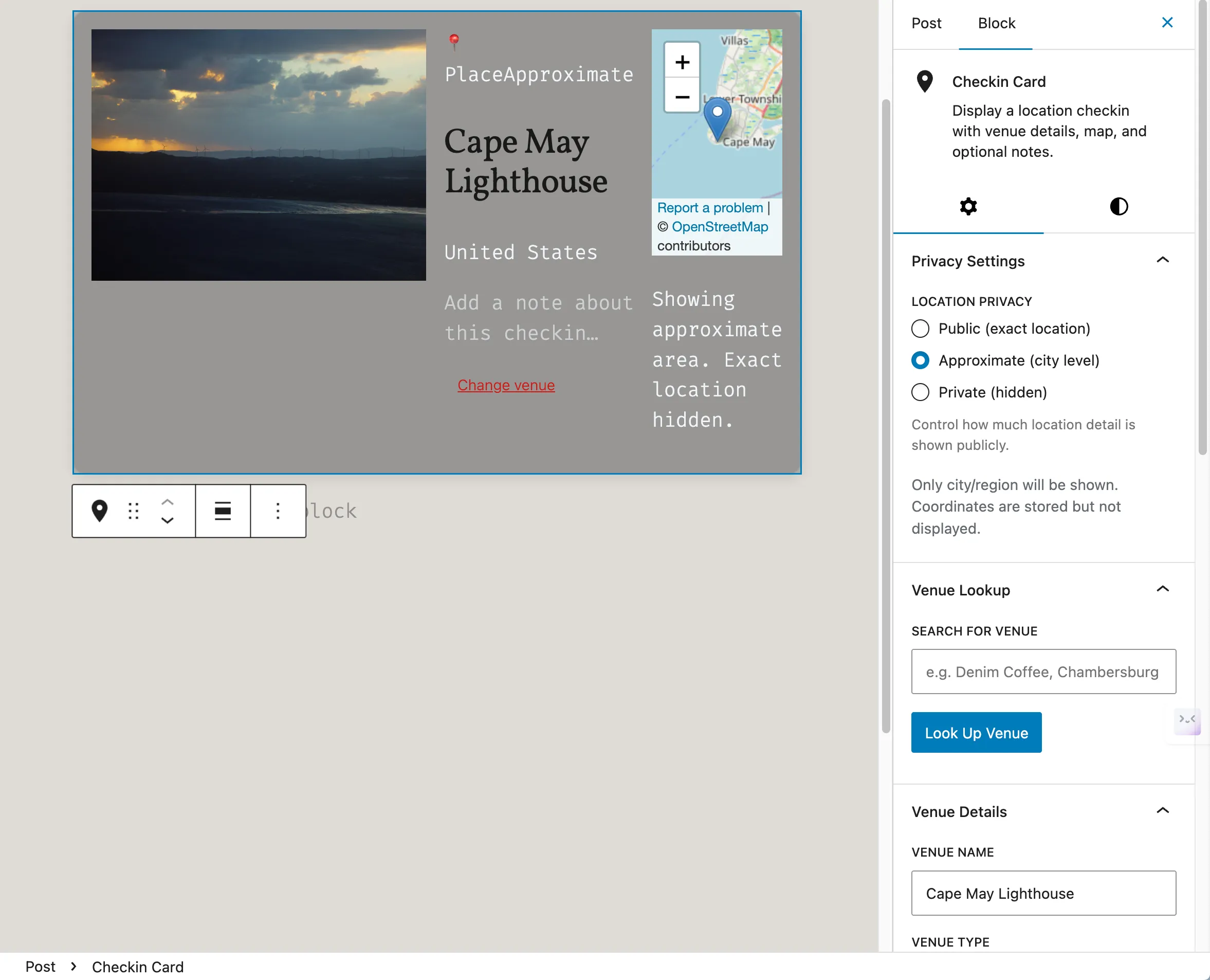
A Checkin Card with venue details — location privacy levels control what publishes. See Privacy and data.
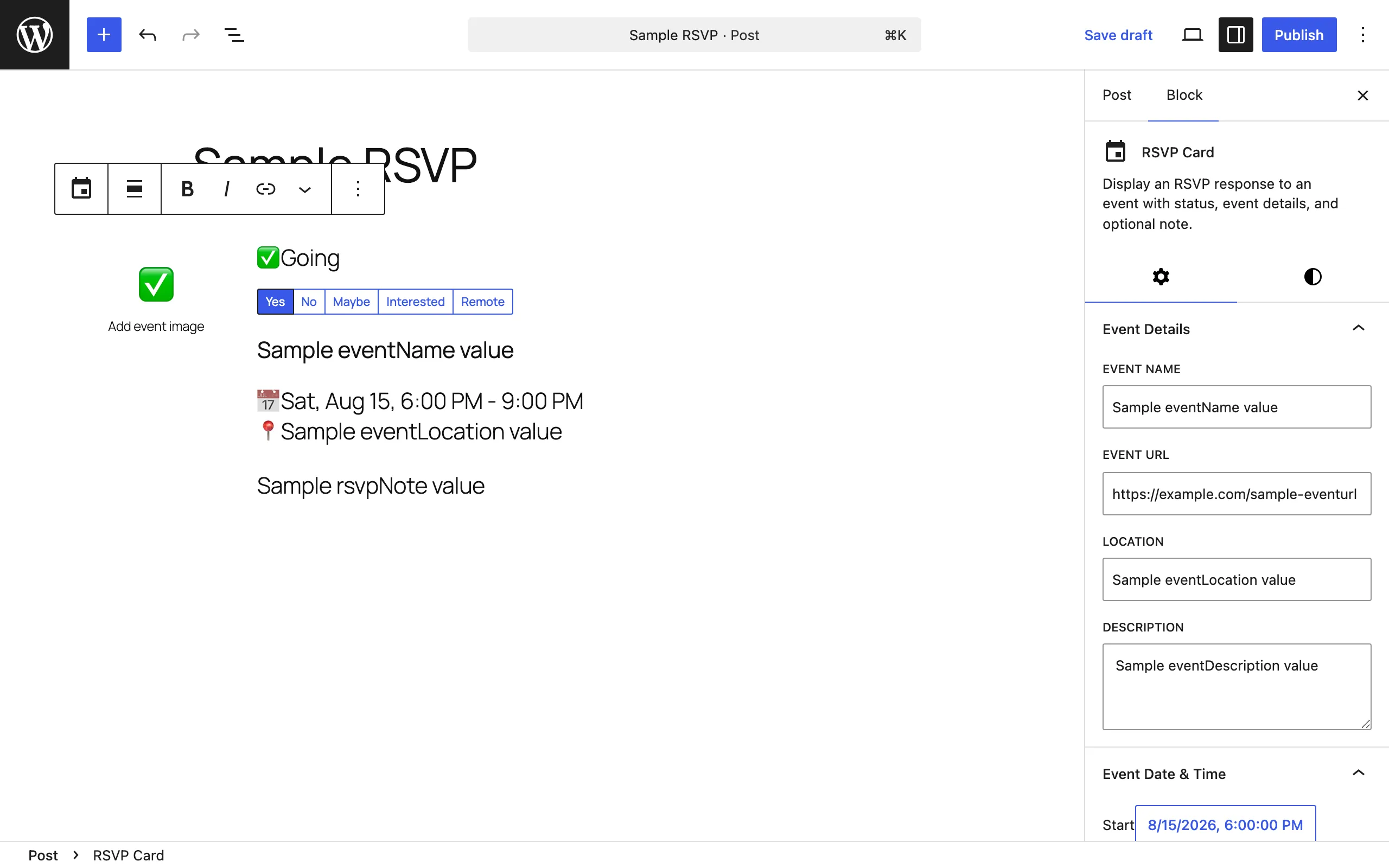
An RSVP Card: record whether you’re attending an event. See Common tasks.
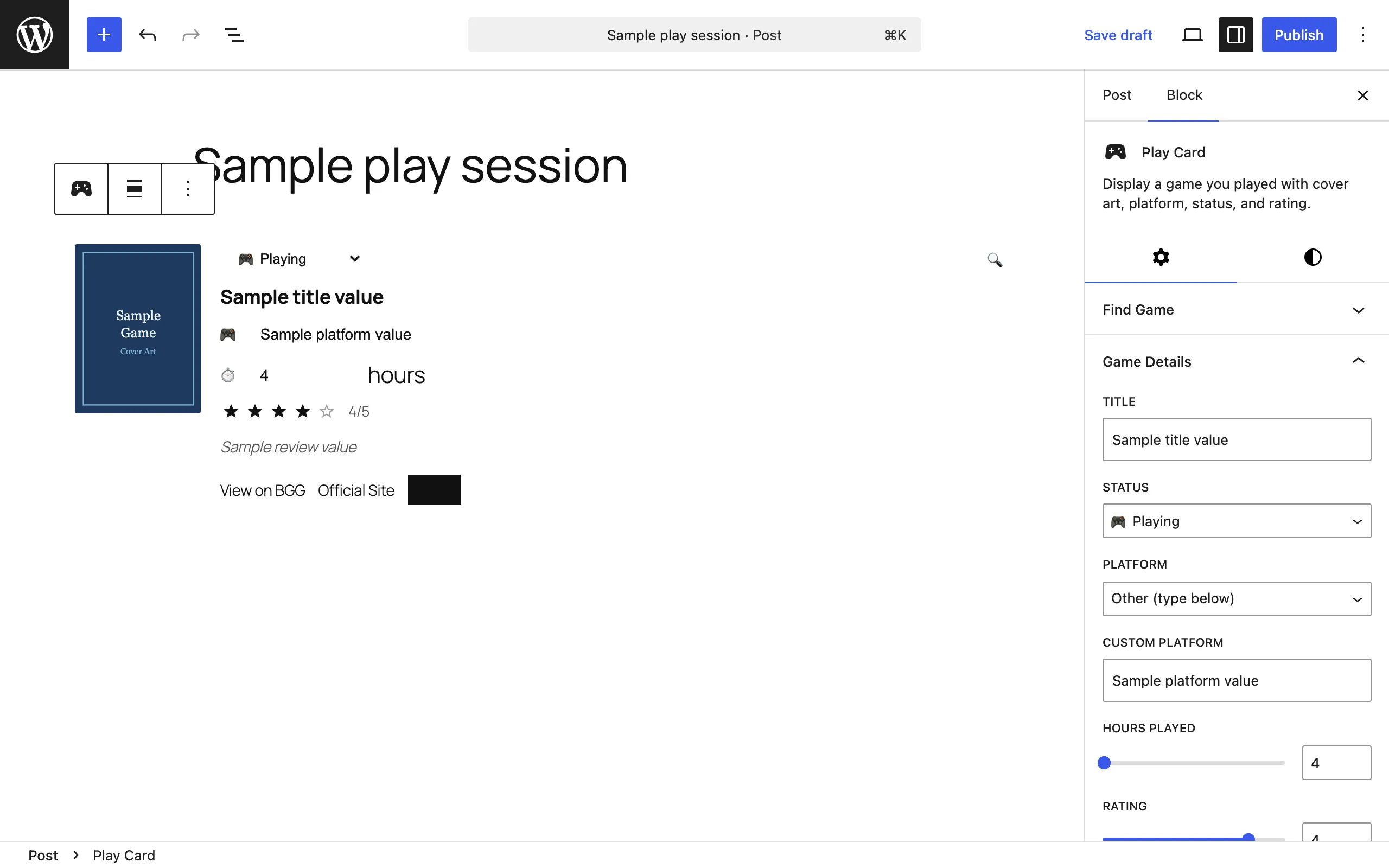
A Play Card: log a game session with artwork filled for you. See Common tasks.
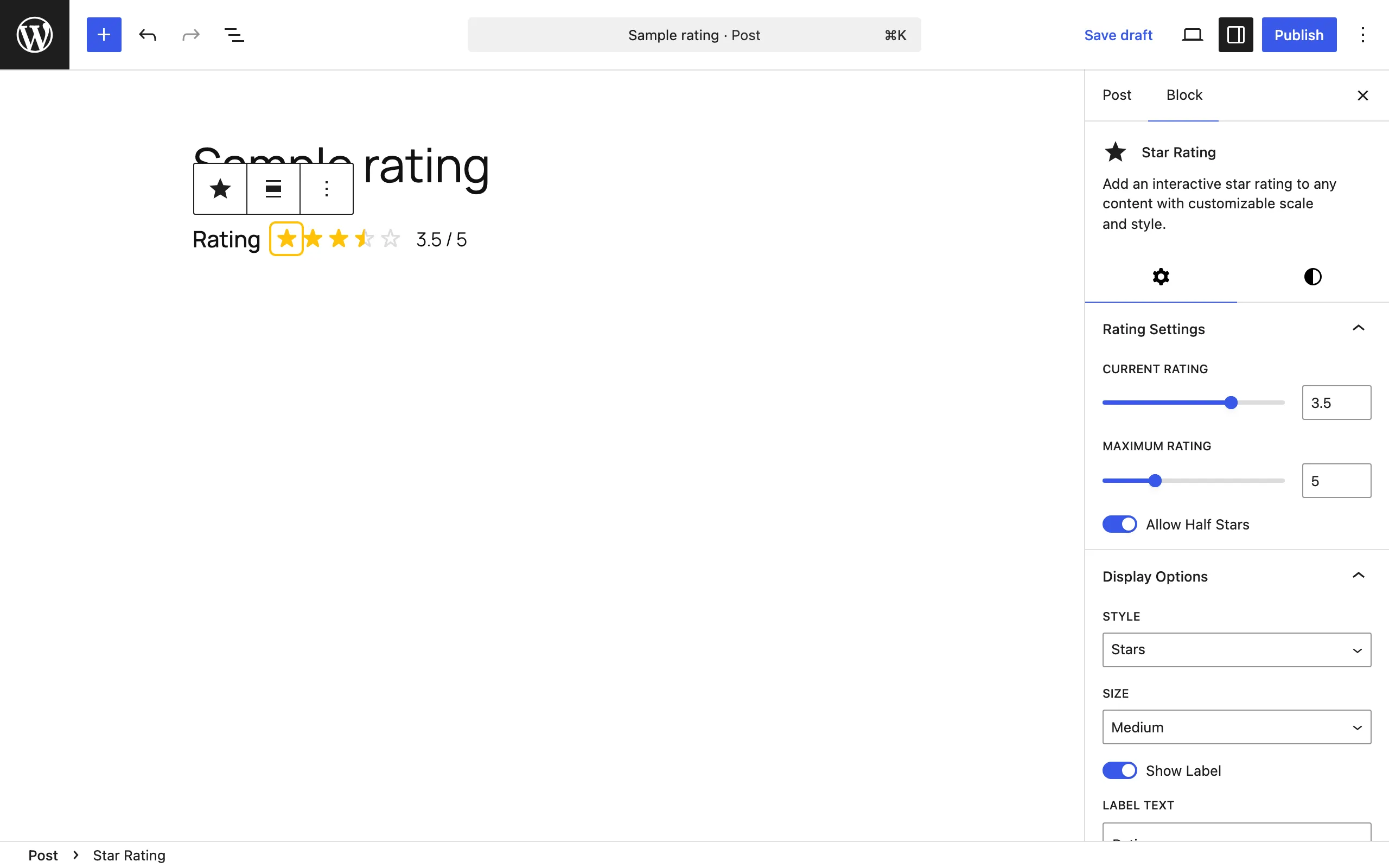
The Star Rating block: rate media in half-star steps. See Common tasks.
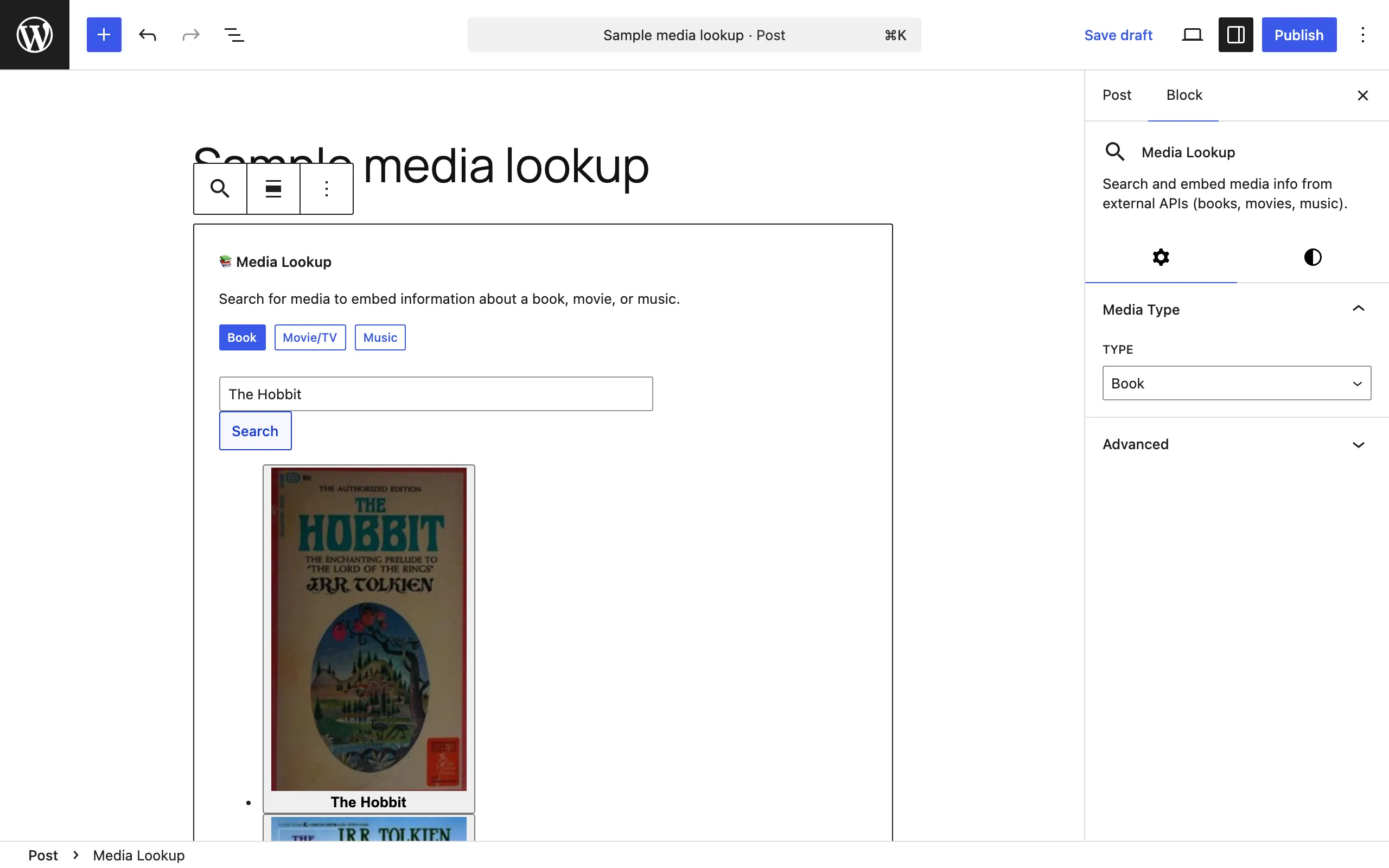
The Media Lookup block: search every connected media service from one block. See Common tasks.
Front end
Section titled “Front end”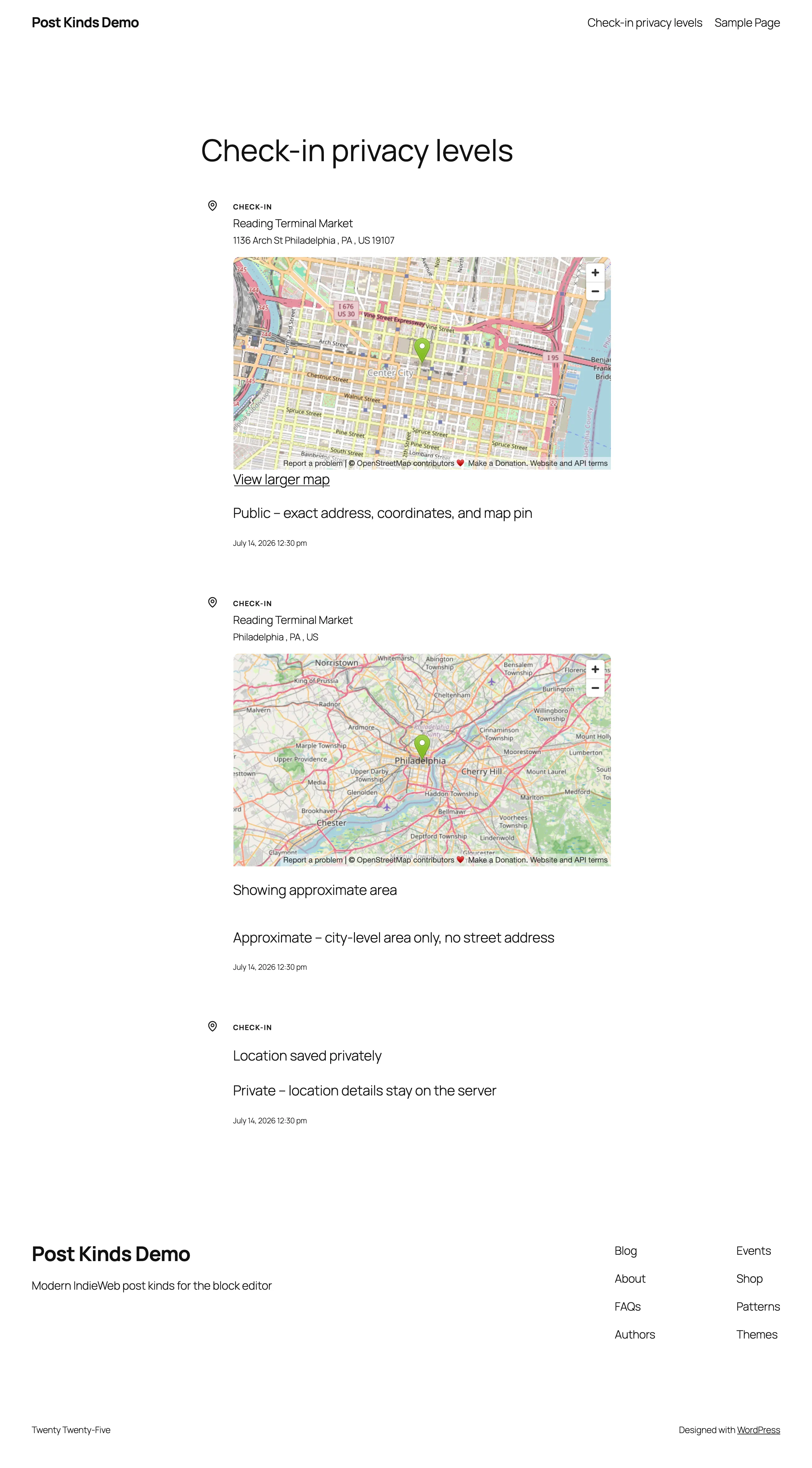
Three published check-ins at the public, approximate, and private levels: choose how precisely each check-in reveals where you were. See Privacy and data.
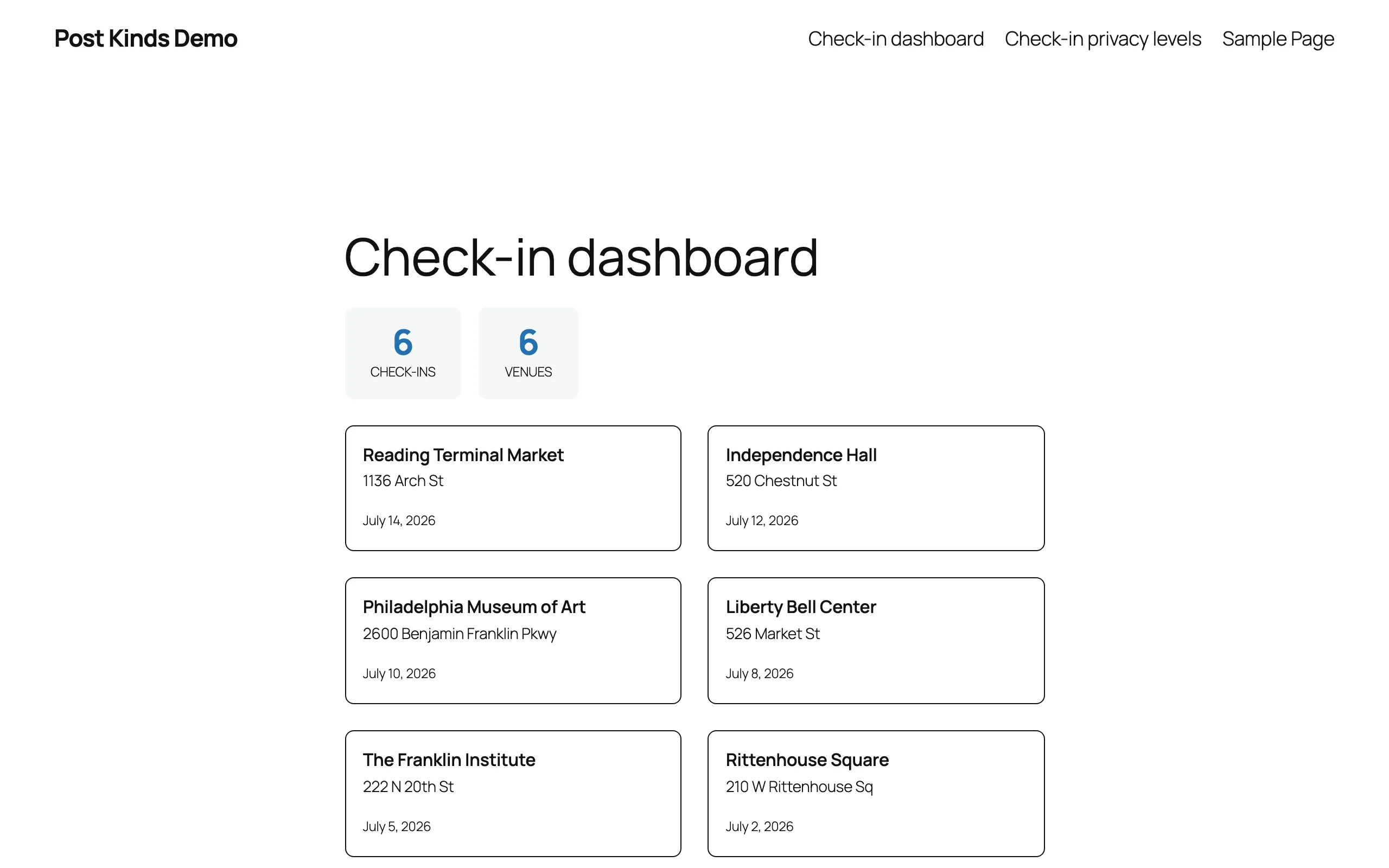
The Check-in Dashboard block: show your check-in history on any page. See Common tasks.
Admin screens
Section titled “Admin screens”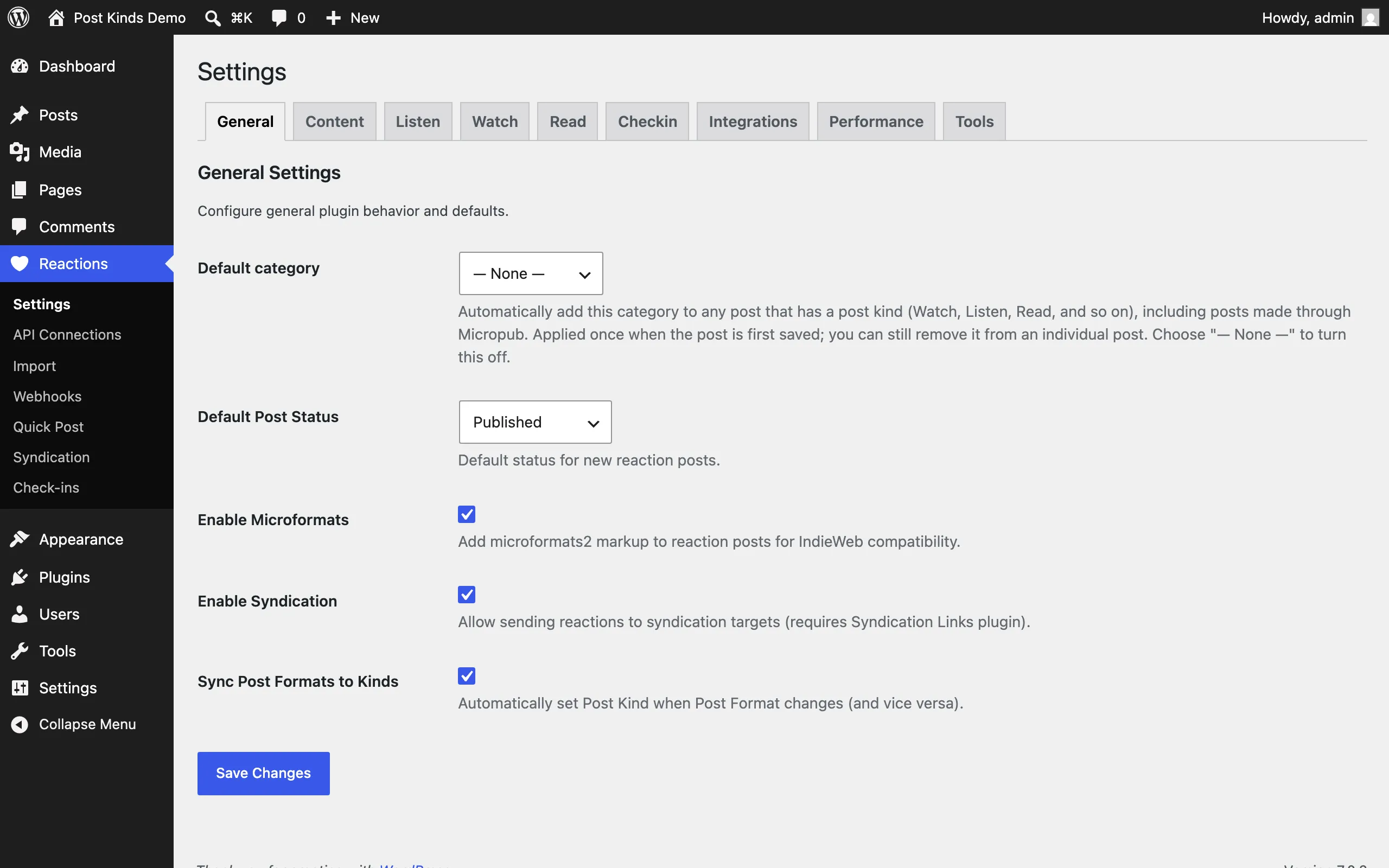
Reactions → Settings, General tab: plugin defaults. See Settings.
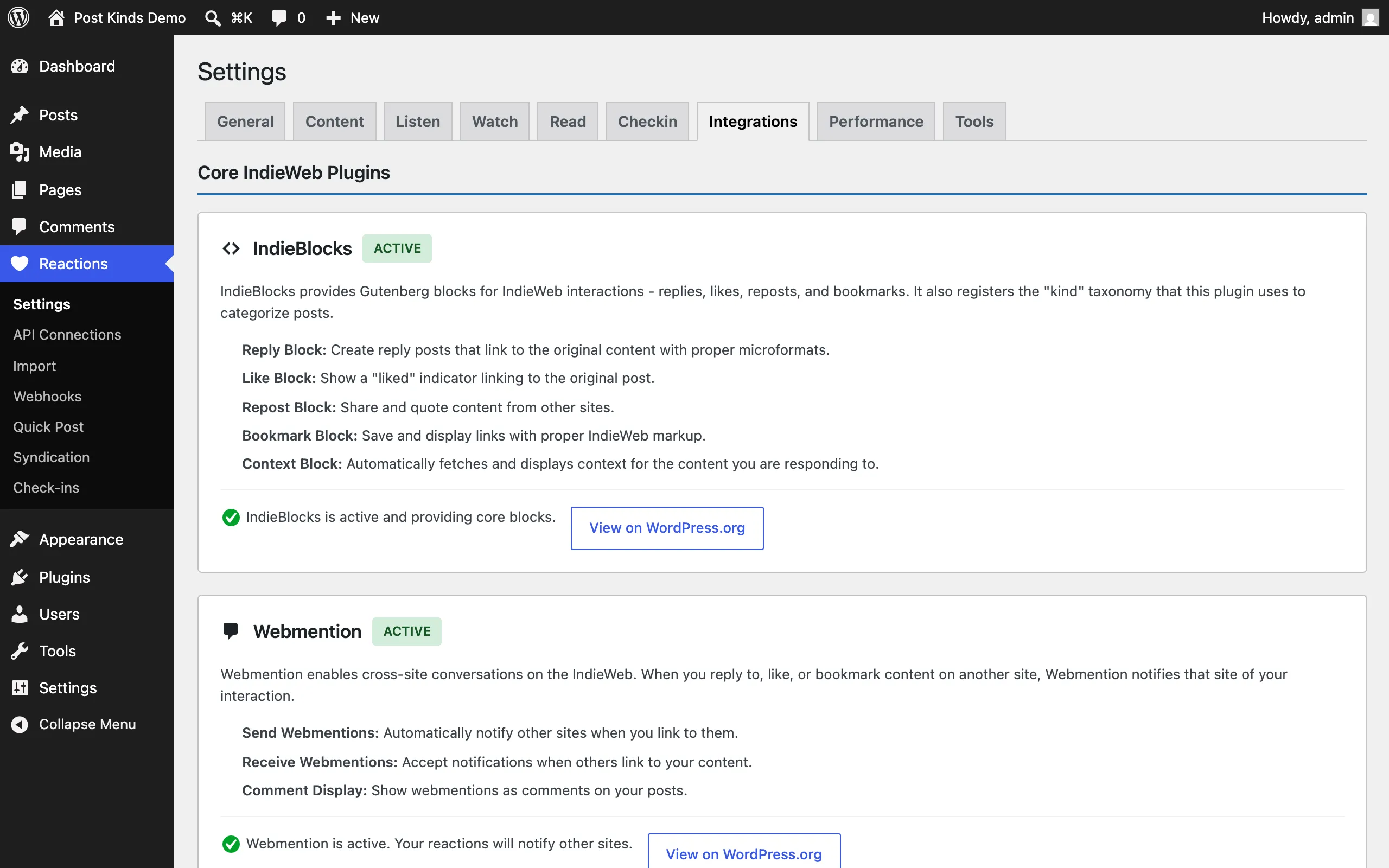
Reactions → Settings, Integrations tab: see which companion plugins the site already runs. See Settings.
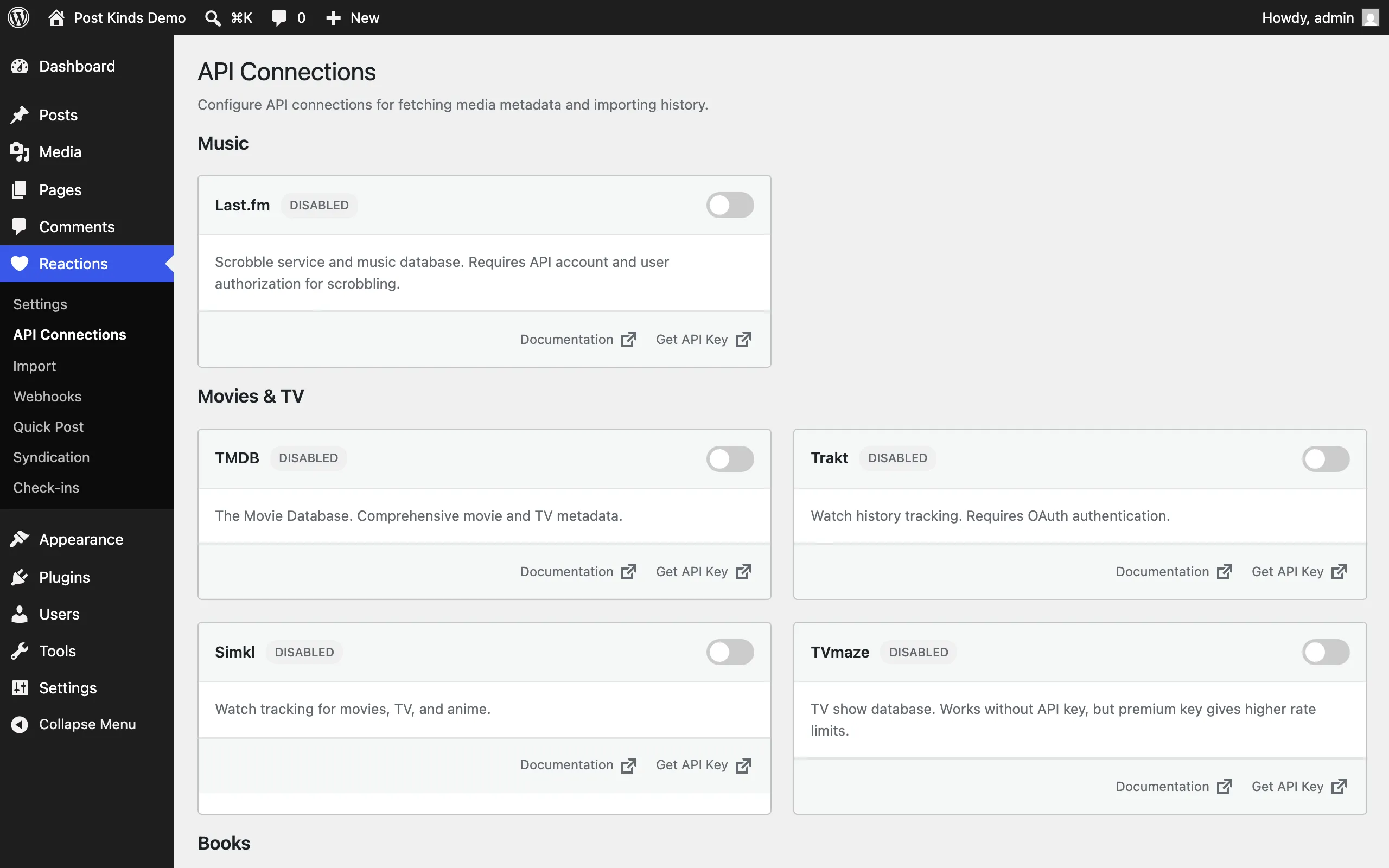
Reactions → API Connections: keys for the media lookup services. See Settings.
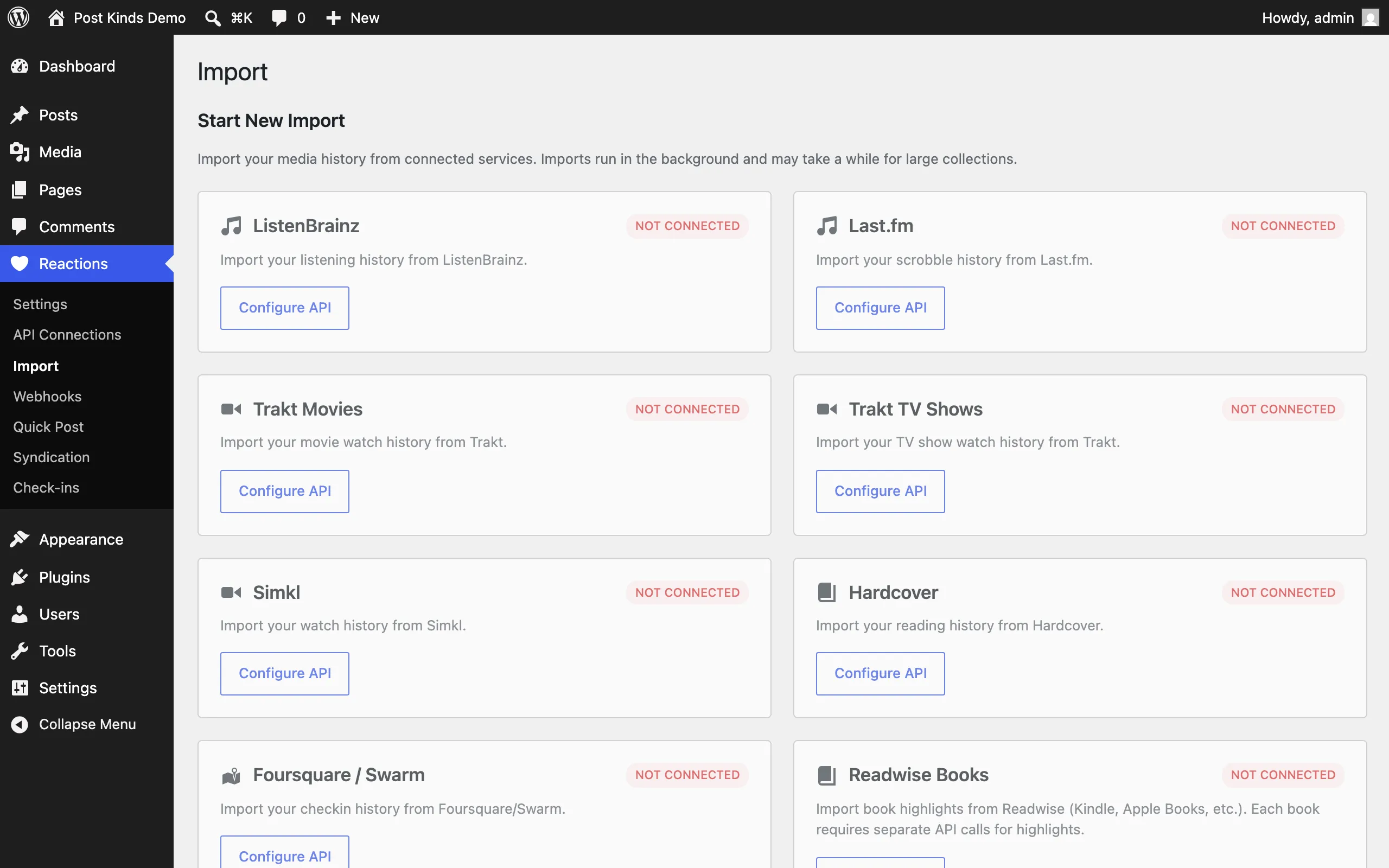
Reactions → Import: bulk-import your history from connected services. See Common tasks.
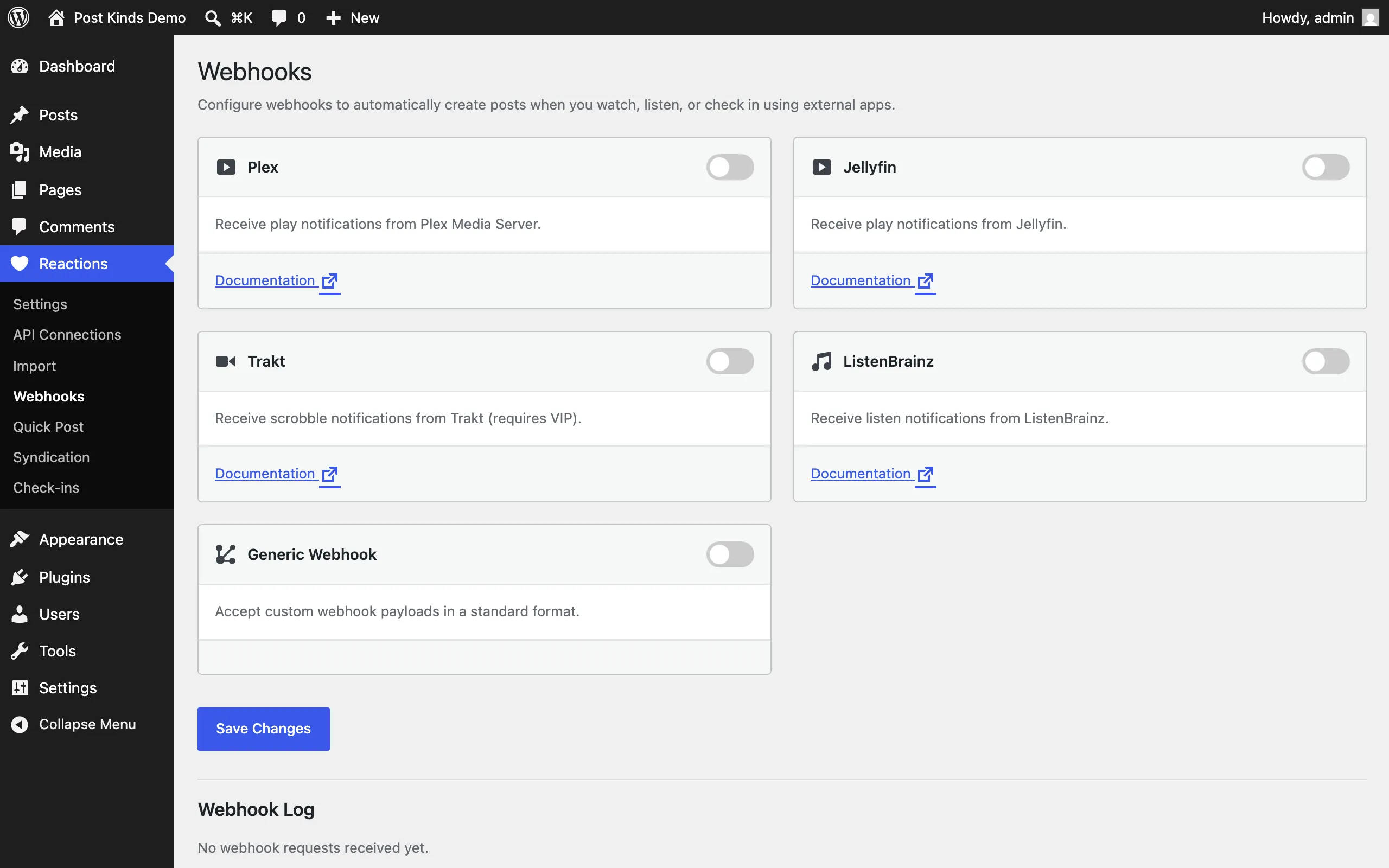
Reactions → Webhooks: per-service webhook URLs and secrets for scrobbling from Plex, Jellyfin, Trakt, and ListenBrainz. See Settings.
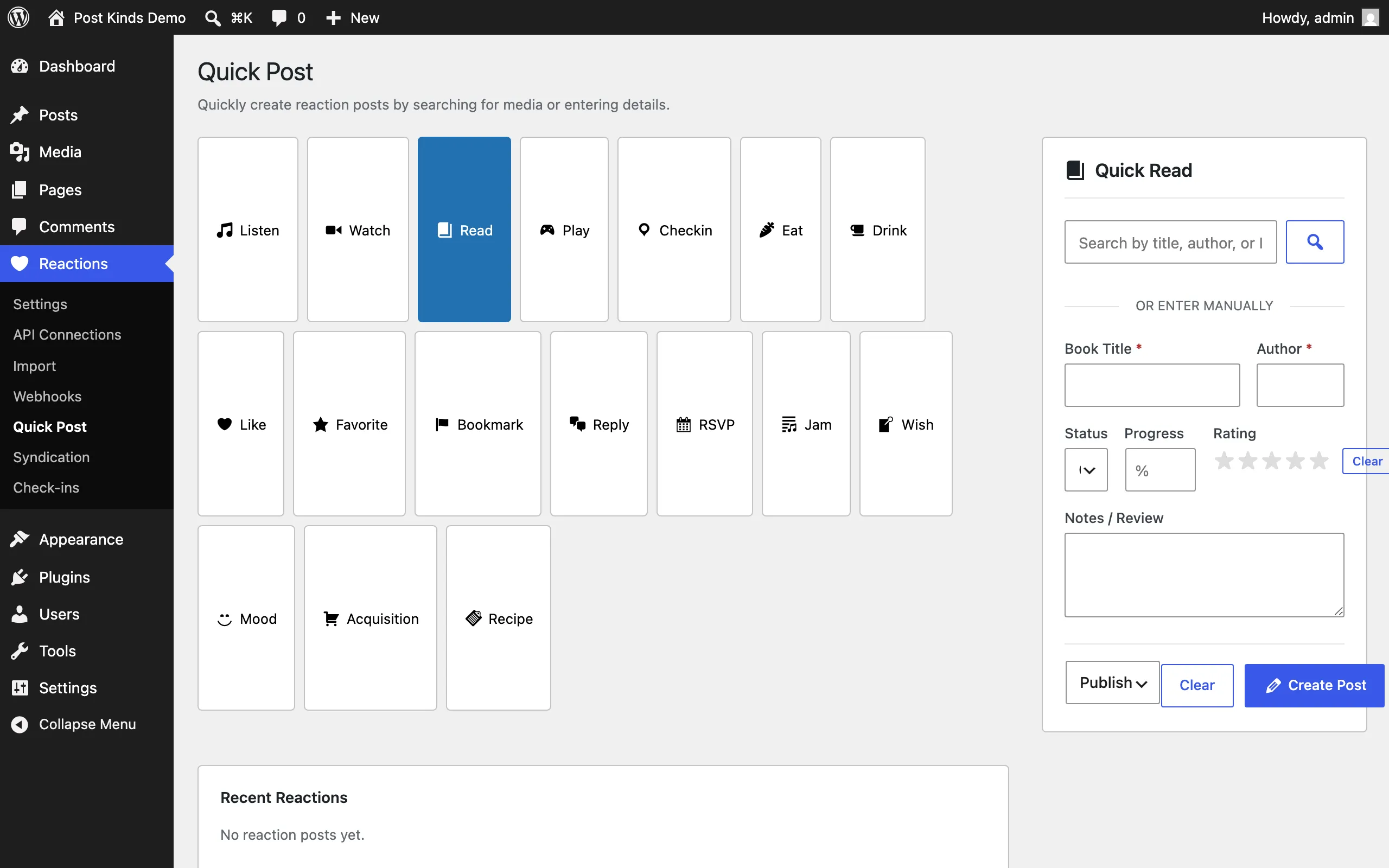
Reactions → Quick Post: create a reaction post without opening the editor. See Settings.