Keep every docs screenshot current, release after release
Capture the signed-in app, annotate in Figma with a shared kit, draft alt text from the marks, and swap the new images into Markdown and Google Docs from one reviewed commit.
Try the tutorial Set up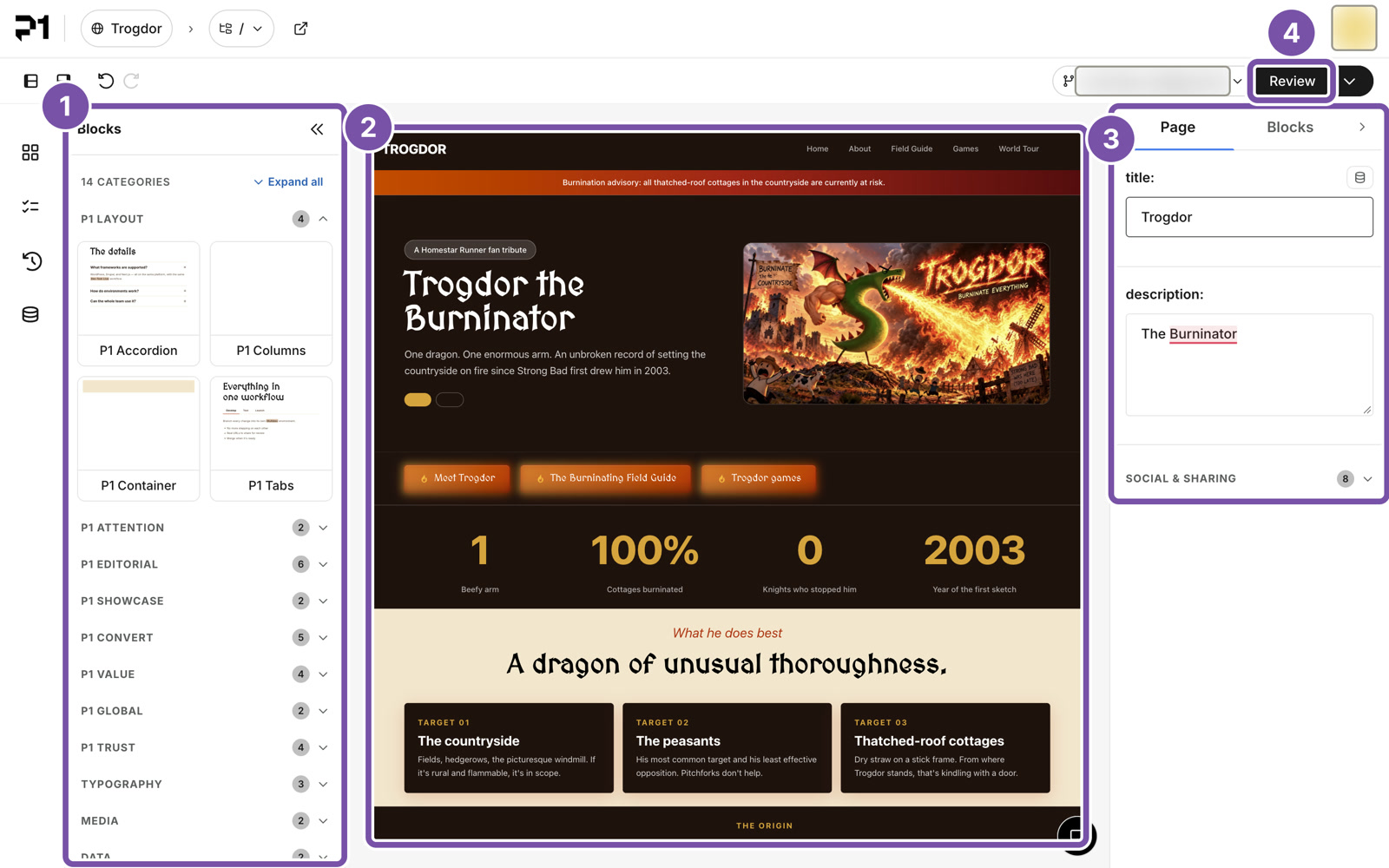
When an app ships a new version, the screenshots in its docs go stale. This tool turns a release into a reviewed batch of screenshot changes, for the P1 editor, WordPress and Drupal admin screens, Content Publisher, public websites, or any web app you add a preset for. People still decide what to reshoot, review the marks, and click Publish.
flowchart LR
  A["New release"] --> B["Capture"] --> C["Annotate in Figma"] --> D["Pinned in git"]
  D --> E["Markdown docs"]
  D --> F["Google Docs"]
Your first release swap
Run the whole swap on sample data. No accounts needed.
How-to guides · with videosRun a release, step by step
From detecting a release to verifying every published image.
ReferenceCommands, config, inventory, kit
Every flag, field, status, and annotation component.
ExplanationHow it works
Why images are pinned to commits, and how alt text stays in step with the marks.