Push a run to Figma
Put a capture run on its own Figma page, one clean frame per screenshot, ready to annotate.
Steps
-
Review the run side by side, and reject any bad shot before it reaches Figma:
node scripts/make-gallery.mjs --dir <out>/run1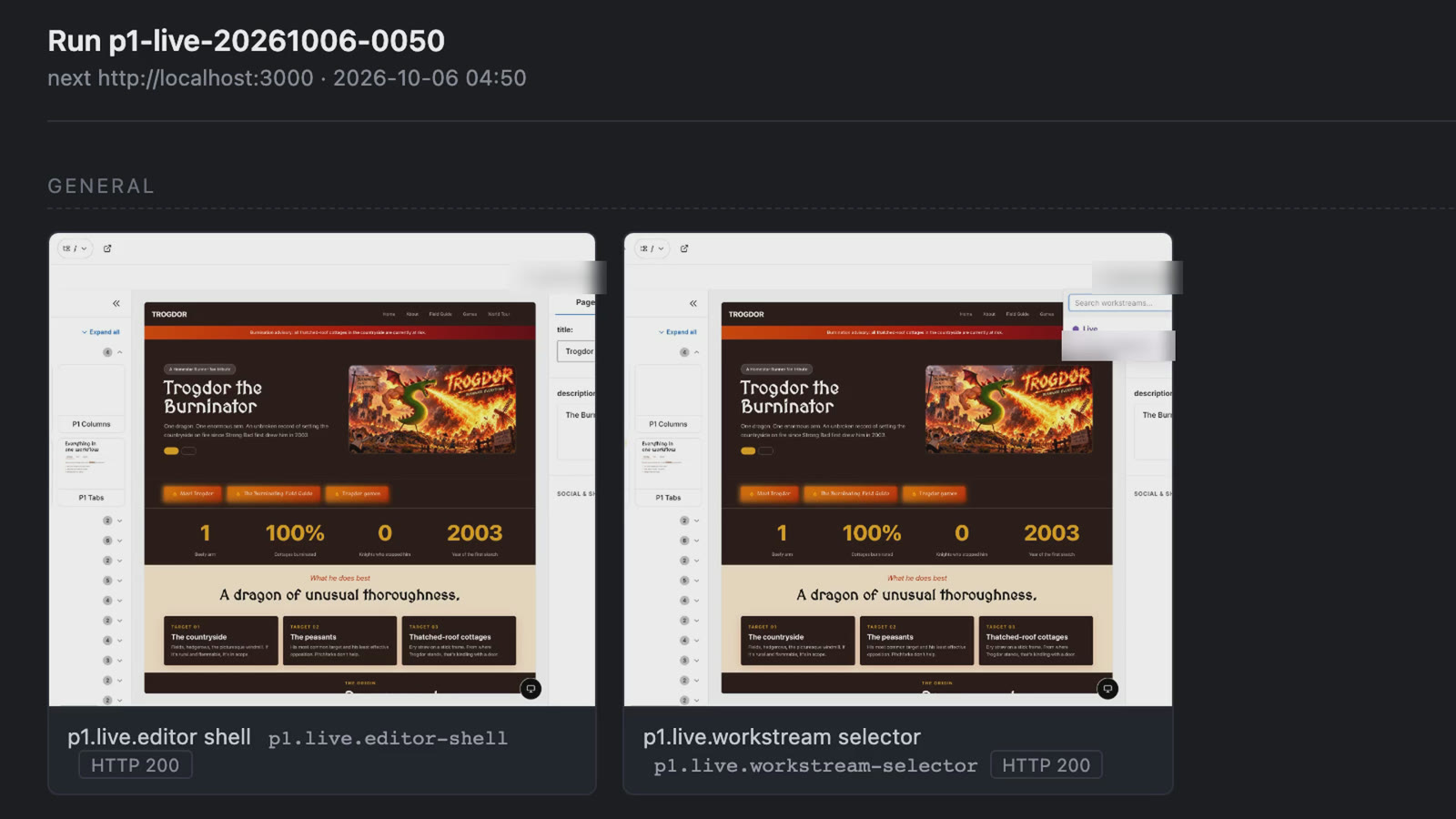
The gallery for one run. Reject a bad shot here, before it reaches Figma. -
Plan the Figma page:
node scripts/figma-plan.mjs --dir <out>/run1 --inventory <inventory> --config p1-editor.config.json --release <new version>It writes
figma-plan.jsonandfigma-page.js. It uploads nothing. -
With an AI agent that has the Figma connector (
use_figmaandupload_assets), or by hand:- Run
figma-page.jswithuse_figma. It creates the pageRUN-<date> · <run id>and one empty, named rectangle per screenshot, and returns their node IDs. If a page with that name exists, it stops. - Call
upload_assetswith those node IDs andscaleMode: "FIT". Save the result’suploadstourls.json. The URLs are single-use and expire in 10 minutes. -
Upload the images:
node scripts/figma-upload.mjs --dir <out>/run1 --urls urls.jsonIt refuses any URL that isn’t https on
figma.com, before sending anything.
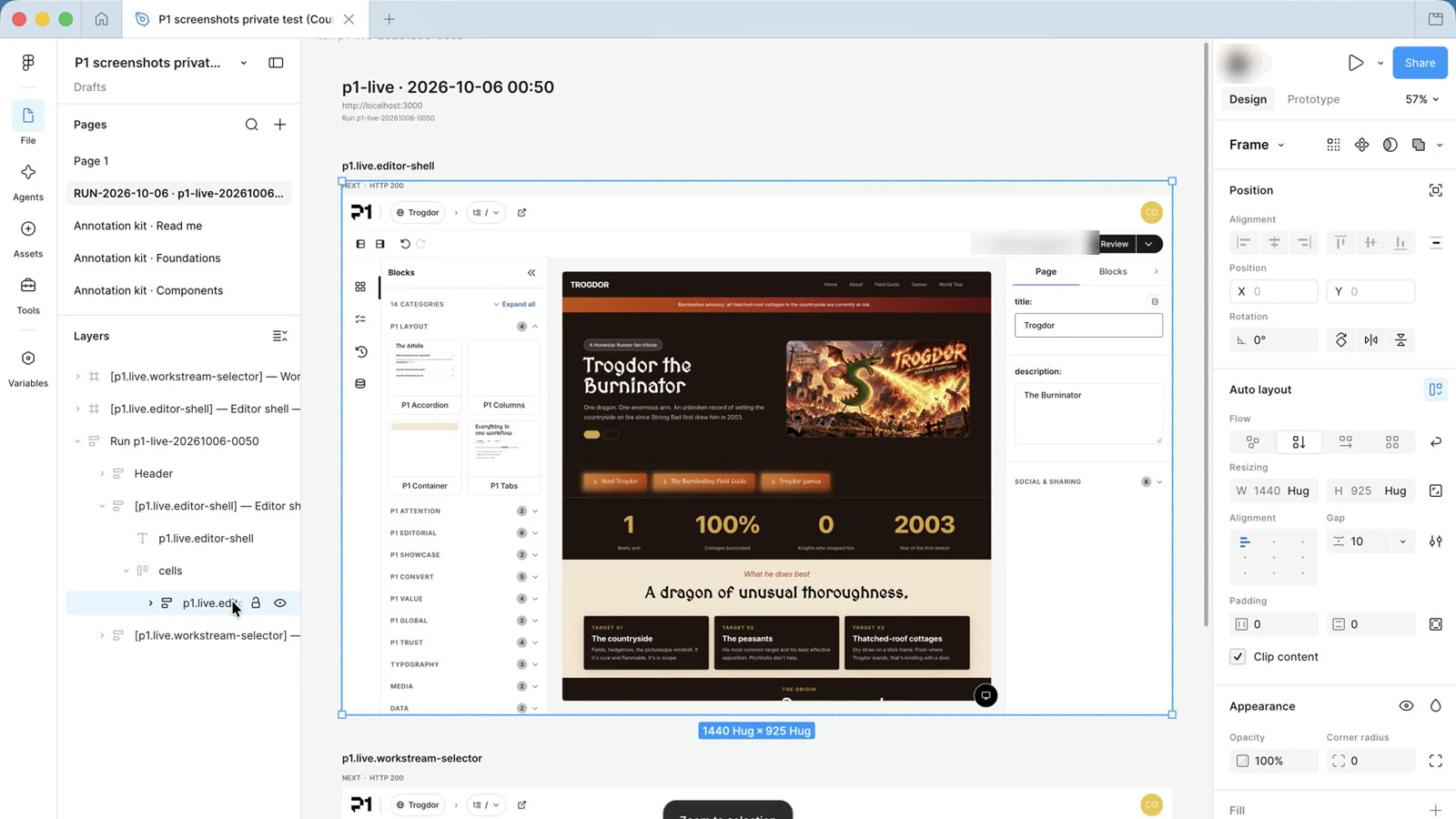
One Figma page per run, named RUN-date · run ID, with one clean frame per screenshot. - Run
-
Record where each screenshot lives:
node scripts/inventory.mjs record-figma --id <id> --evidence uploaded --file-url <file url> --page-name "<run page>" --node-id <clean frame node> --inventory <inventory>
Next: Annotate with the kit.